STAKE BAND WITH KEPLR EXTENSION
Staking BAND tokens using the Keplr browser extension is a great way to gain passive income, and maintain complete control over your crypto holdings.
We at Atlas Staking have been active participants in the Cosmos ecosystem for some time and Keplr extension wallet is our preferred way to manage crypto. It’s a great wallet, with lots of options, but still easy to use.
Both the browser extension and mobile versions of the wallet can be downloaded from the official Keplr website. Check out our other BAND staking tutorials by clicking the buttons below.
COSMOS AIRDROPS
New projects and protocols give away tokens to attract users. Crypto rewards those who participate, so register today and collect your free crypto.
You’ll receive PROJECT DETAILS, TOKEN SYMBOL, SNAPSHOT DATES, ELIGIBILITY REQUIREMENTS, LINKS TO CLAIM AND LINKS TO STAKE.
Be sure to add info@atlasstaking.com to your contacts, so our email doesn’t go into your spam folder. You don’t want to miss out!
We will NEVER share or abuse your information
Why USE Keplr Browser Extension for BAND Staking?
Keplr browser extension is our favorite wallet for the Cosmos ecosystem. The staking dashboard is straightforward and the UI is beautifully designed.
Unlike custodial platforms, Keplr ensures that you are the sole owner of your private keys, aligning perfectly with the crypto ethos of self-sovereignty.
Enjoy integration with hundreds of blockchains, including easy IBC transfers, meaning you can move your assets fluidly and securely between Cosmos networks.
Plus, you can easily connect your Ledger hardware wallet to keep your keys offline. Be sure to check out our wallet security checklist and download the infographic.
Getting Started: Installing and Funding Keplr Extension
1. Install the Keplr Browser Extension
Download Keplr using the links from their official website. Set up a new wallet, and crucially, record your seed phrase offline to better protect your crypto.
Alternatively and preferably, connect your Ledger to your PC and select “Connect Hardware Wallet.”
This method allows you to use Keplr as your User Interface, but you will still need to press the buttons on the physical Ledger device in your hand to approve transactions and move funds.
2. Add BAND Network and Deposit Tokens
Find Band Protocol in Keplr’s chain list. If it’s not there by default, use the “Add Token” or search function.
Transfer BAND from your preferred exchange or another wallet by sending to your Keplr BAND receiving address. If this is your first time using the address, send a small test transaction first.

How to Stake BAND Tokens with Keplr Browser Extension
Key Takeaways:
1. Click “Stake BAND” from the atlasstaking.com home page
2. Or, click “Stake BAND” from our Band page: atlasstaking.com/band
3. Consider using our auto-compound feature to maximize staking yield
4, Click “Connect Wallet” on the BandChain explorer to begin staking
5. Click “Keplr”
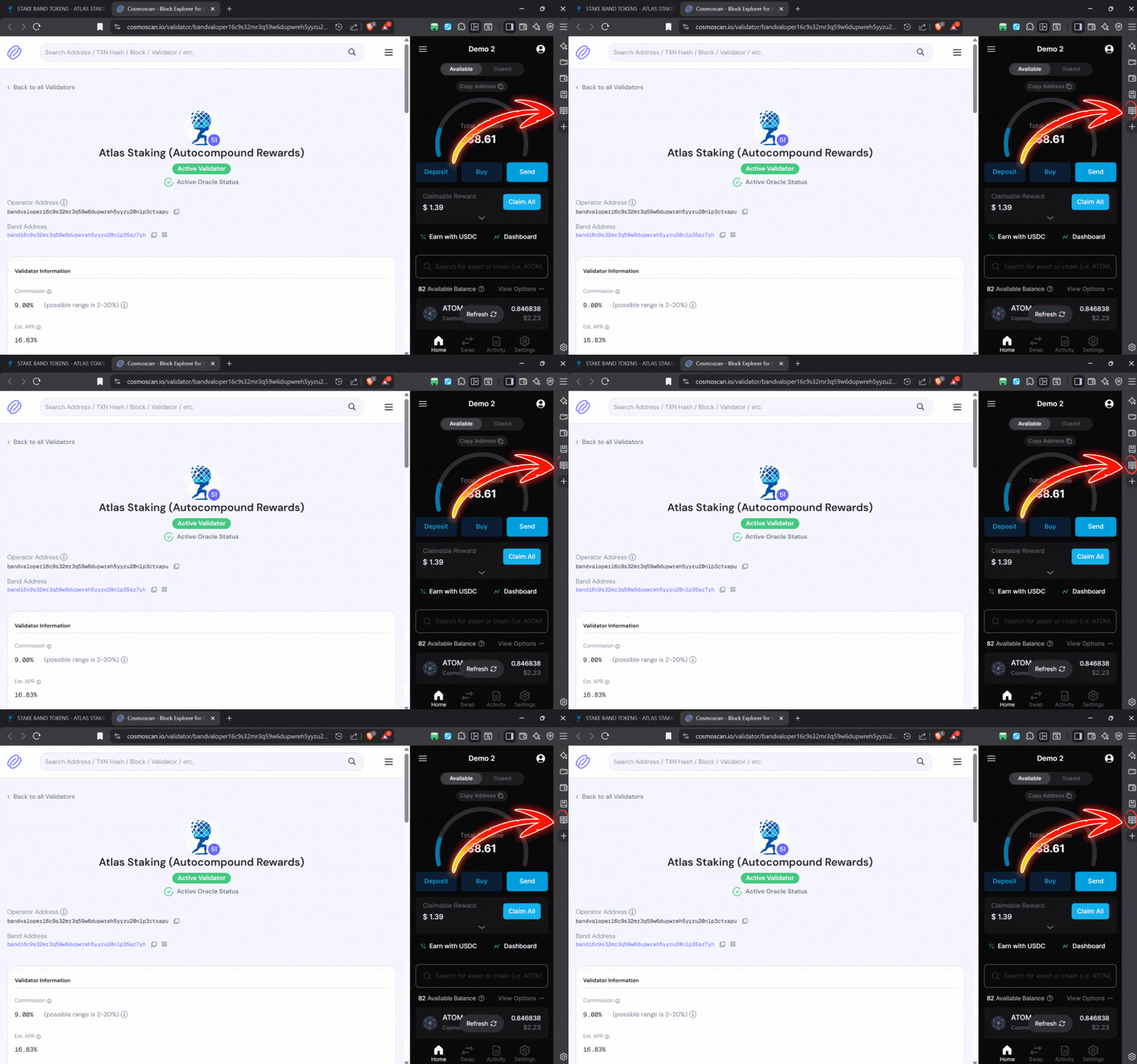
6. If the wallet sidebar restricts the page view, click the “Pages” icon to close the wallet so you can see the whole staking page
7. Click “Delegate”
8. Enter the number of BAND tokens you would like to stake
9. Click “Confirm”
10. Click “Approve” in the Keplr popup
1. Click “Stake BAND” from AtlasStaking.com home page
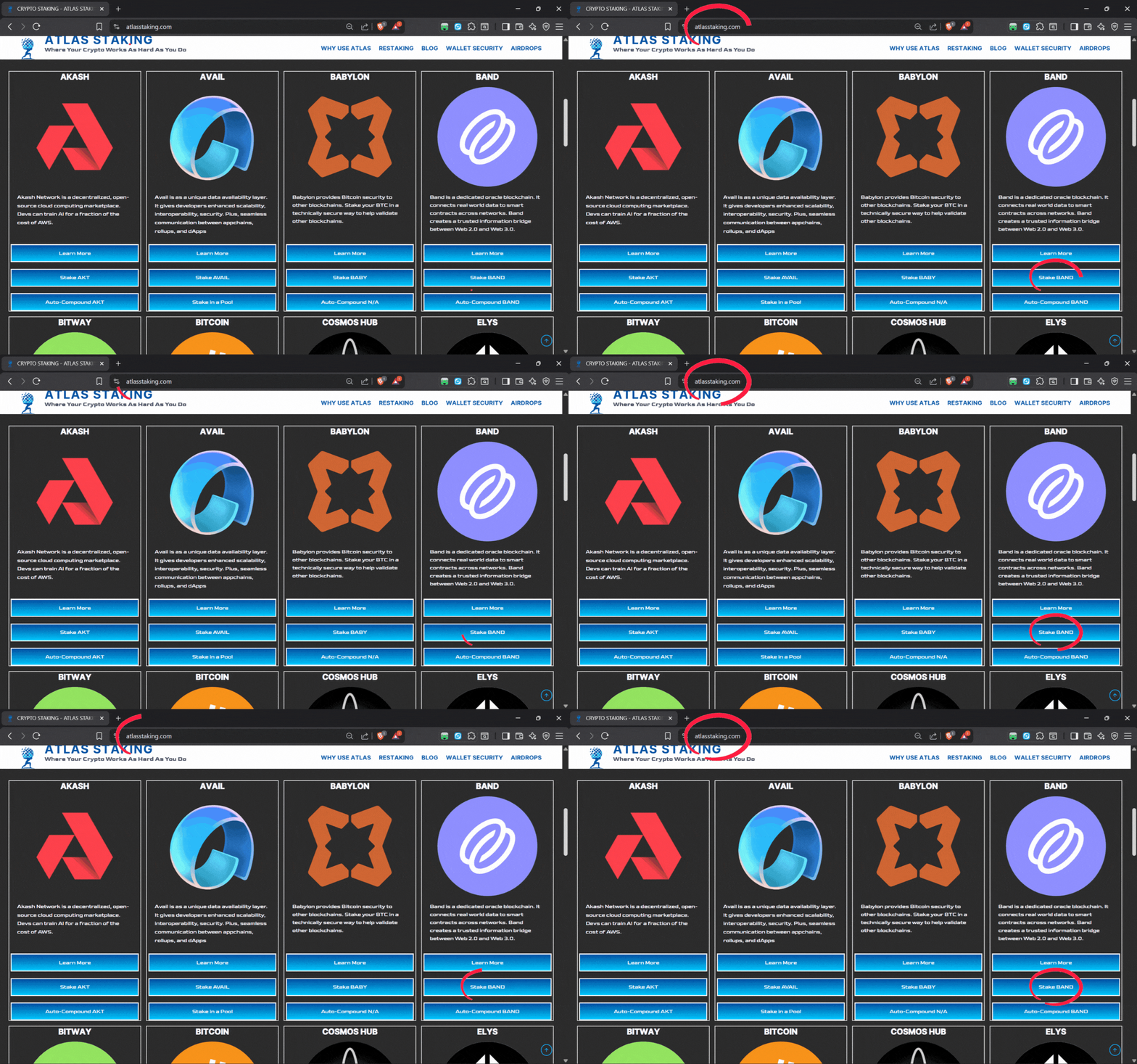
2. Or, click “Stake BAND” from our Band page: atlasstaking.com/band
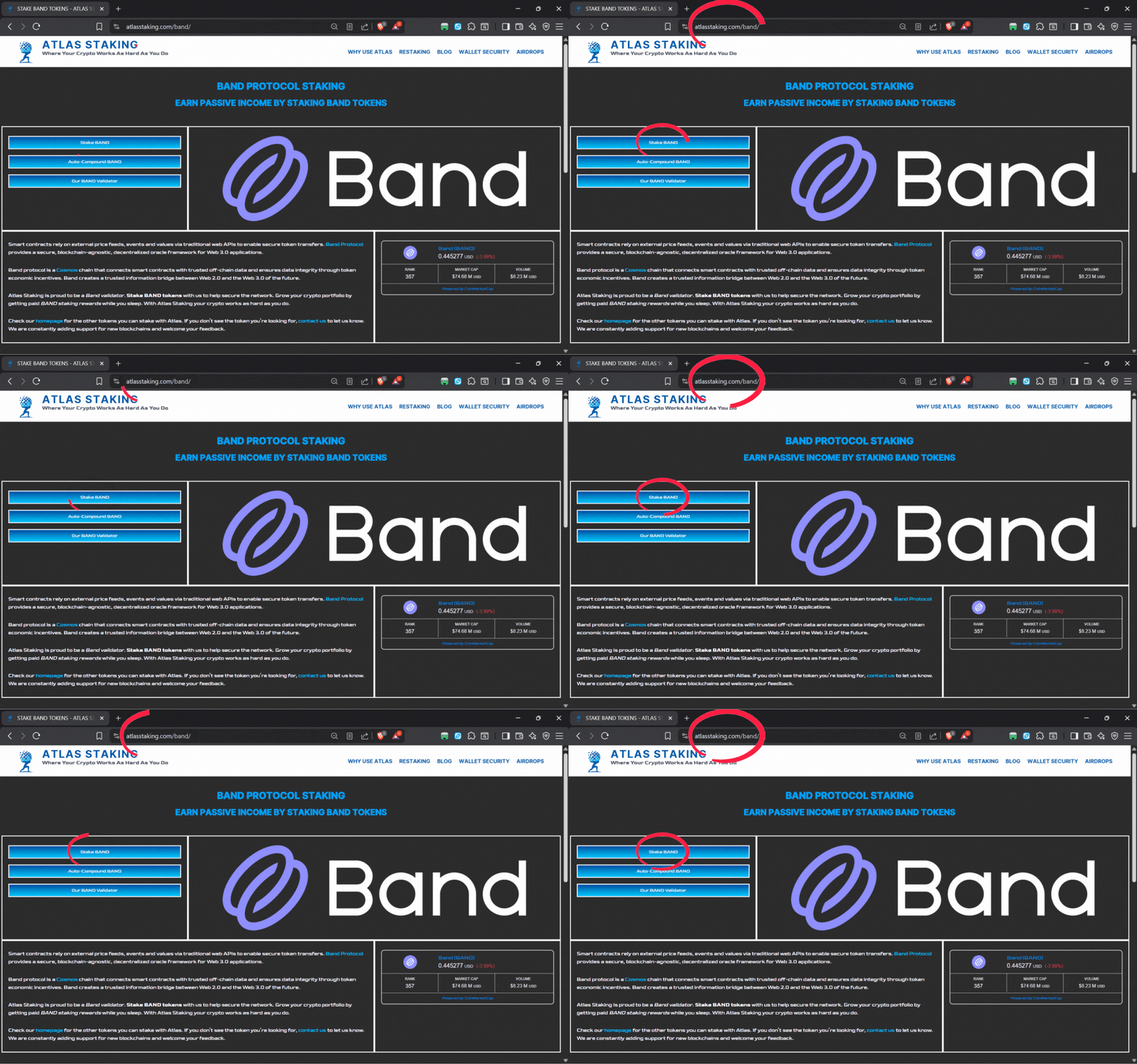
3. To maximize yield using REStake, click “Auto-Compound BAND”
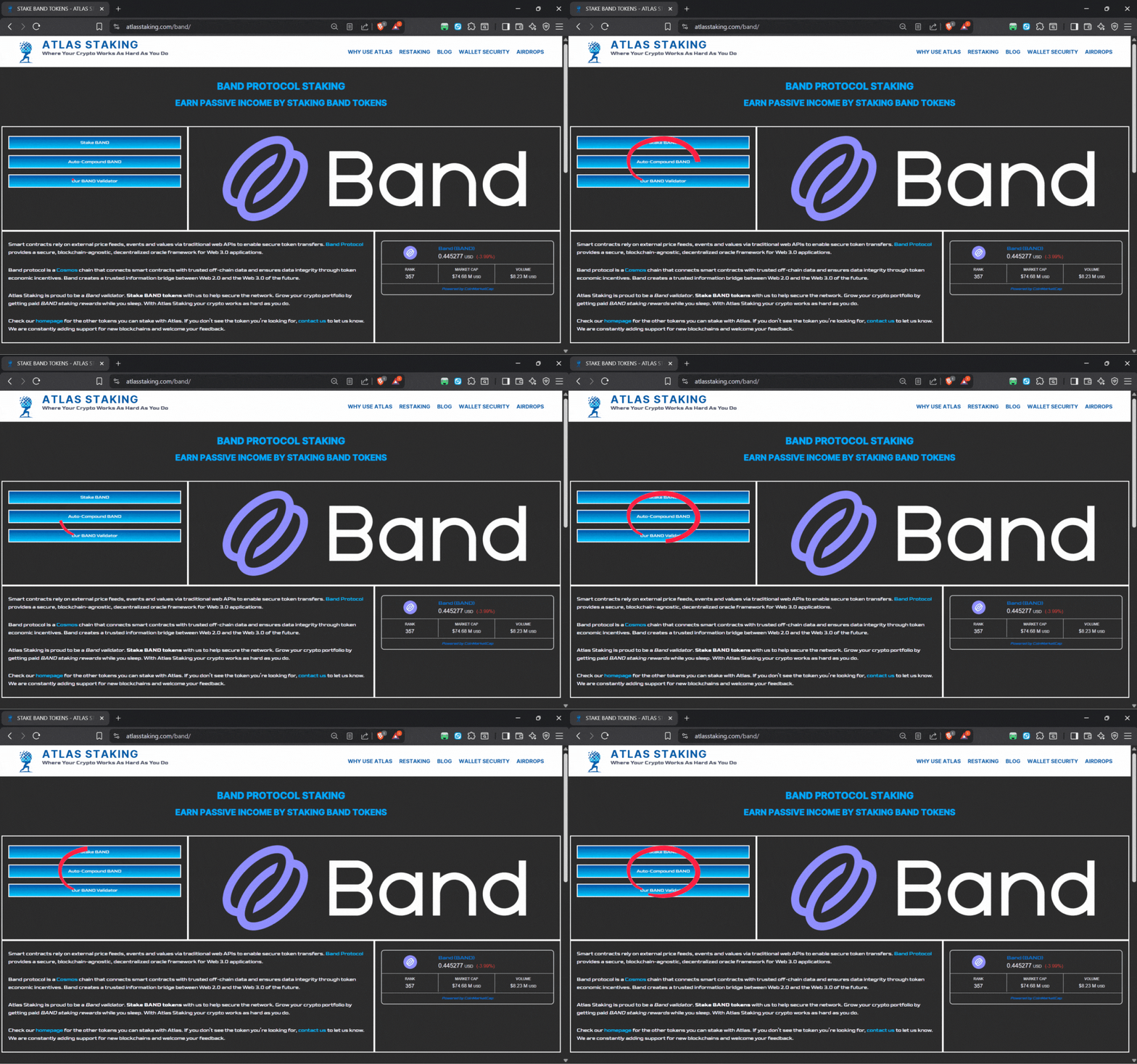
4. Click “Connect Wallet” on the BandChain explorer to begin staking
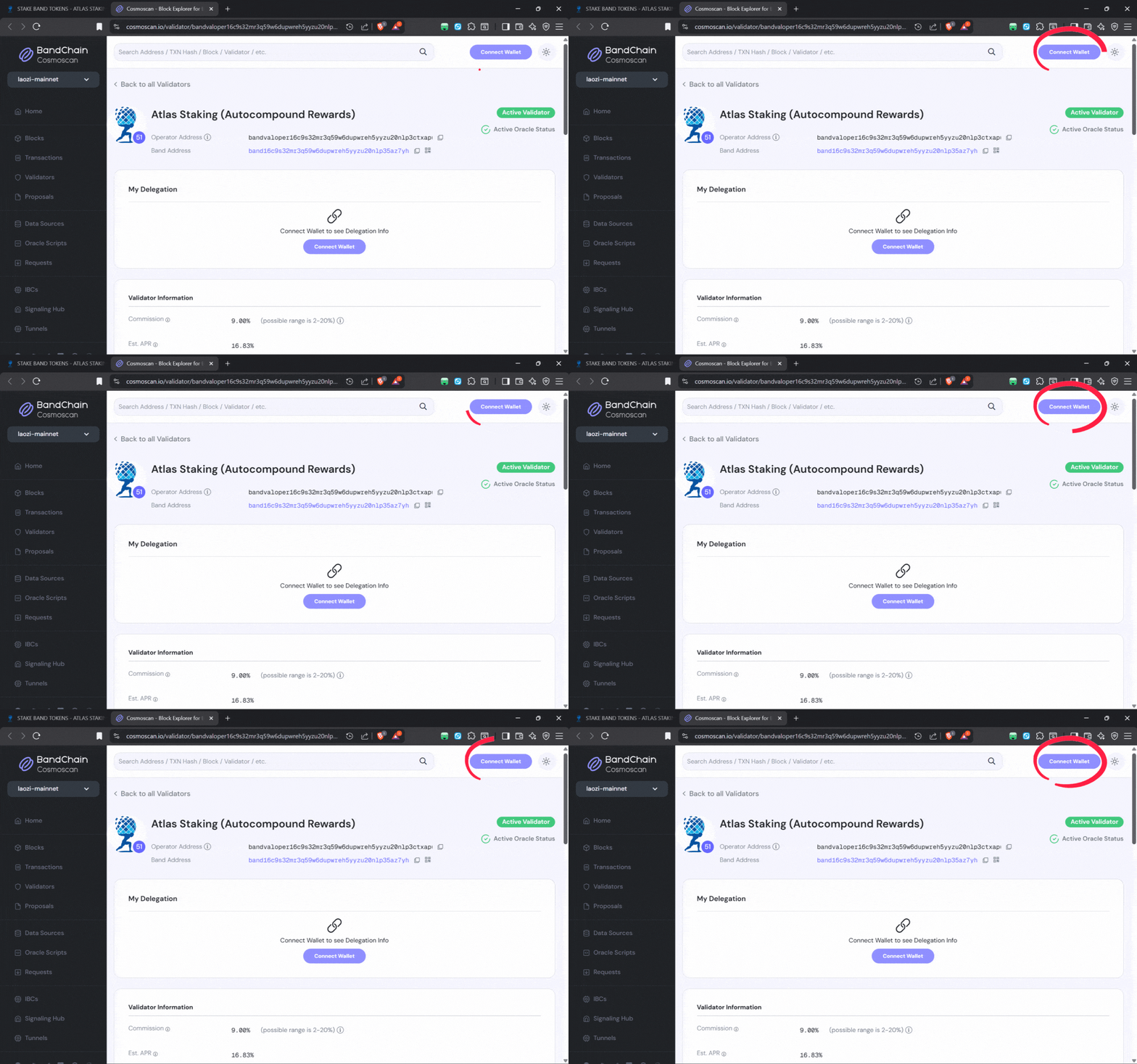
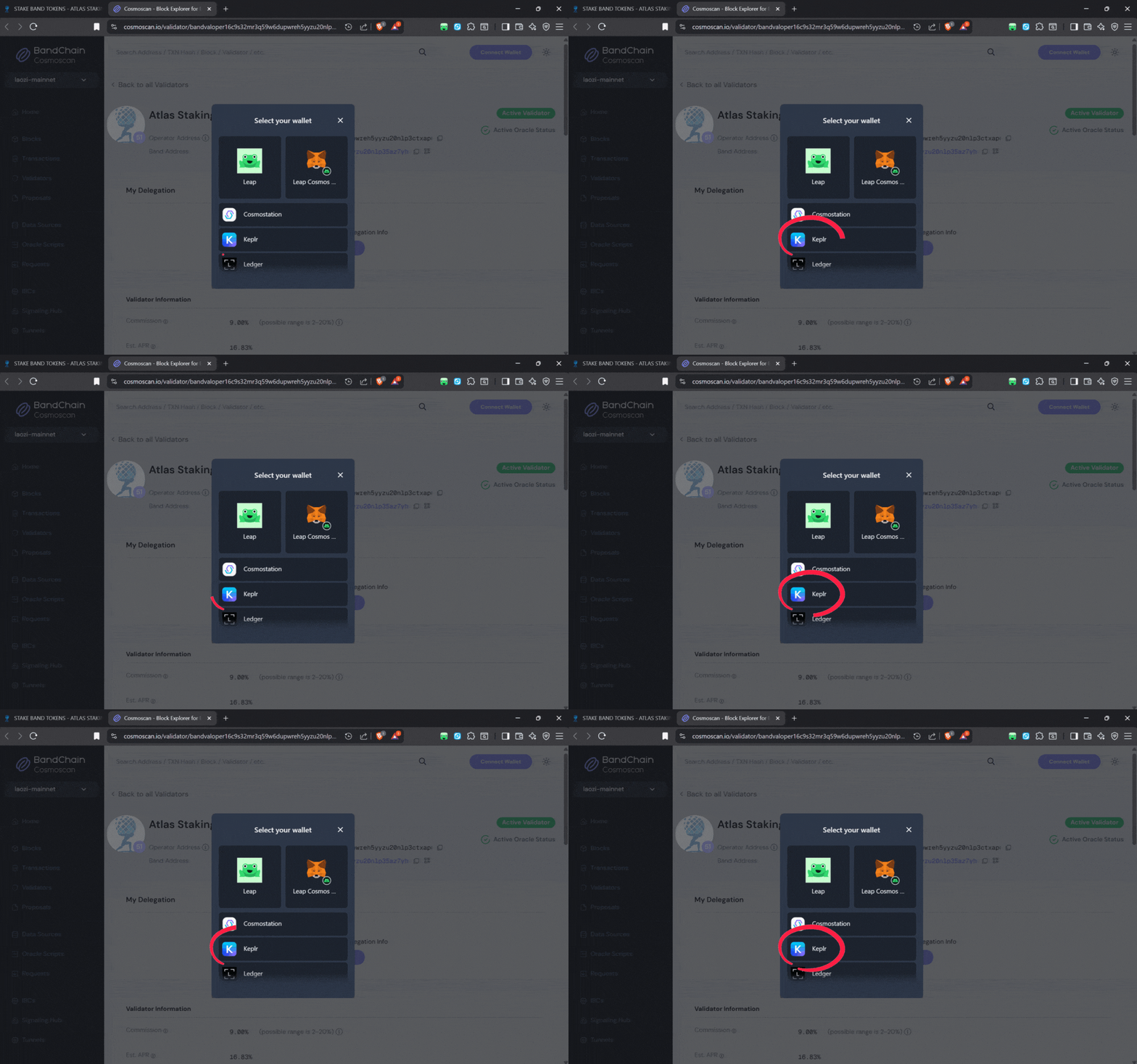
5. Click “Keplr” on the wallet menu popup to connect the extension
6. Click the “Pages” icon in the sidebar to view the whole website page
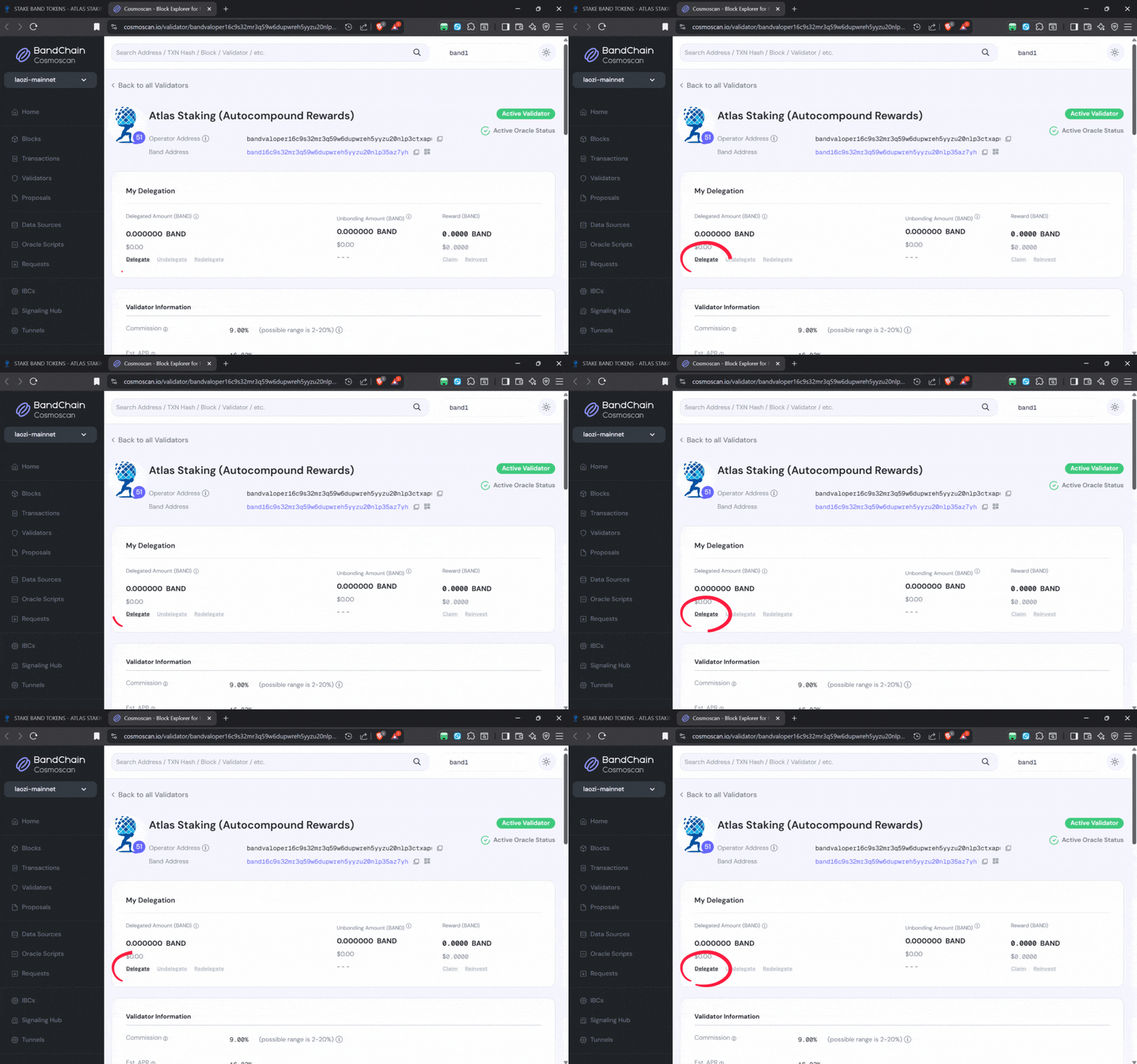
7. Click the “Delegate” button to begin the staking process
8. Enter the number of BAND tokens you would like to stake
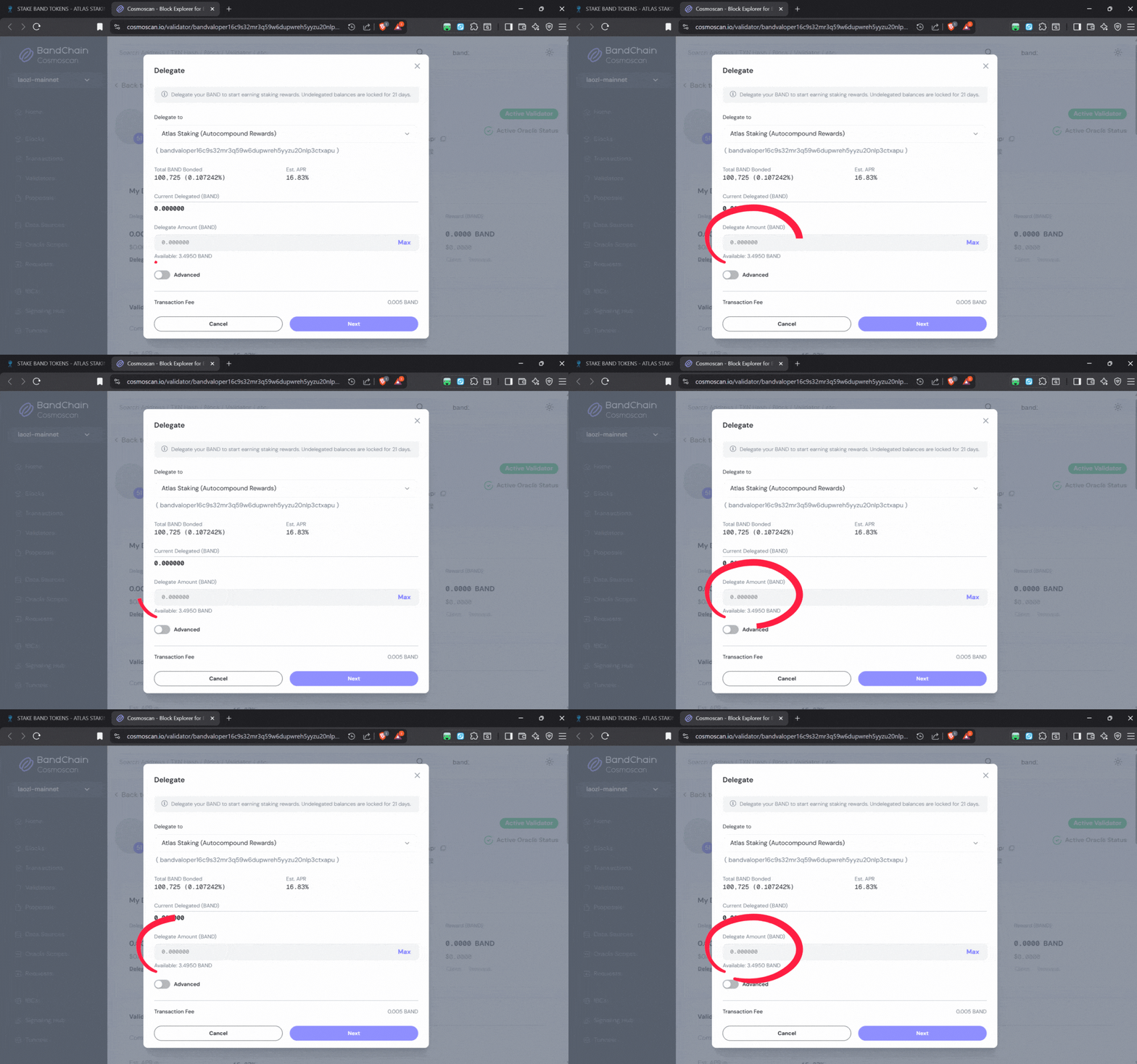
Never stake 100% of your tokens. Leave spare change to pay for future transactions.
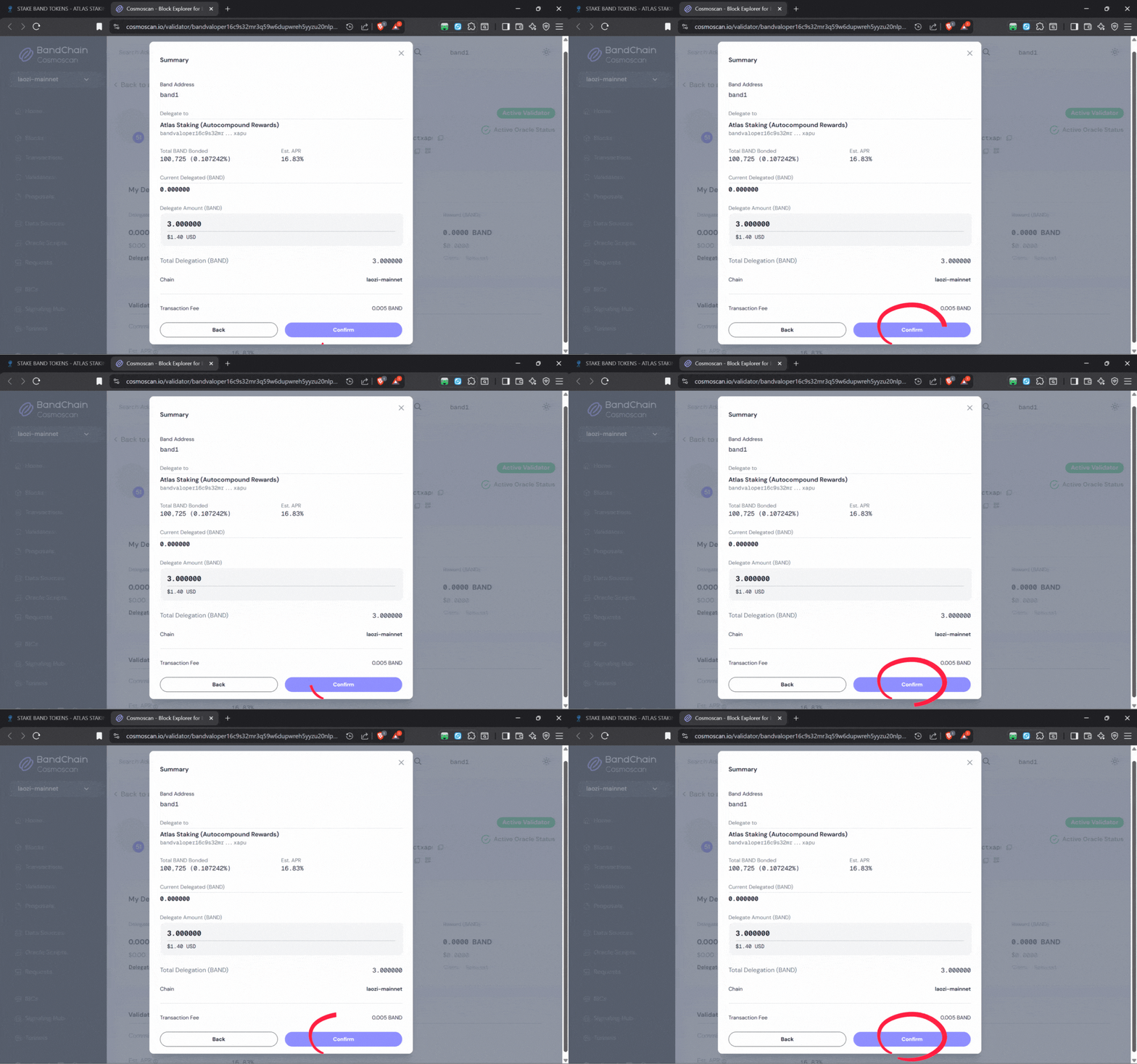
9. Click “Confirm” at the bottom of the staking window
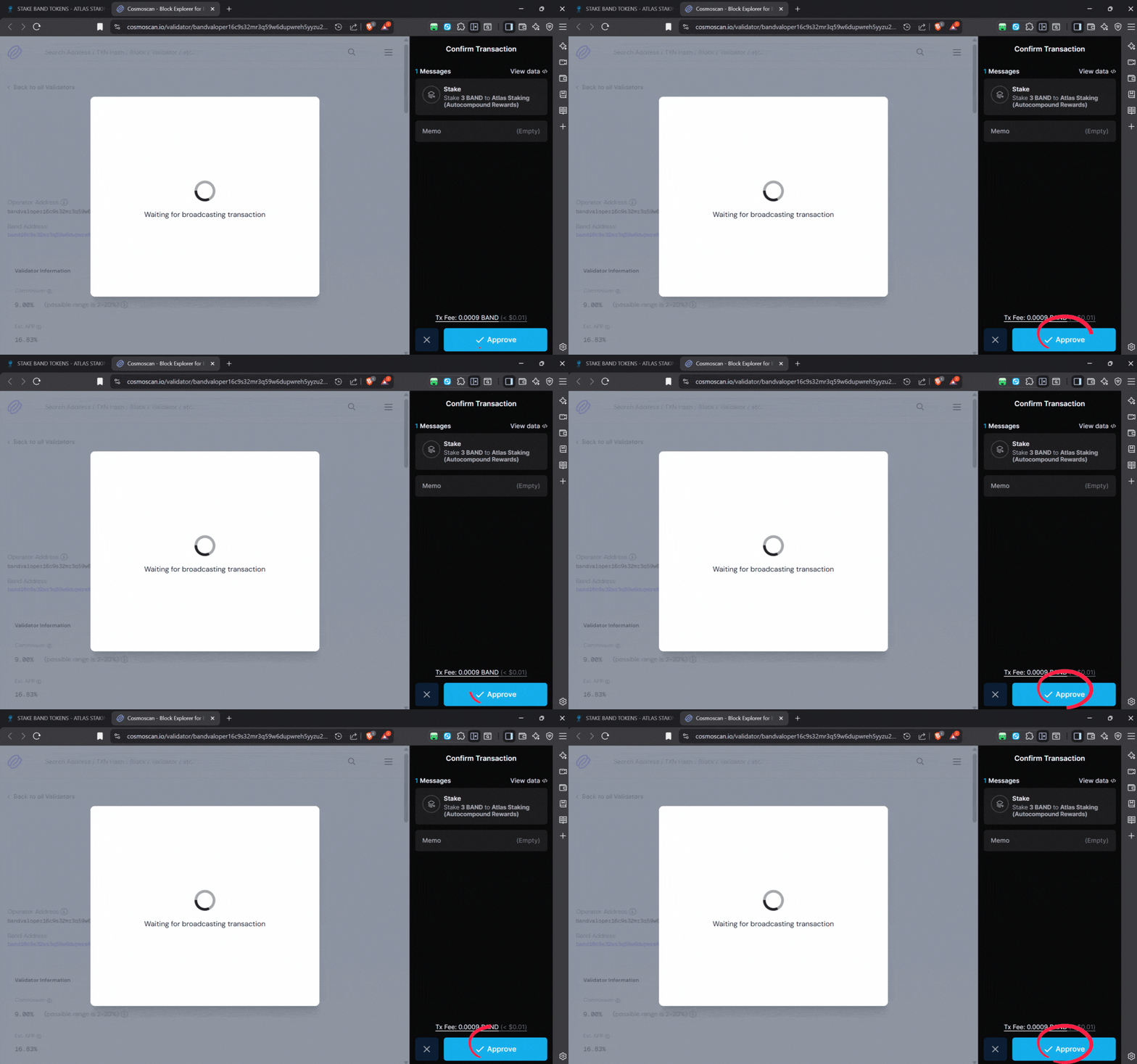
10. Click “Approve” in the Keplr popup window to continue
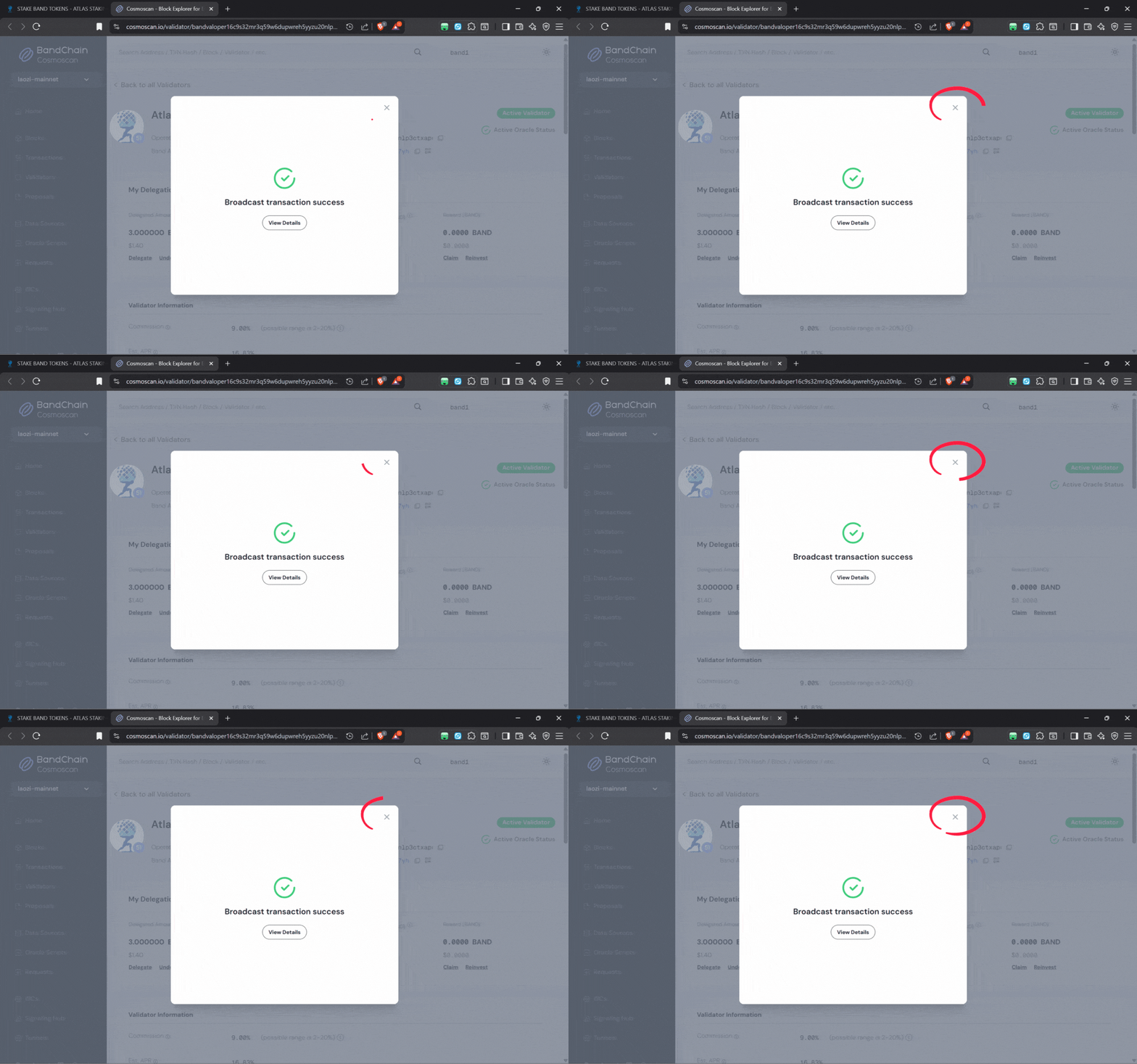
Within a second or two your BAND tokens are staked with Atlas!
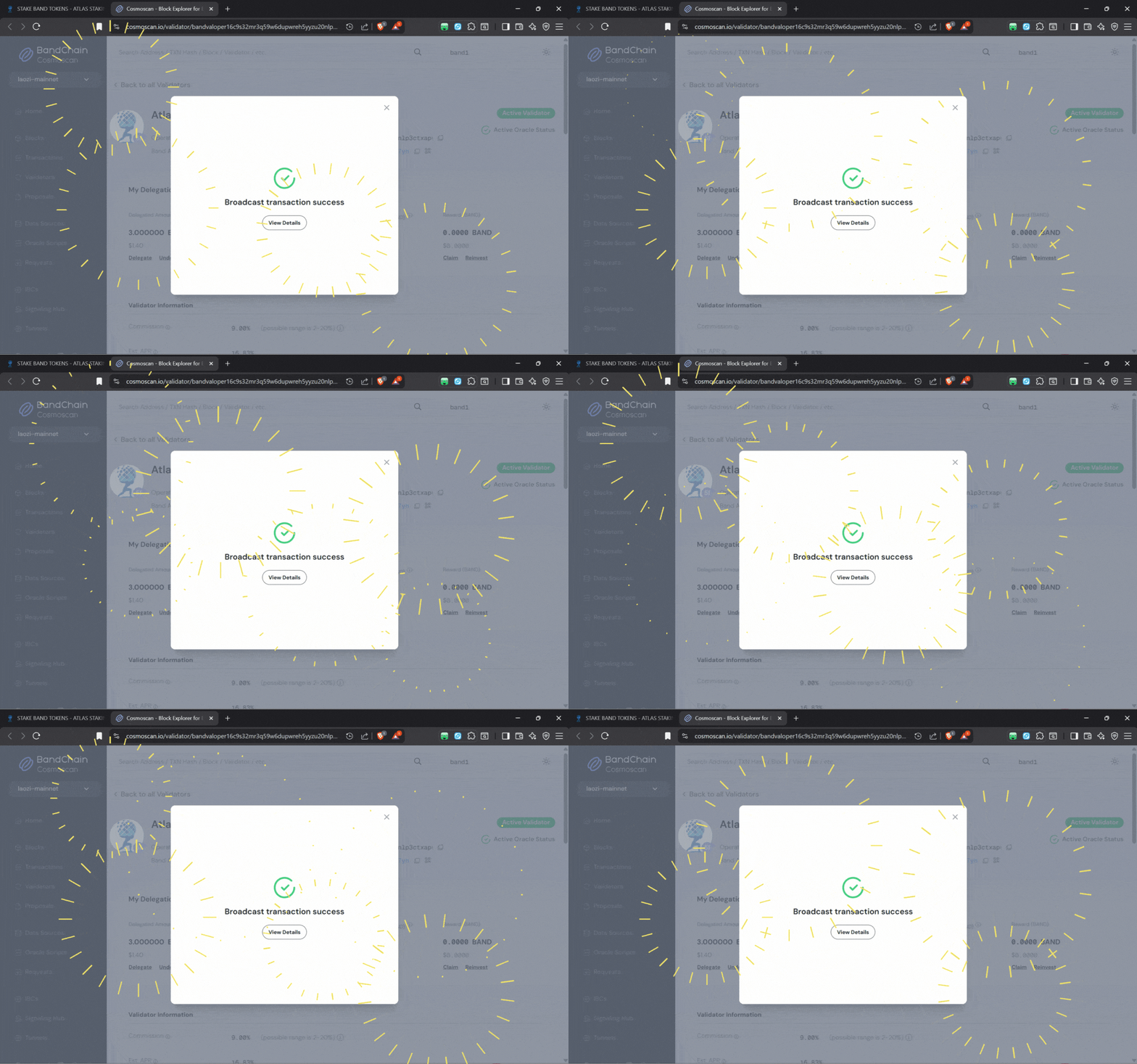
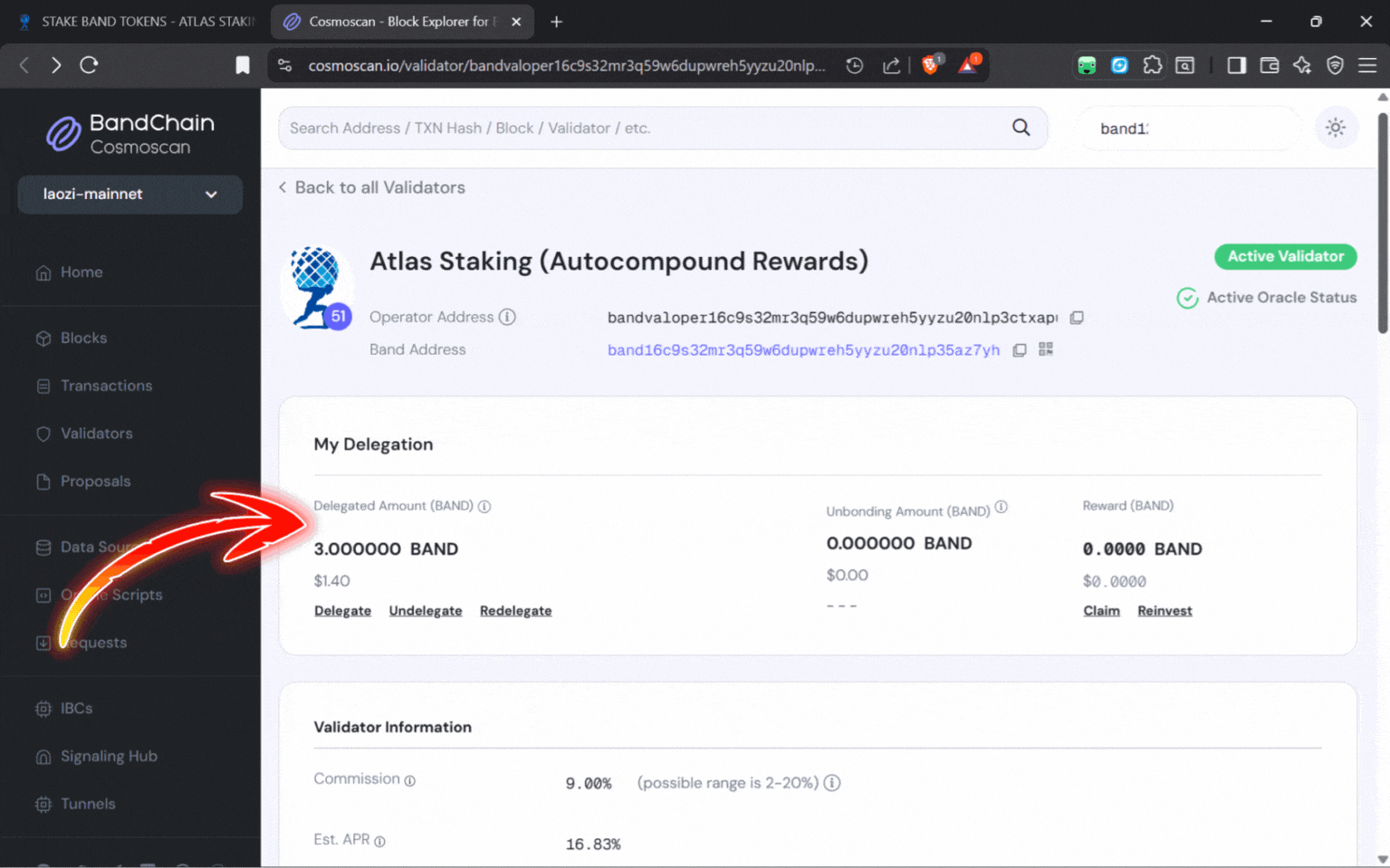
To view your staked position, click the “X” to close the popup
You will see your staked tokens under the “My Delegation” heading
CRYPTO TAXES AND PORTFOLIO MANAGEMENT
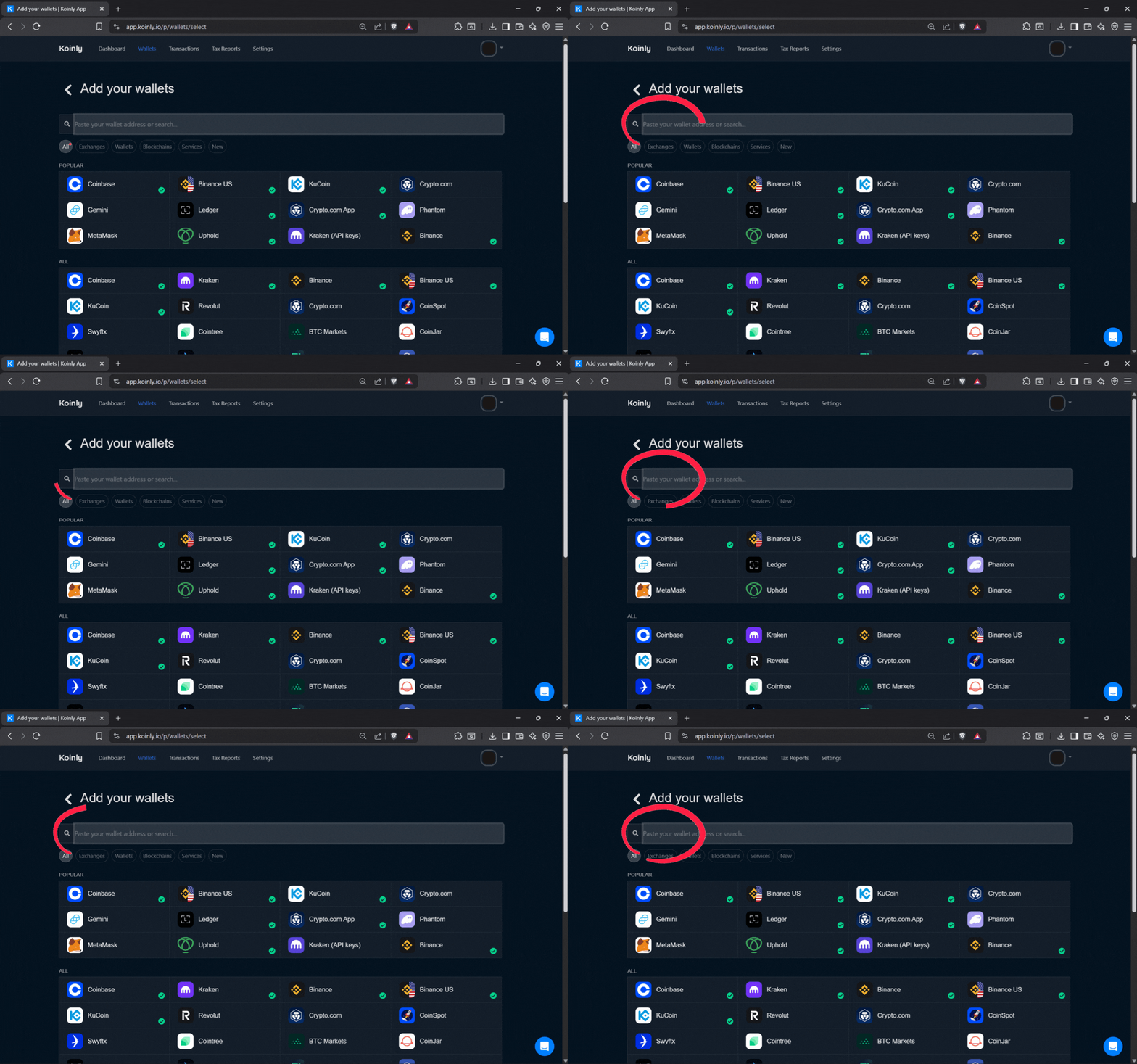
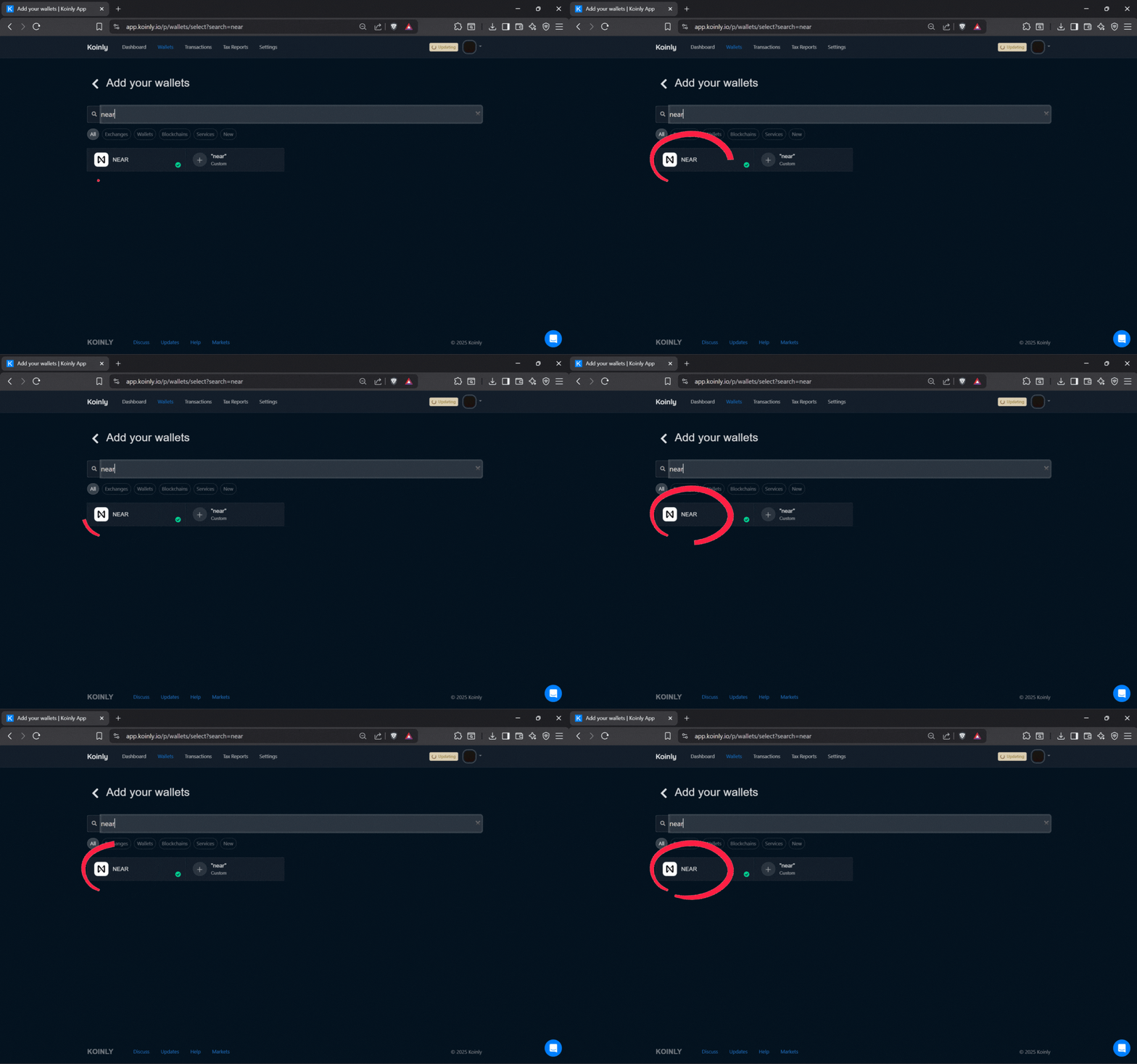
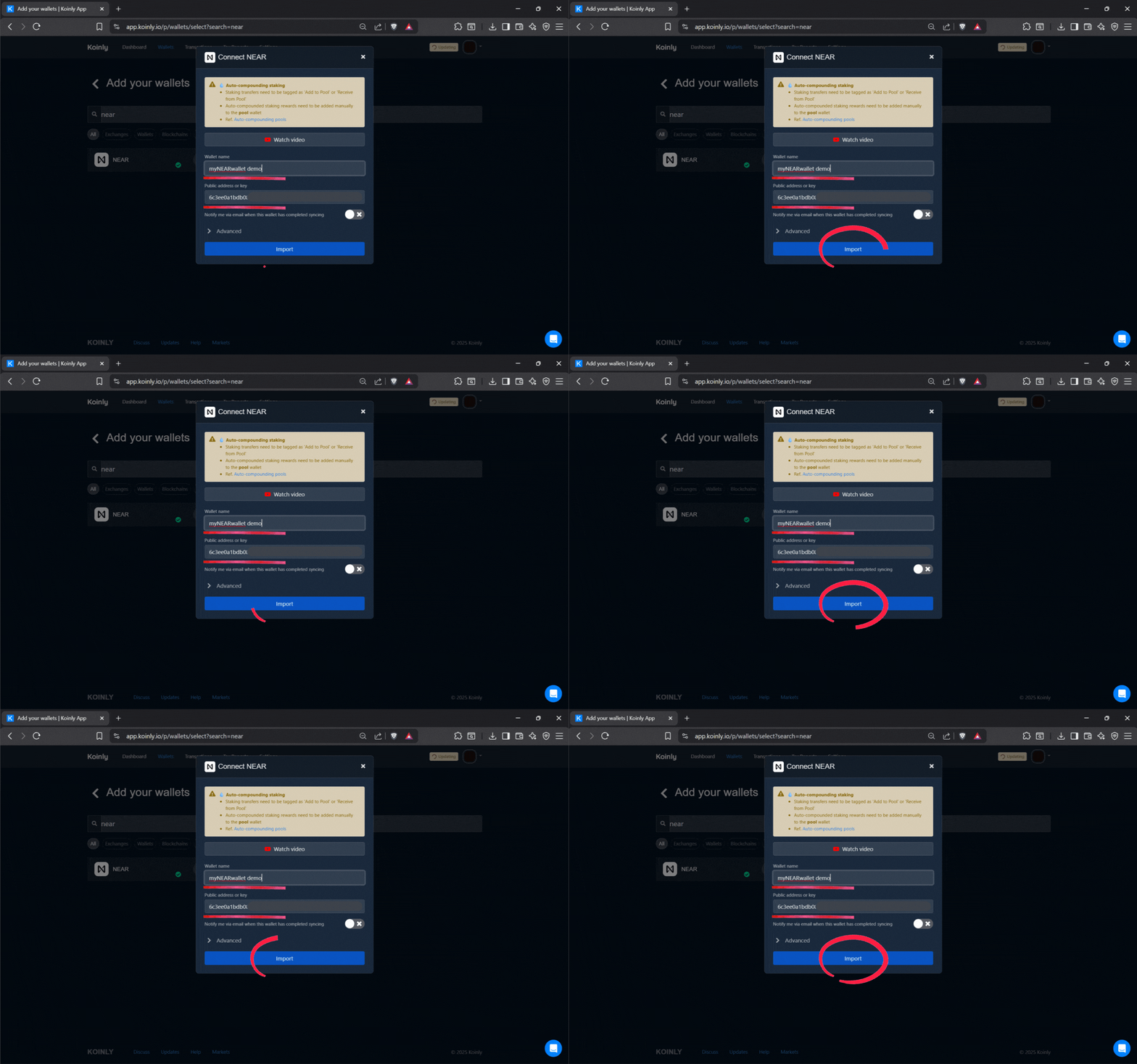
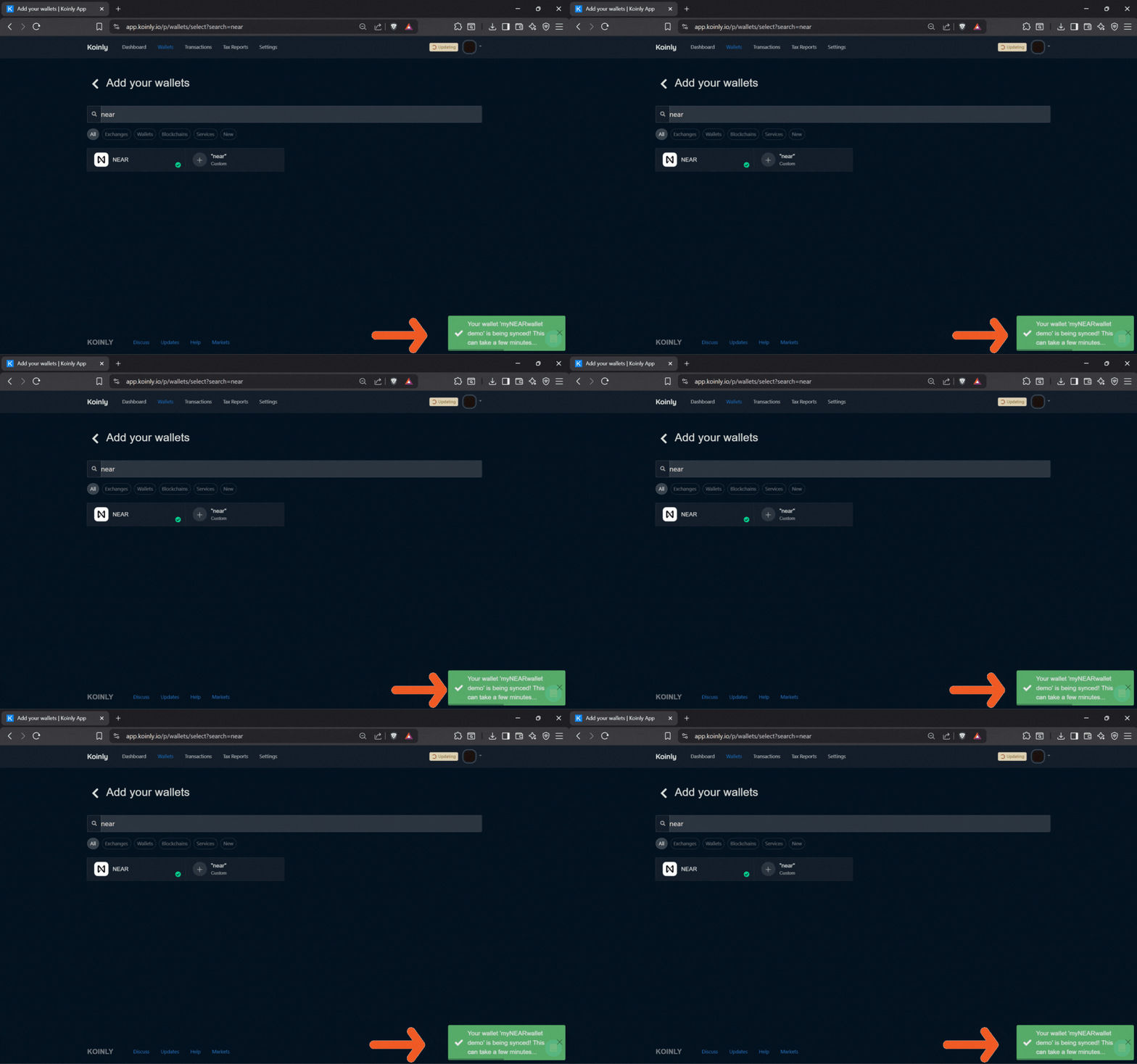
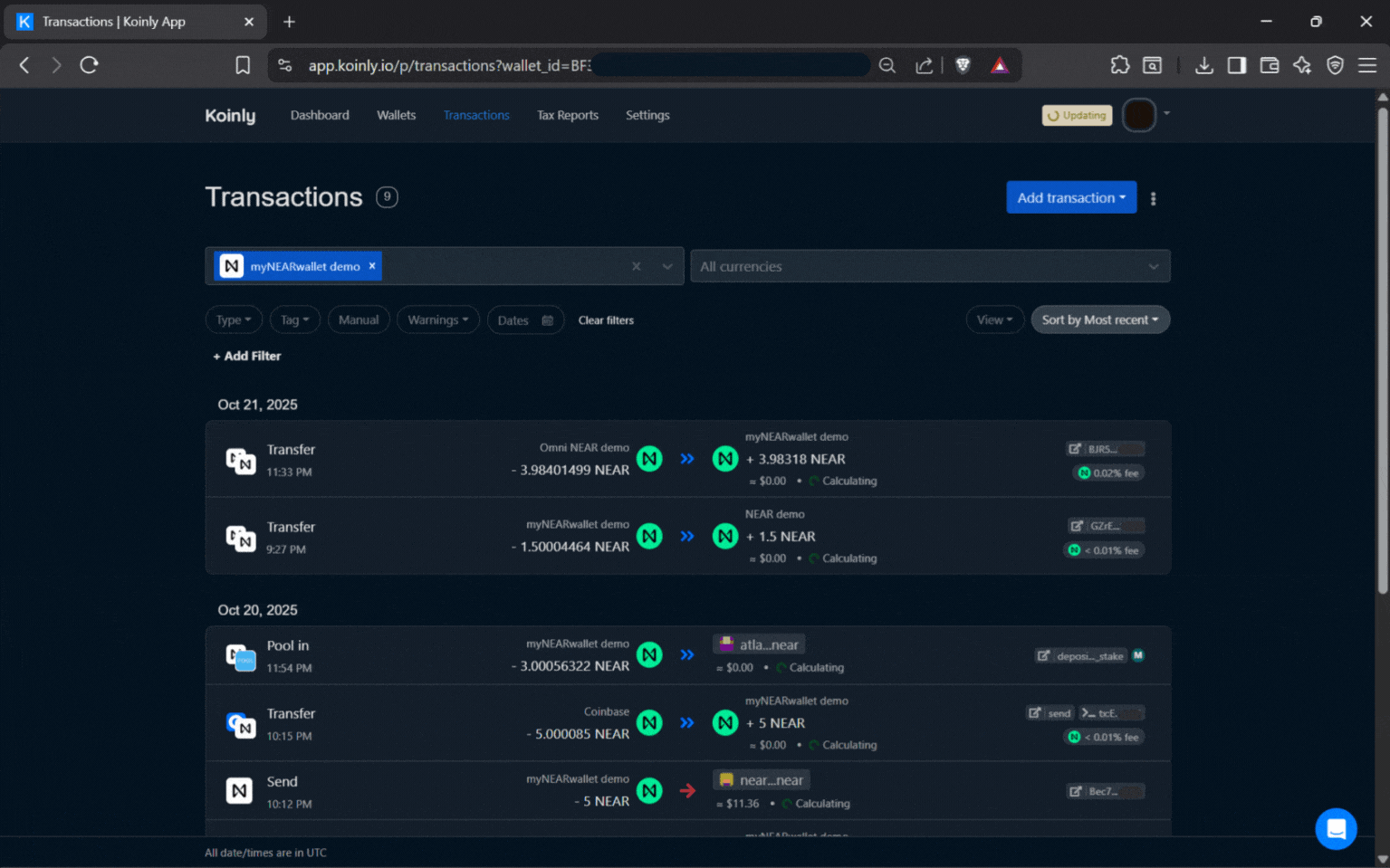
Some countries require you to pay taxes on your staking rewards, including the U.S. Koinly is the best crypto tax software we found and it’s an excellent portfolio management tool too.
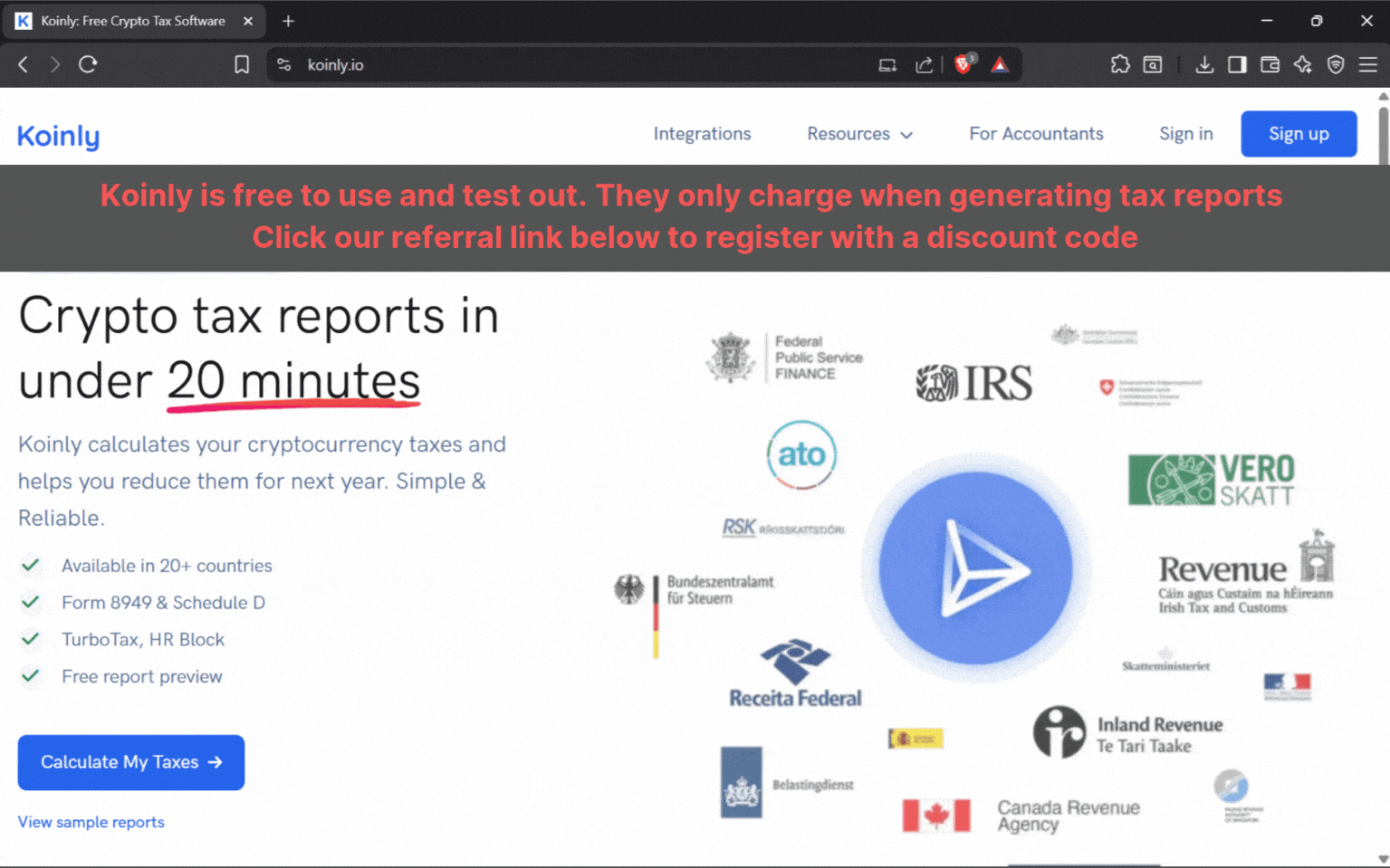
Best part… Koinly is free to use until you decide to generate a report, so use our discount link below to test it out.
Managing Rewards, Unstaking, and Redelegation
Claiming Staking Rewards
Keplr’s browser extension displays your current rewards in real time. Claiming them is a one-click process, allowing you to reinvest, cash out, or simply watch your passive income accumulate. Or, Auto-compound with REStake.
Unstaking BAND Tokens
Initiate the “Undelegate” process from your validator list. BAND’s protocol applies a 21-day unbonding period, during which your tokens are locked.
Redelegating BAND
Keplr makes switching validators simple. Just click “Redelegate” and your staked BAND moves from one validator to another without unbonding and waiting 21 days.
Pro Strategies for Effective BAND Staking
Use Ledger for Added Security: As mentioned above, Keplr browser extension pairs seamlessly with Ledger hardware wallets, adding an important layer of security.
Automated Compound: Grow your BAND stack by using Keplr’s connection to REStake and compound returns with zero effort.
Regular Validator Review: Markets change—check in on your stake to view validator uptime, commission changes, and governance performance.

Advanced Features Exclusive to Keplr Extension
Beautifully unified dashboard for most Cosmos-based tokens, including BAND—monitor, stake, and swap without leaving your wallet
“Claim All” button lets you harvest rewards from multiple networks in a single action, saving you time
Transaction analytics and portfolio breakdown
Broad dApp connectivity for DeFi, NFT access, and cross-network staking
Frequently Asked Questions
Does Keplr browser extension work with third-party staking protocols for BAND?
You bet! Keplr can connect with trusted DeFi platforms and when in-wallet staking isn’t available, Keplr can connect to every Cosmos explorer to stake.
Can I earn airdrops on my staked BAND in Keplr?
So far, we haven’t seen airdrops given out to BAND stakers, but you can stay in the loop by subscribing to our Cosmos airdrops newsletter at the top of this page.
Is there a way to automate reward claiming and restaking?
Absolutely. While Keplr does not have an automated compound feature in-wallet, it seamlessly connects to REStake to enable that option.
What happens if my validator underperforms or gets penalized?
Validators and their delegators get slashed for two reasons:
1. Downtime – If your validator is offline for 10,000 or more blocks they are slashed 0.01% which is usually pennies.
However
2. Double signing – If your validator mismanages their keys and double signs a block they are slashed 5% and permanently removed from the validator set.
Keplr’s redelegation feature lets you switch validators fast, preserving rewards and network security.
Can I monitor multiple wallets/accounts at once?
Yes, Keplr browser supports multiple profiles, great for family portfolios or dividing personal and business holdings.
How do I recover my BAND if my device is lost?
As long as your seed phrase is safe, you can restore full access to your funds from any compatible browser or device. If you lose your seed phrase and your phone or laptop is lost or stolen, you lose your crypto.
Do I retain voting rights with staked BAND through Keplr?
Absolutely, we validators vote for our delegators, but you can vote on every governance proposal directly if you choose to, right in-wallet.
What does Keplr offer power users that other wallets lack?
Features like detailed analytics, custom validator lists, and fast IBC transfers provide autonomy and oversight well beyond basic wallets.
Nothing we say is financial advice or a recommendation to buy or sell anything. Cryptocurrency is a highly speculative asset class. Staking crypto tokens carries additional risks, including but not limited to smart-contract exploitation, poor validator performance or slashing, token price volatility, loss or theft, lockup periods, and illiquidity. Past performance is not indicative of future results. Never invest more than you can afford to lose. Additionally, the information contained in our articles, social media posts, emails, and on our website is not intended as, and shall not be understood or construed as financial advice. We are not attorneys, accountants, or financial advisors, nor are we holding ourselves out to be. The information contained in our articles, social media posts, emails, and on our website is not a substitute for financial advice from a professional who is aware of the facts and circumstances of your individual situation. We have done our best to ensure that the information provided in our articles, social media posts, emails, and the resources on our website are accurate and provide valuable information. Regardless of anything to the contrary, nothing available in our articles, social media posts, website, or emails should be understood as a recommendation to buy or sell anything and make any investment or financial decisions without consulting with a financial professional to address your particular situation. Atlas Staking expressly recommends that you seek advice from a professional. Neither Atlas Staking nor any of its employees or owners shall be held liable or responsible for any errors or omissions in our articles, in our social media posts, in our emails, or on our website, or for any damage or financial losses you may suffer. The decisions you make belong to you and you only, so always Do Your Own Research.