
BABYLON BITCOIN STAKING
Staking Bitcoin on Babylon: Your Guide to Earning While You Hold
If you’ve been in crypto long enough, you’ve probably accepted one universal truth: Bitcoin is king. But while Ethereum and other proof-of-stake networks have been letting holders earn yield for years, Bitcoiners have mostly been sitting on their stacks and waiting for the next bull run.
That’s changing fast—thanks to Babylon, a groundbreaking network that unlocks Bitcoin staking without compromising security and self-custody. In this post, we’ll walk through how you can stake BTC using the Babylon dashboard, and how to maximize your staking rewards with Atlas Staking as your Finality Provider.
We will lead you through the journey from hodler to staker. Use the buttons below to check out our other Babylon guides.
COSMOS AIRDROPS
New projects and protocols give away tokens to attract users. Crypto rewards those who participate, so register today and collect your free crypto.
You’ll receive PROJECT DETAILS, TOKEN SYMBOL, SNAPSHOT DATES, ELIGIBILITY REQUIREMENTS, LINKS TO CLAIM AND LINKS TO STAKE.
Be sure to add info@atlasstaking.com to your contacts, so our email doesn’t go into your spam folder. You don’t want to miss out!
We will NEVER share or abuse your information
Why Staking BTC Is a Game-Changer
Bitcoin staking wasn’t possible until Babylon came along. Unlike traditional DeFi or liquid staking, Babylon lets you use your native Bitcoin (actual BTC on the Bitcoin blockchain) to help secure proof-of-stake networks—like Babylon itself—and earn rewards. All without wrapping, bridging, or leaving the safety of Bitcoin’s chain.
This works through a system called Bitcoin Staking with Finality Providers. Atlas Staking is a Finality Provider. Here’s the simple breakdown:
You lock your BTC for a set period in a specially designed staking contract.
Babylon connects your staked Bitcoin to a proof-of-stake network.
Finality Providers, like Atlas Staking, secure and validate the network on your behalf.
- Other PoS chains will pay Babylon to send their blocks to Bitcoin, hence inheriting Bitcoin security.
You earn staking rewards—paid out securely—while your BTC never leaves your control.
It’s a powerful upgrade for both BTC holders and the PoS networks that want to pay for Bitcoin security.
RESTRICTED COUNTRIES
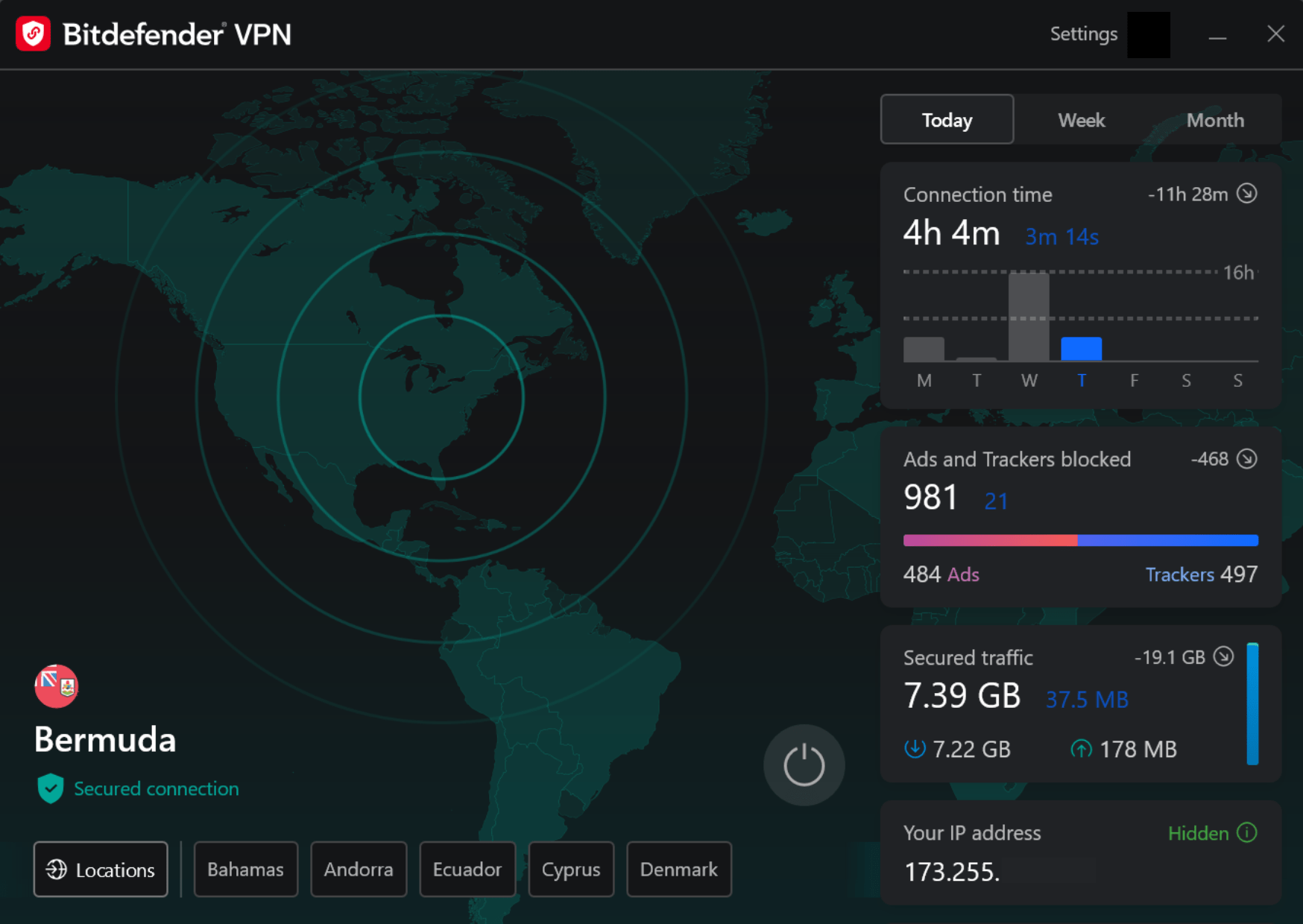
We know, getting the message that your IP address is blocked by the platform is super annoying. The previous SEC chainman and presidential administration demonized blockchain and crypto, so protocol teams cut access off to Americans to cover their ass.
The current U.S. administration is crypto-friendly, but many protocols (including Babylon) still geofence U.S. residents. Many people us a VPN and connect through an approved country to circumvent the restriction.
Getting Set Up: Bitcoin Wallets
For BTC, you’ll want a Bitcoin wallet that’s officially supported for Babylon staking, such as UniSat, OKX Wallet, Bitget Wallet, OneKey, Binance Web3 Wallet, Xverse, or other wallets listed in the dashboard popup. Most wallets are adding BTC compatibility, including Keplr and Cosmostation.
For rewards, you also need a BABY-compatible wallet like Keplr, Leap, or Cosmostation. Once your wallet setup is ready, double-check that you’re using standard, supported Bitcoin address formats (like Native SegWit or Taproot) and that your wallet has no inscriptions or unusual scripts that could interfere with staking. Don’t use the same BTC wallet that holds your Ordinals.
If you’ve not read through our wallet security checklist or downloaded the free infographic for quick reference, we highly recommend it.
the Babylon BTC Staking Dashboard
The Babylon dashboard is where you connect wallets, choose your Finality Provider, and register your BTC stake. The minimum BTC stake is 0.005 and you’ll need a little extra for fees. You’ll also need BABY for fees to claim rewards.
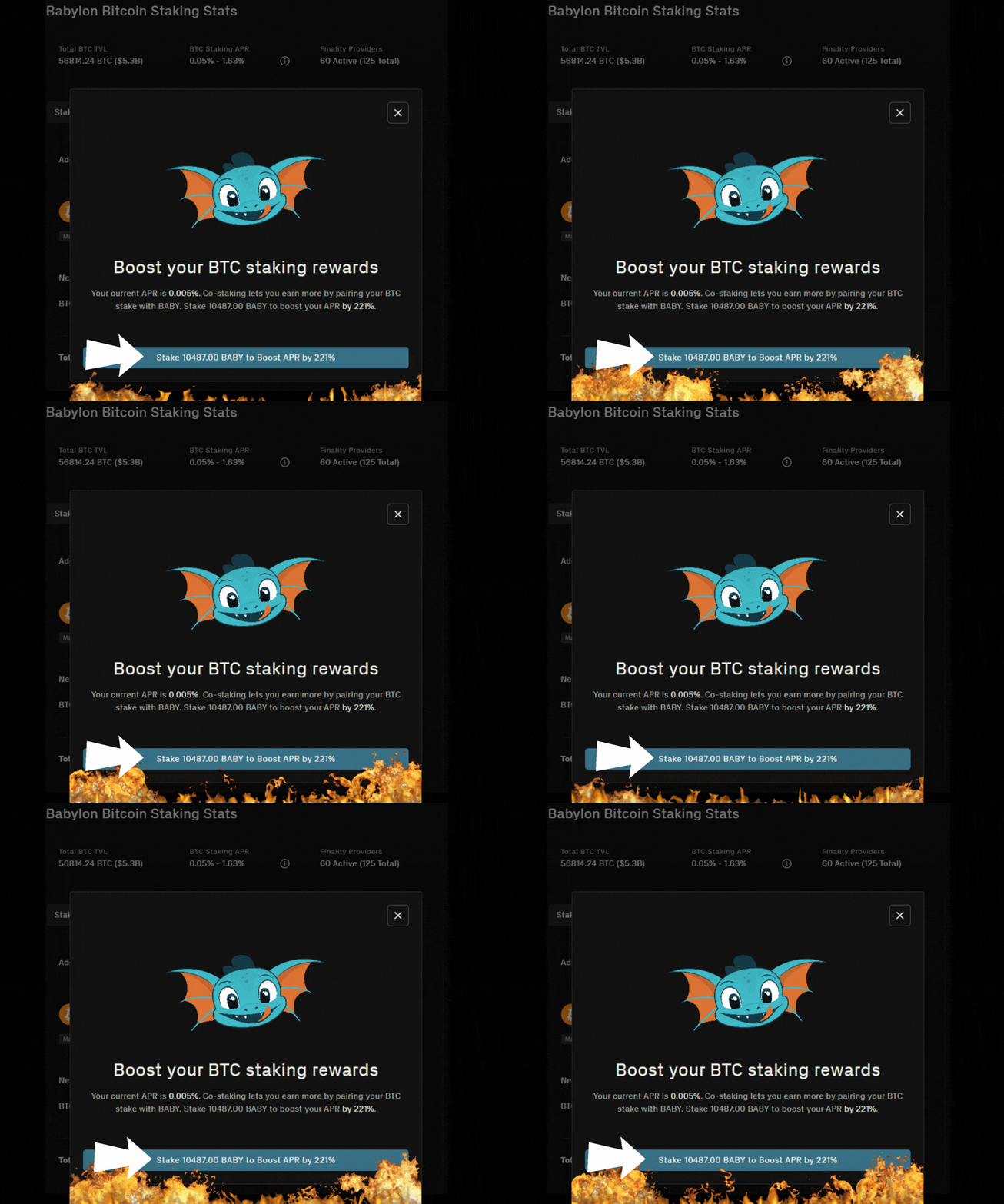
This is where co-staking comes in. Babylon wants to create demand for BABY tokens and increase network security, so they offer bonus APY. If you stake at least 12,000 BABY, your Bitcoin staking APY can potentially double. Check the staking calculator to estimate your return.
Babylon BTC Staking: STEP BY STEP
Follow the steps below and check out the image carousel to preview the process. We use Keplr for this example as both our BTC and BABY wallet. Rewards are calculated based on protocol parameters, Finality Provider commission, and the total amount of BTC staked at any given time, and they’re distributed to your BABY wallet address.
Key Takeaways:
1. Click “Connect Wallets” on the Babylon dashboard main page
2. Click the arrow near “Select Bitcoin Wallet”
3. Find your BTC wallet in the list and click it (usually same as your BABY wallet)
4. Click the arrow near “Select Babylon Chain Wallet”
5. Find your BABY wallet in the list and click on it
6. Click “Done” to proceed to staking
7. Click the plus sign “+” to choose a finality provider
8. Type “Atlas Staking” in the validator search box
9. Click on the plus sign “+” to select us
10. Enter the amount of BTC you’d like to stake. (0.005 min.)
11. Click “Preview” to proceed
12. Click “Proceed to Signing” and the dashboard prompts your wallet
13. Click “Approve” transaction 1 of 4 in the wallet popup
14. Click the final “Approve” transaction
15. Click “Stake BTC” to prompt your wallet
16. Click “Approve” to send it on-chain
1. Click “Connect Wallets” on the Babylon dashboard main page
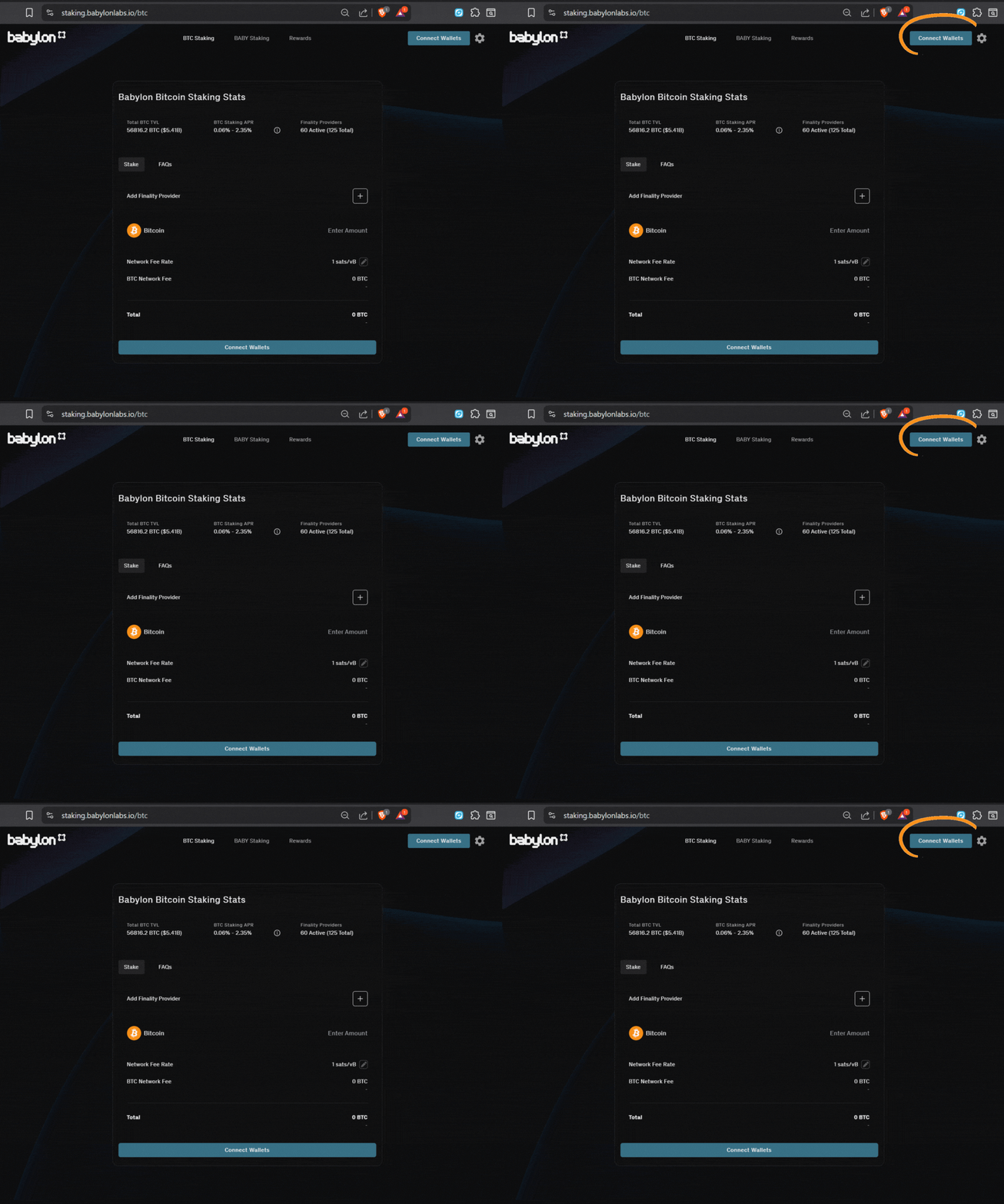
2. Click the arrow near “Select Bitcoin Wallet”
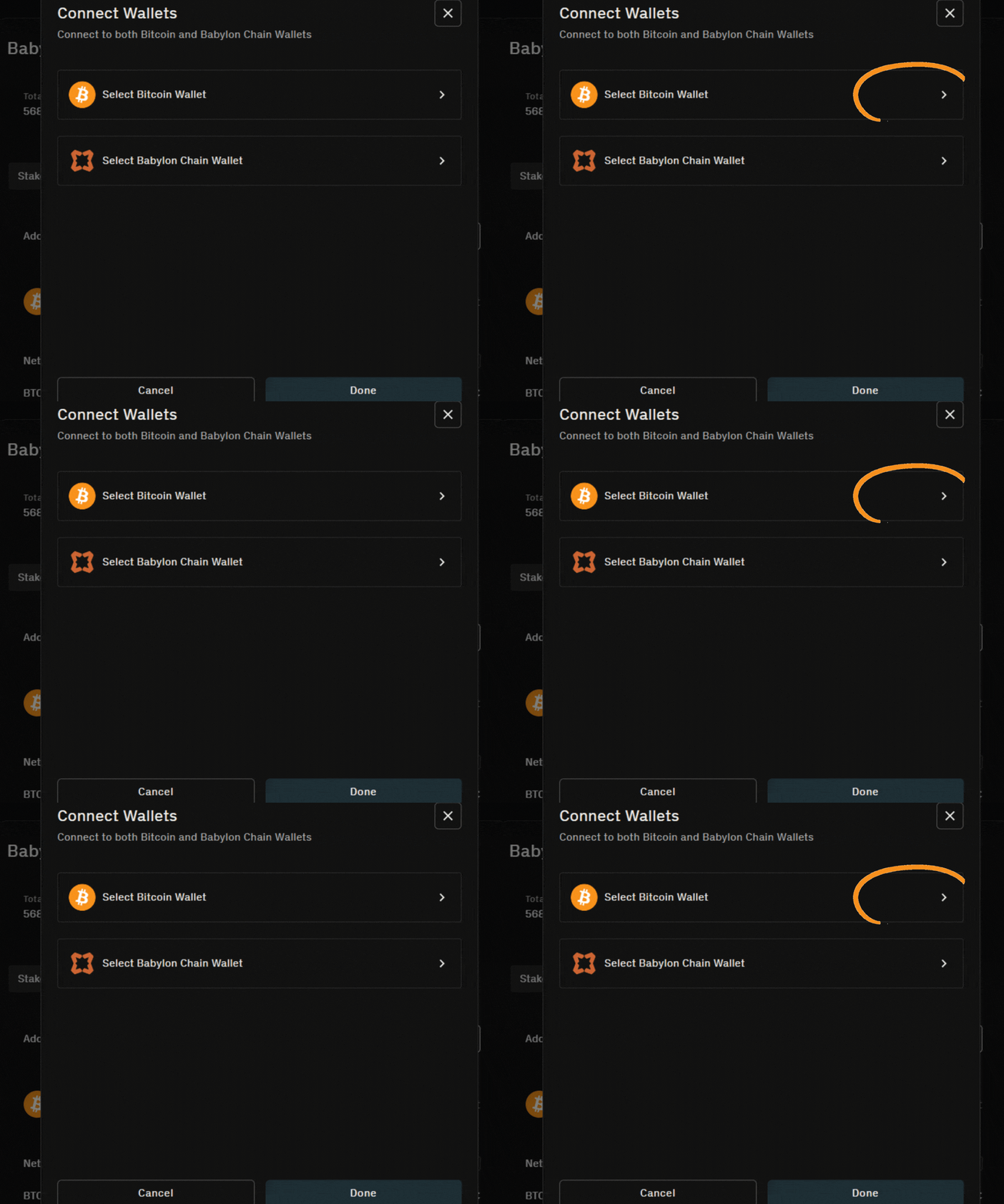
3. Find your BTC wallet in the list and click it (usually same as your BABY wallet)

4. Click the arrow near “Select Babylon Chain Wallet”
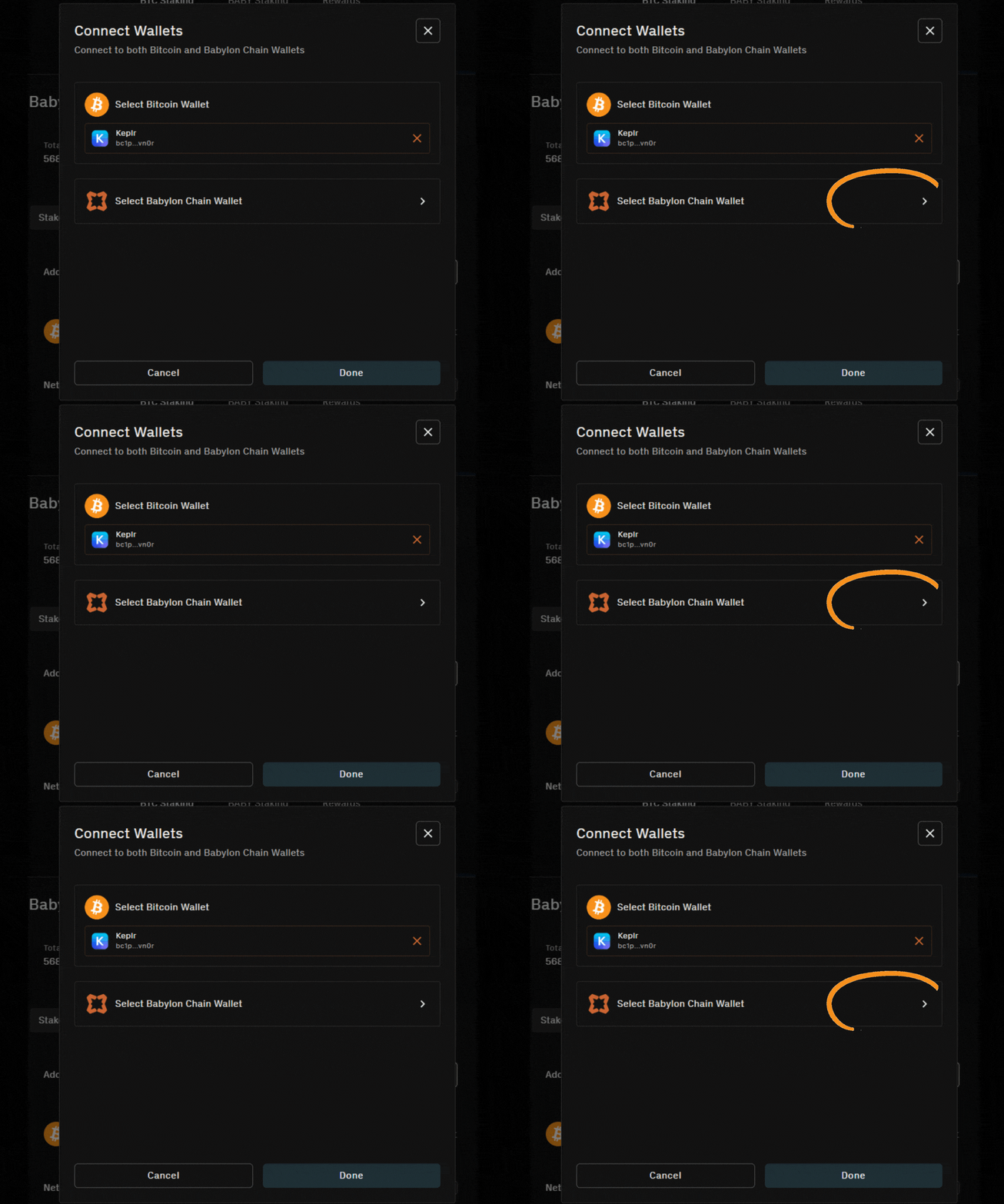
5. Find your BABY wallet in the list and click on it
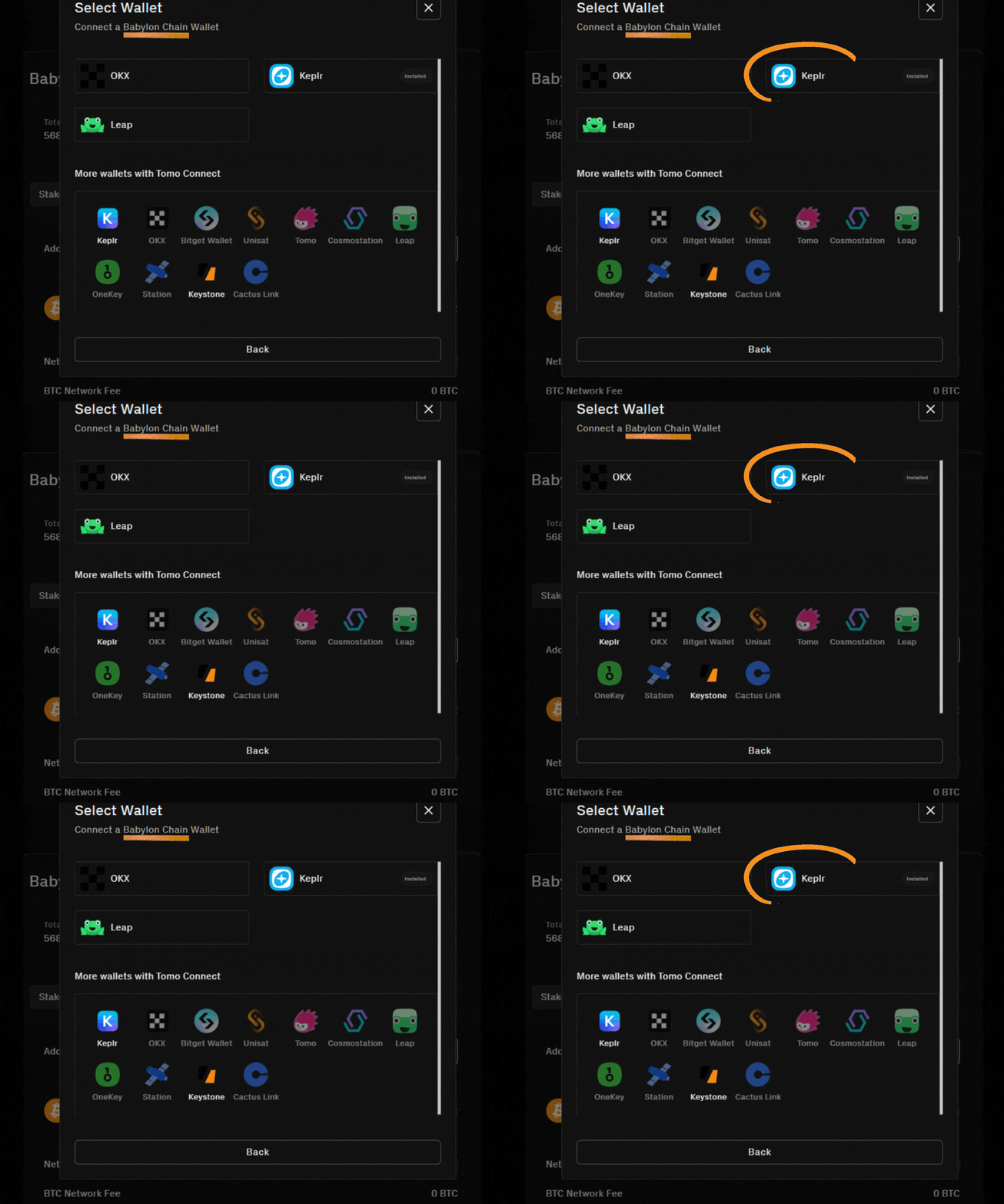
6. Click “Done” to proceed to staking
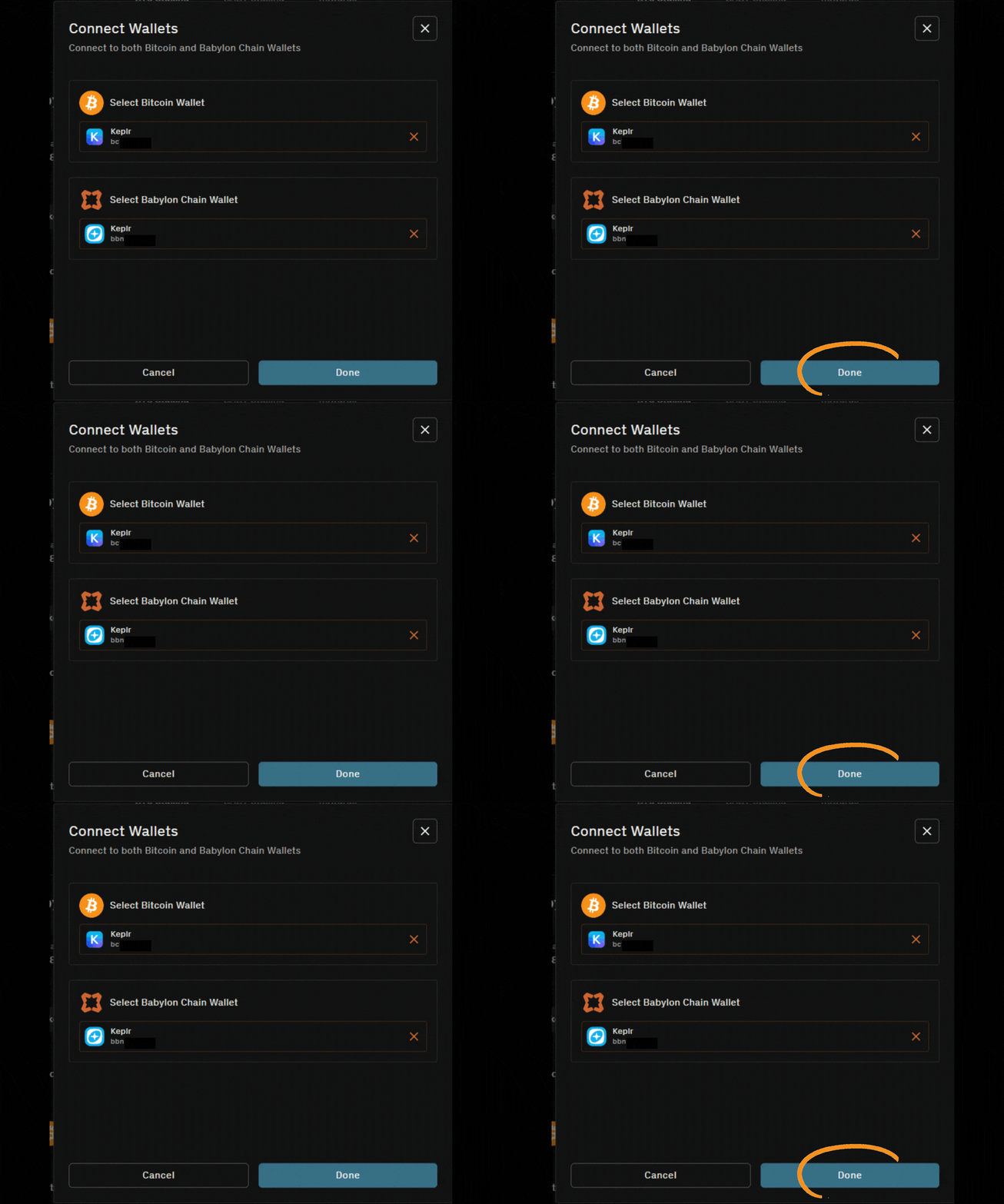
7. Click the plus sign “+” to choose a finality provider
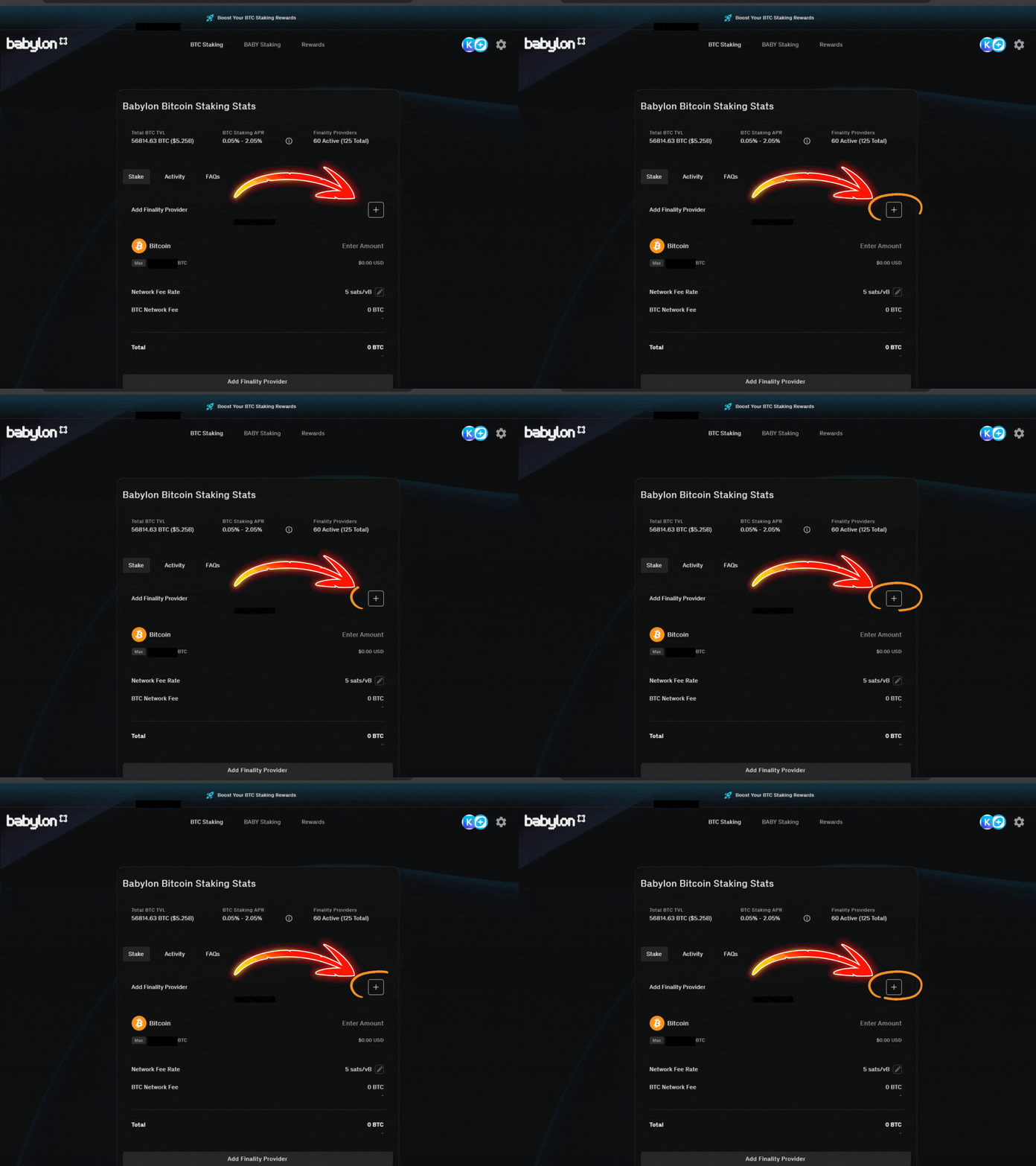
8. Type “Atlas Staking” in the validator search box
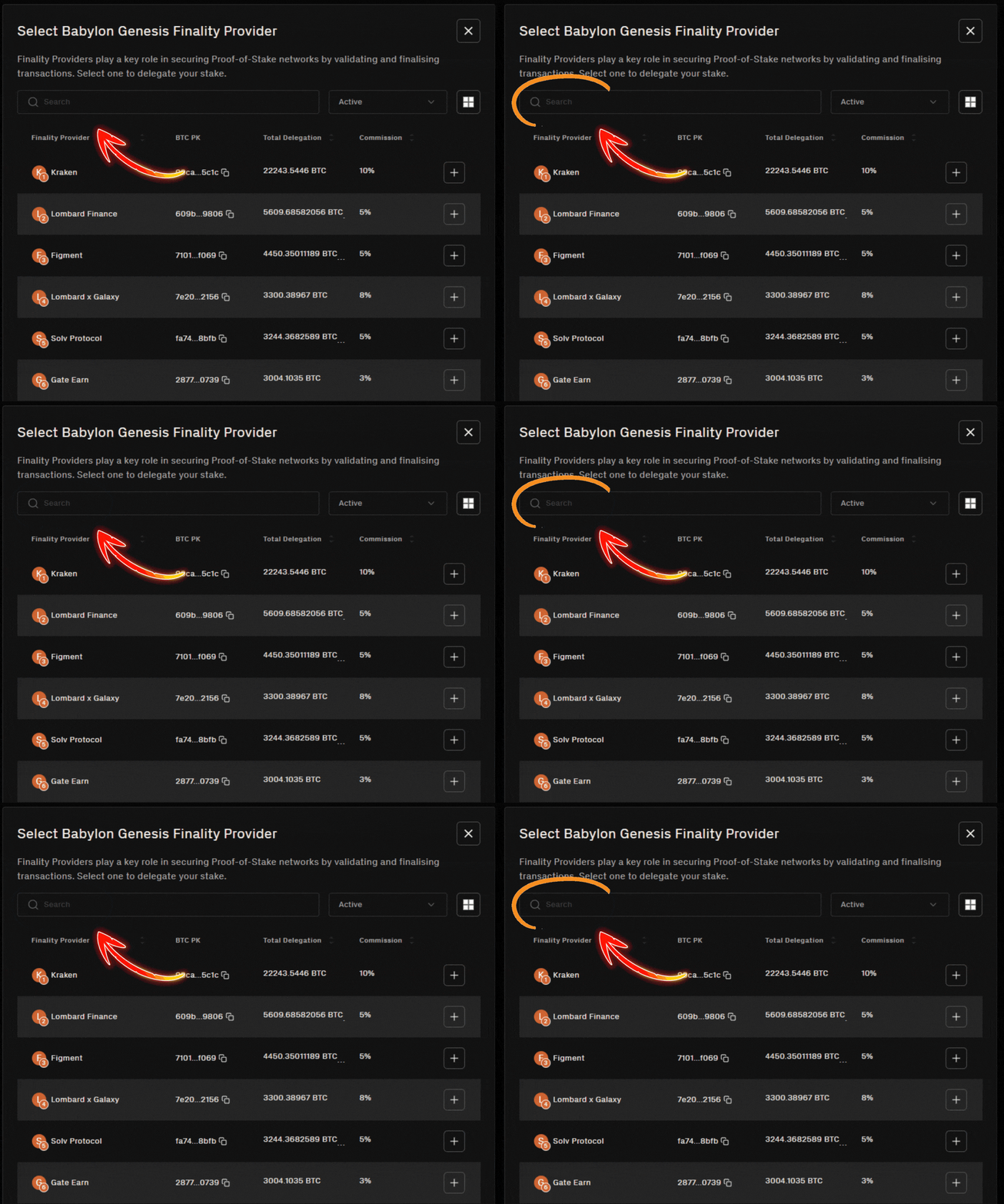
9. Click on the plus sign “+” to select us

10. Enter the amount of BTC you’d like to stake. (0.005 min.)
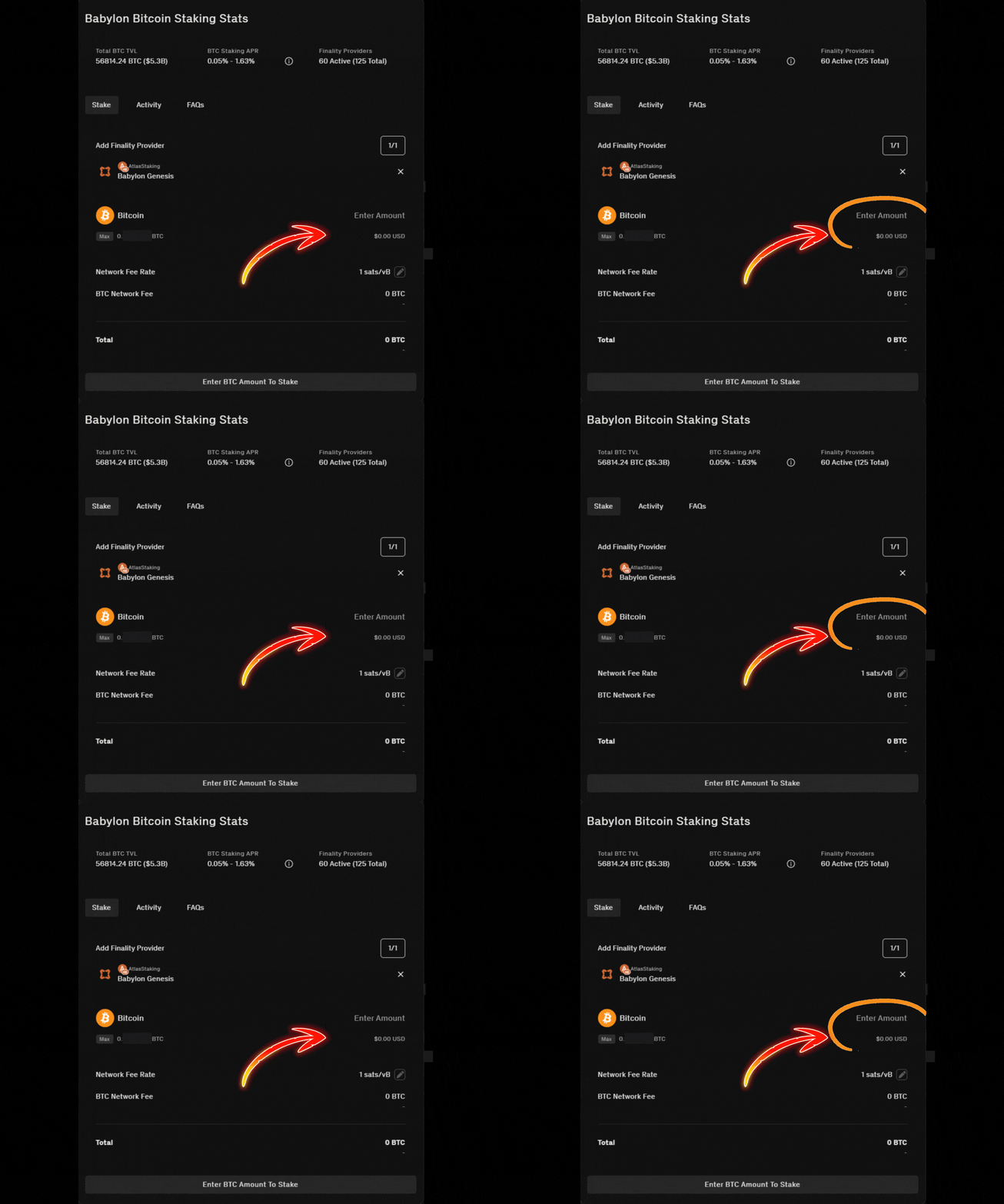
11. Click “Preview” to proceed
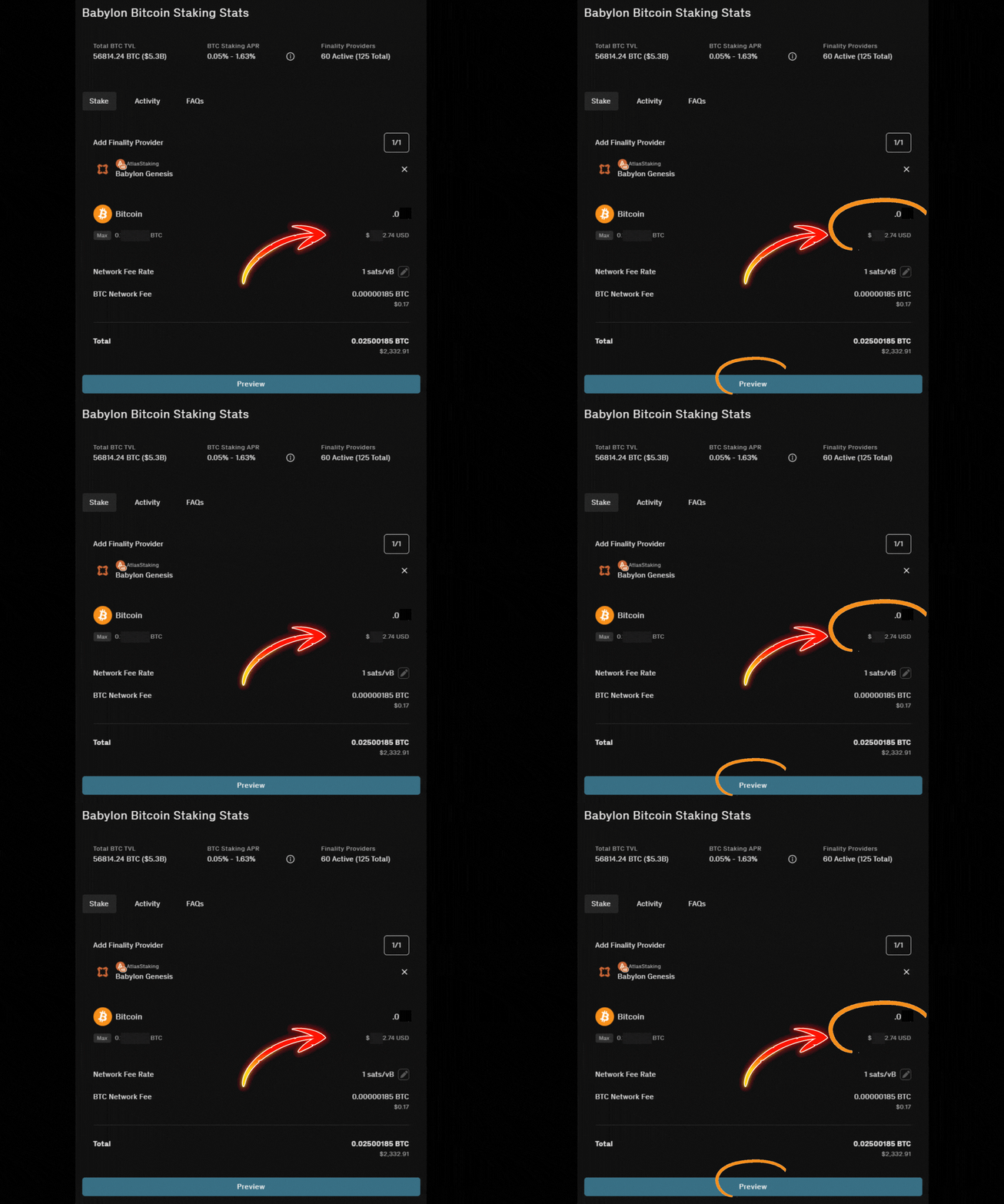
12. Click “Proceed to Signing” and the dashboard prompts your wallet

13. Click “Approve” transaction 1/4 in the wallet popup
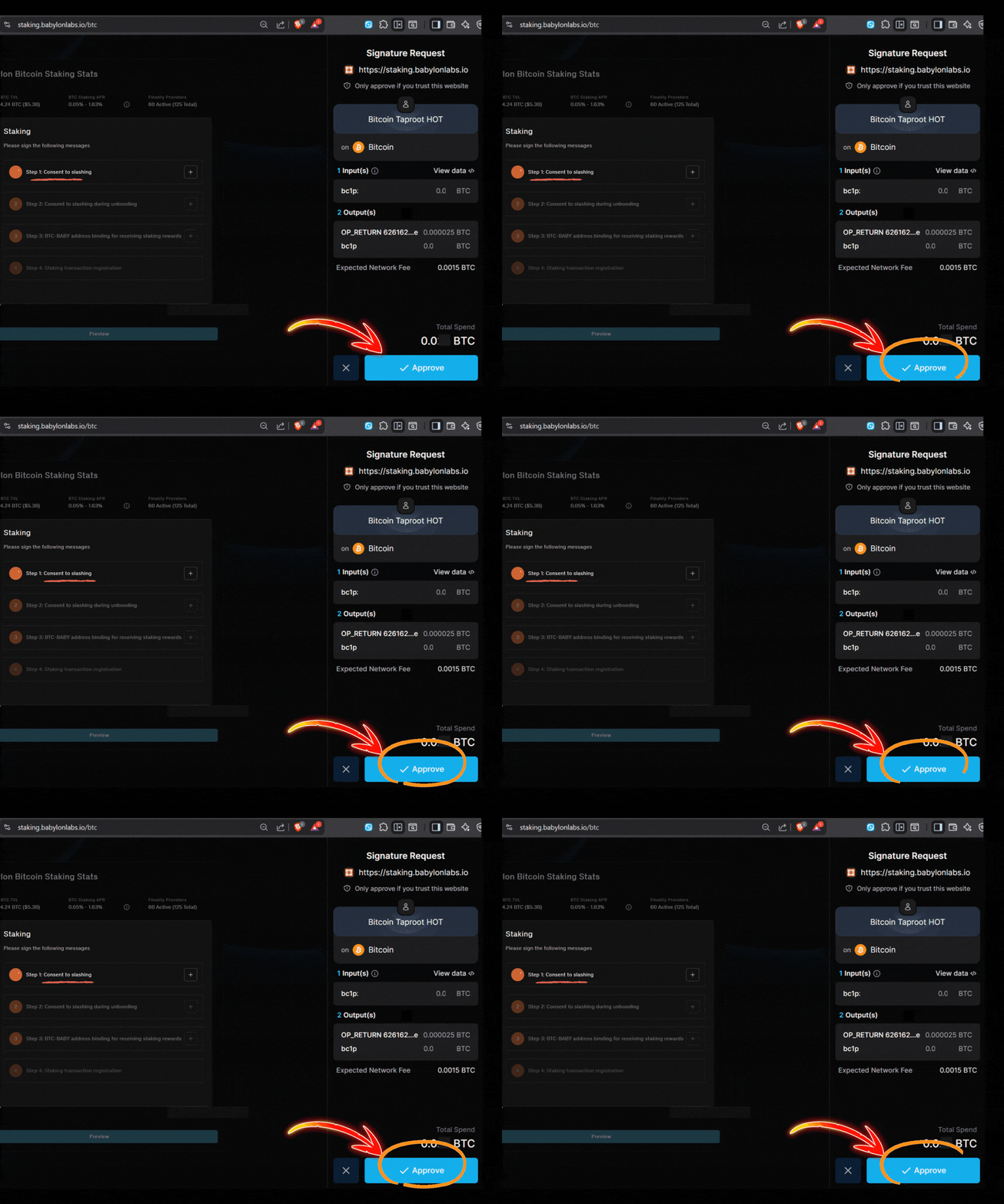
14. Click the final “Approve” transaction
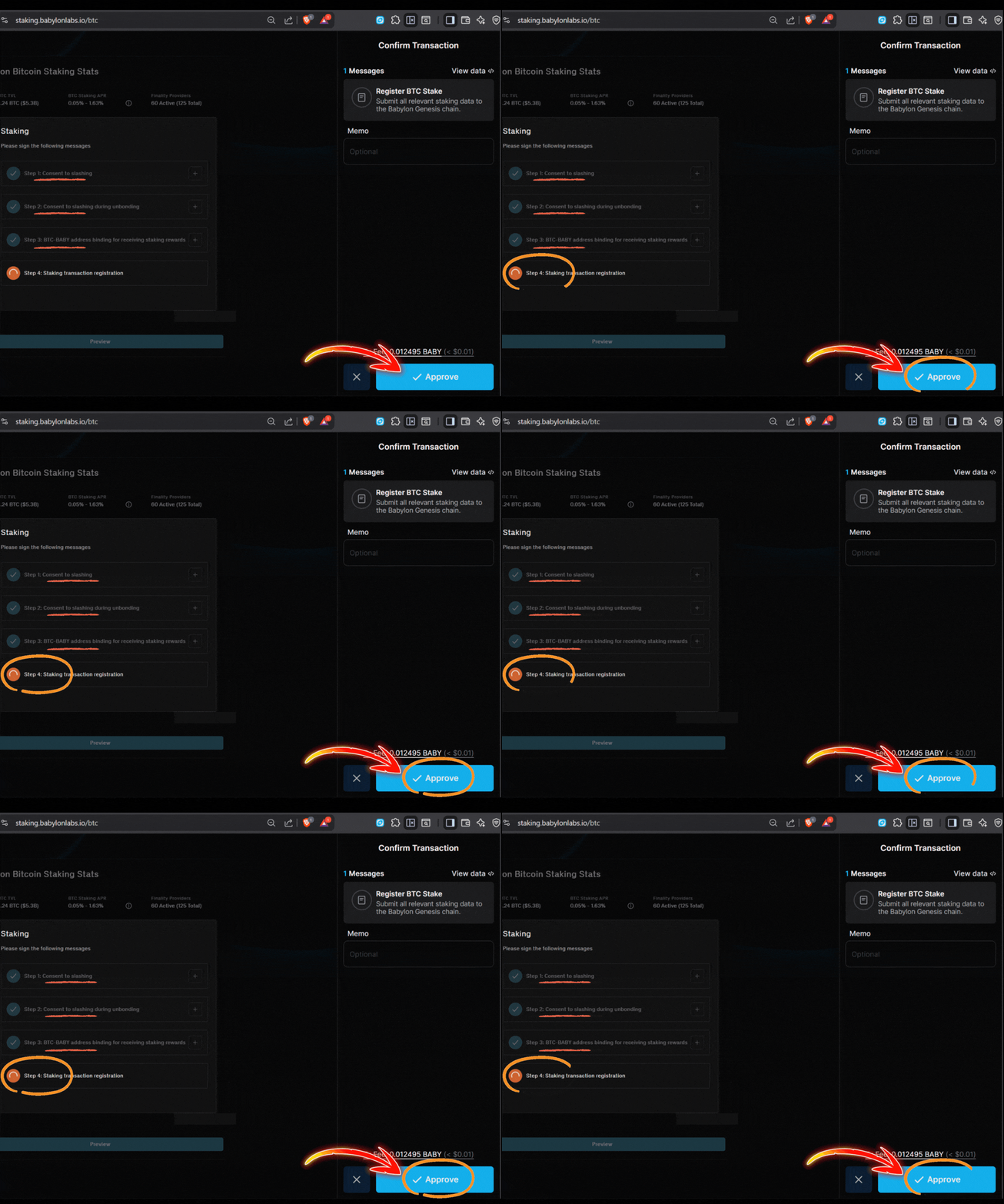
15. Click “Stake BTC” to prompt your wallet
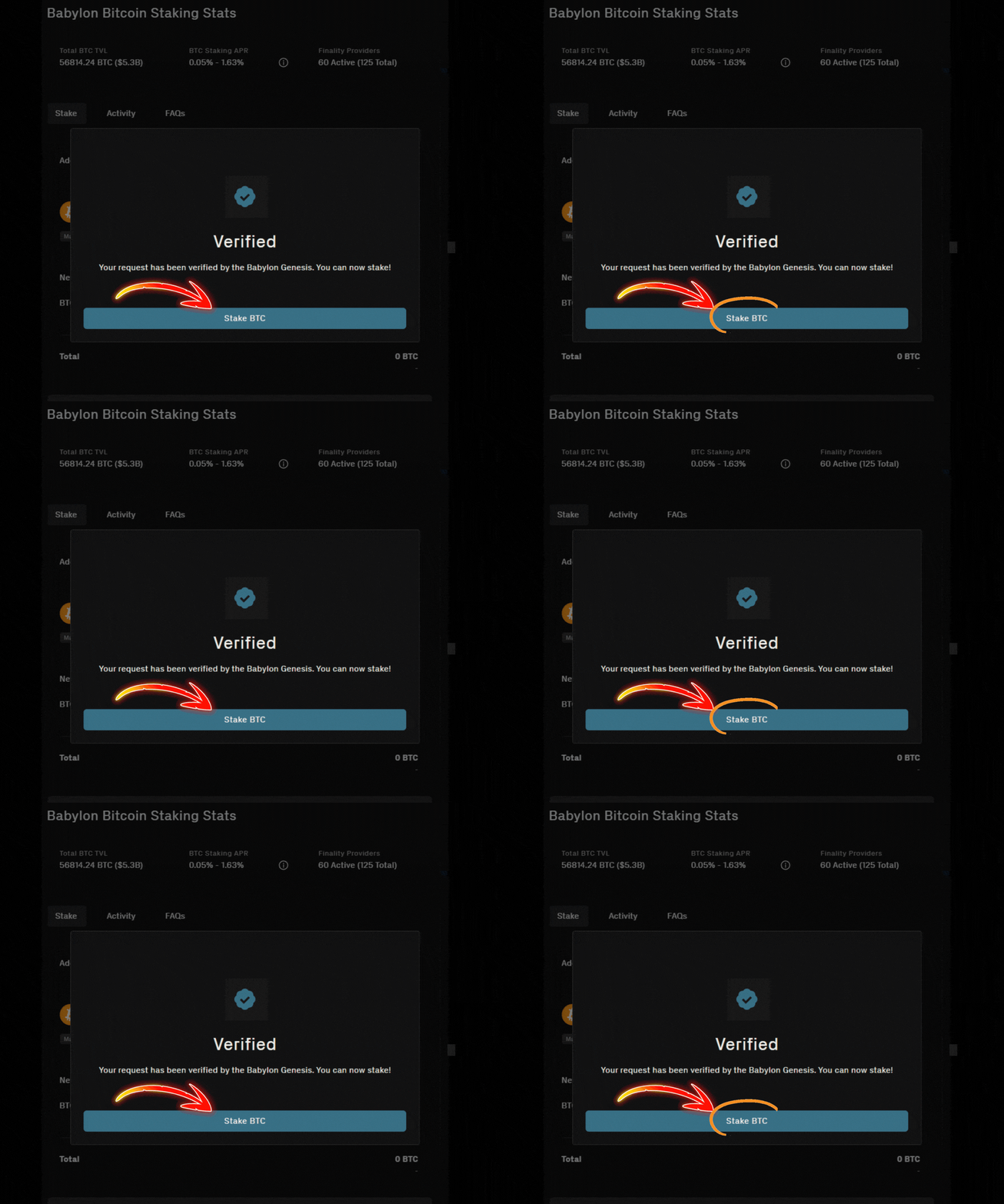
16. Click “Approve” to send it on-chain

You did it! Within an hour your BTC will be staked with Atlas.
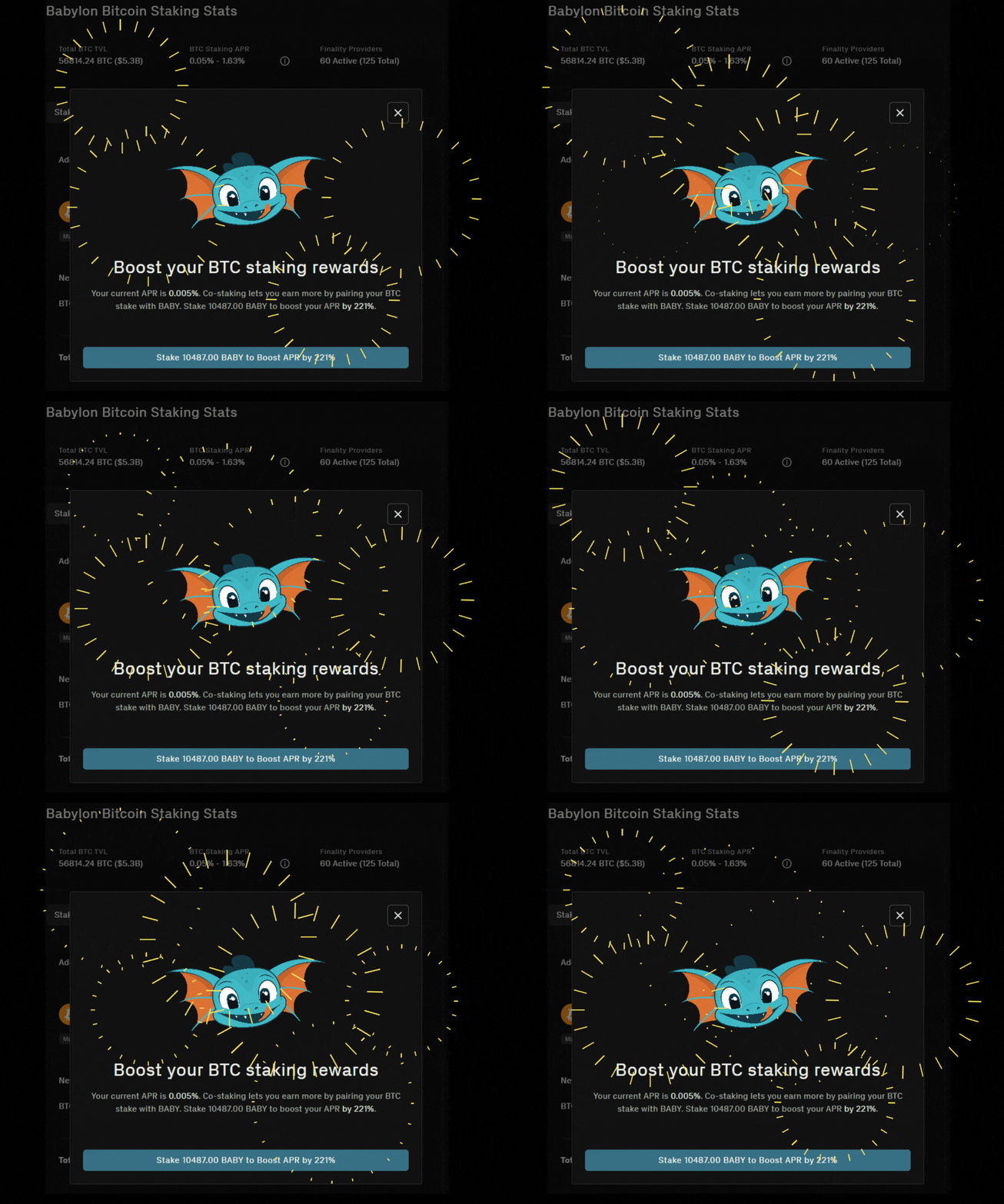
Staking both BABY and BTC can more than double your APY

PORTFOLIO MANAGEMENT & CRYPTO TAXES
Even if you live in a country that does not force you to pay tax on your staking rewards, using a good portfolio management tool is essential. It can enable you to spot an unauthorized transaction or hack and save your stack.
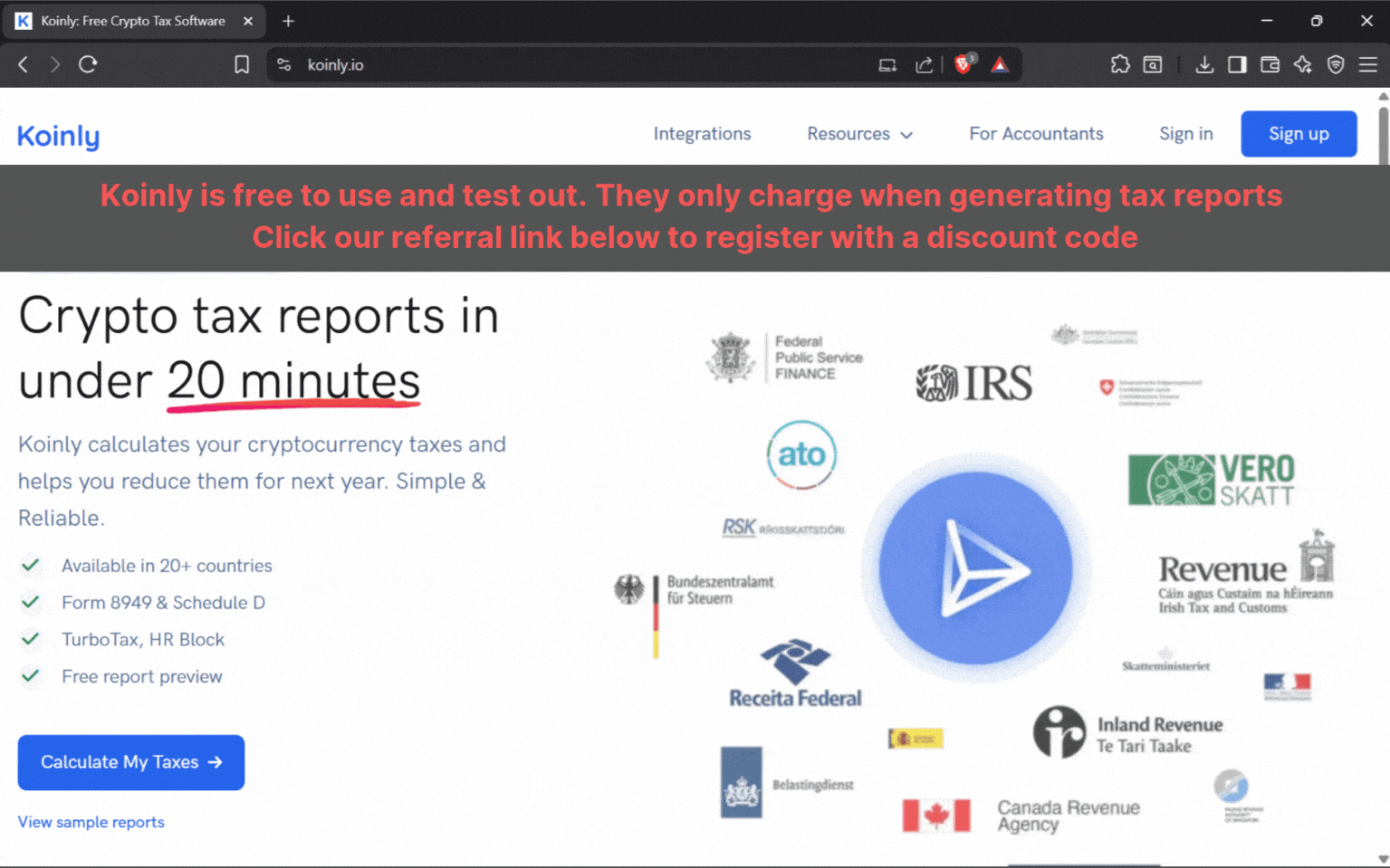
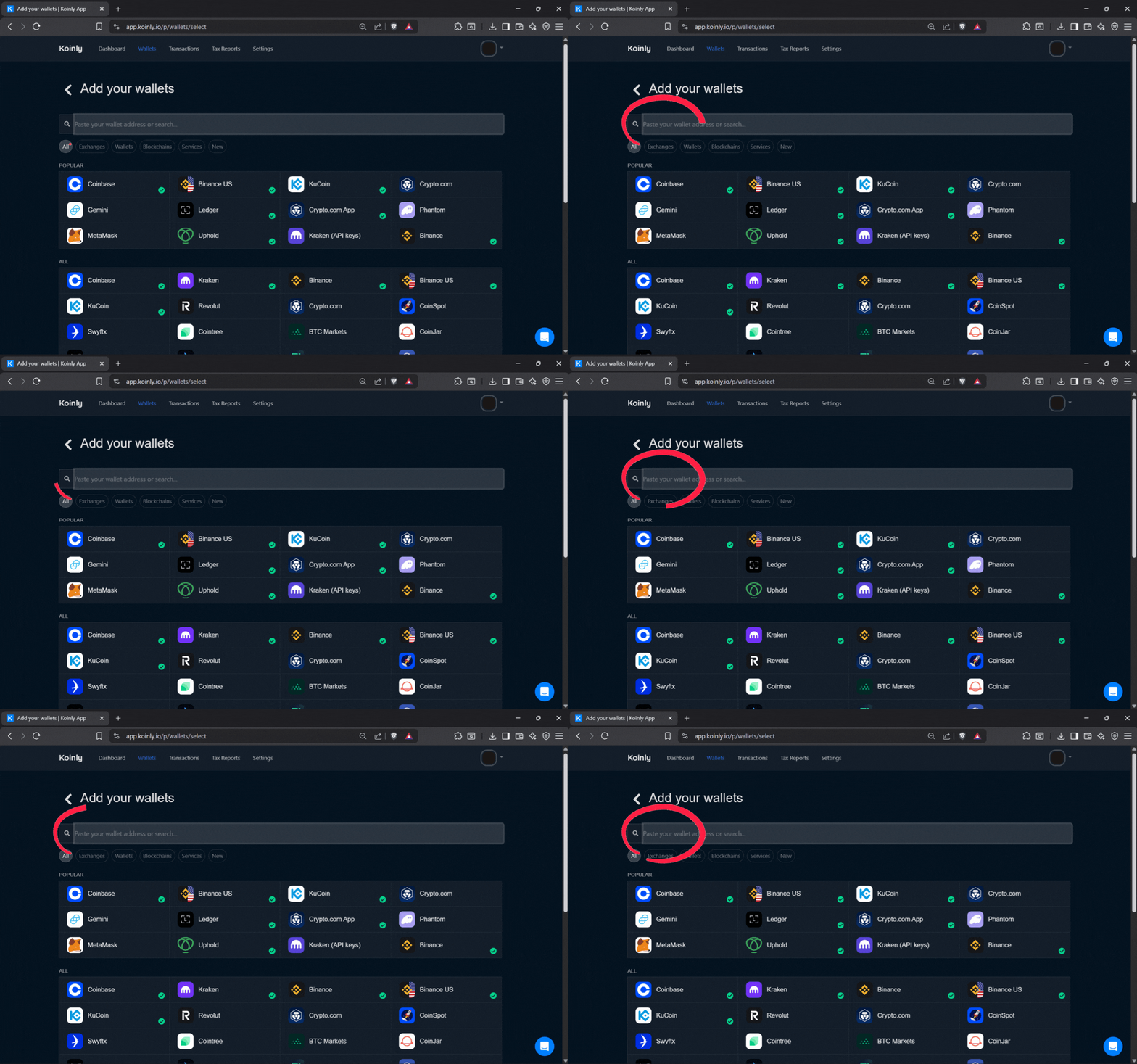
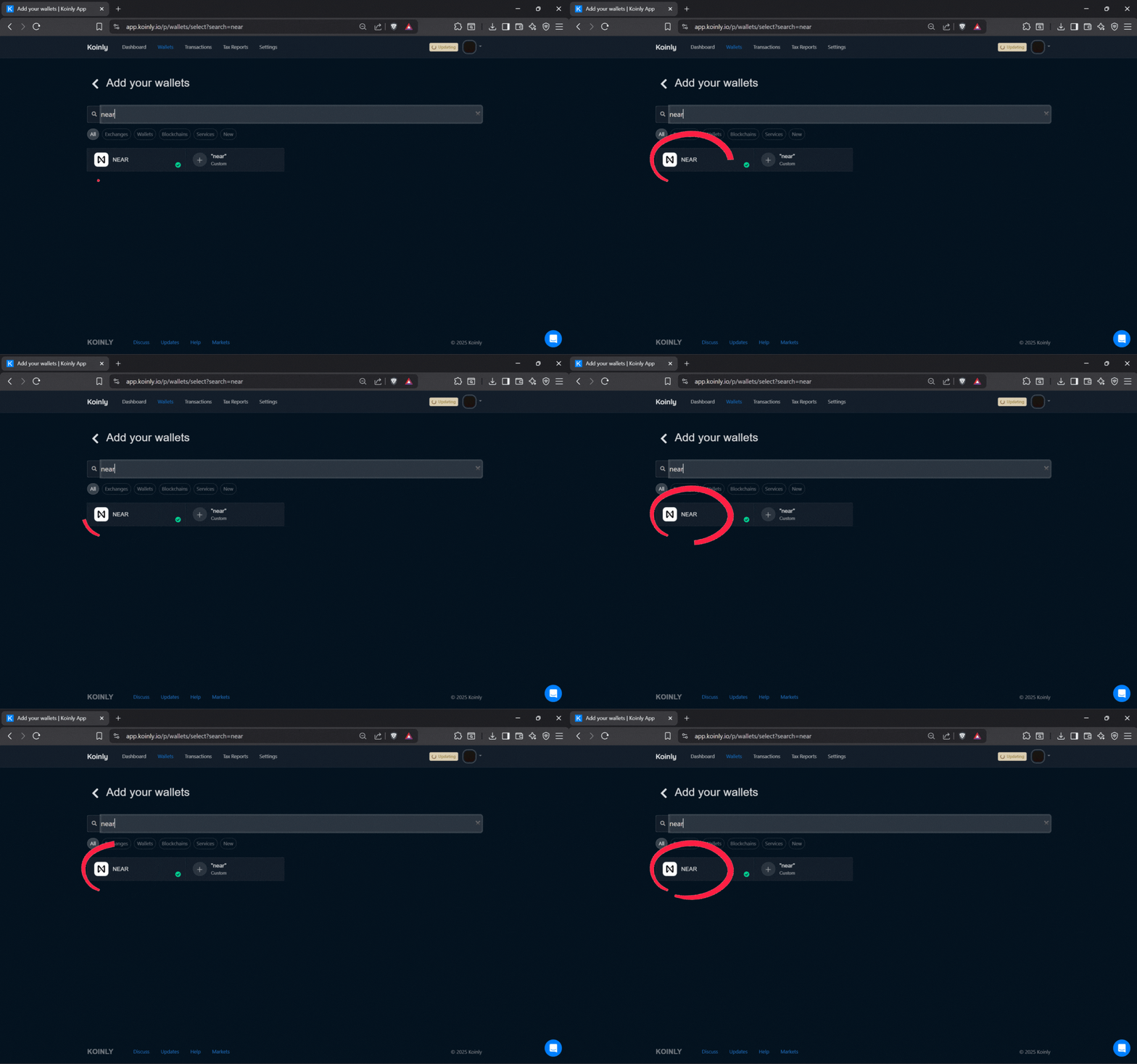
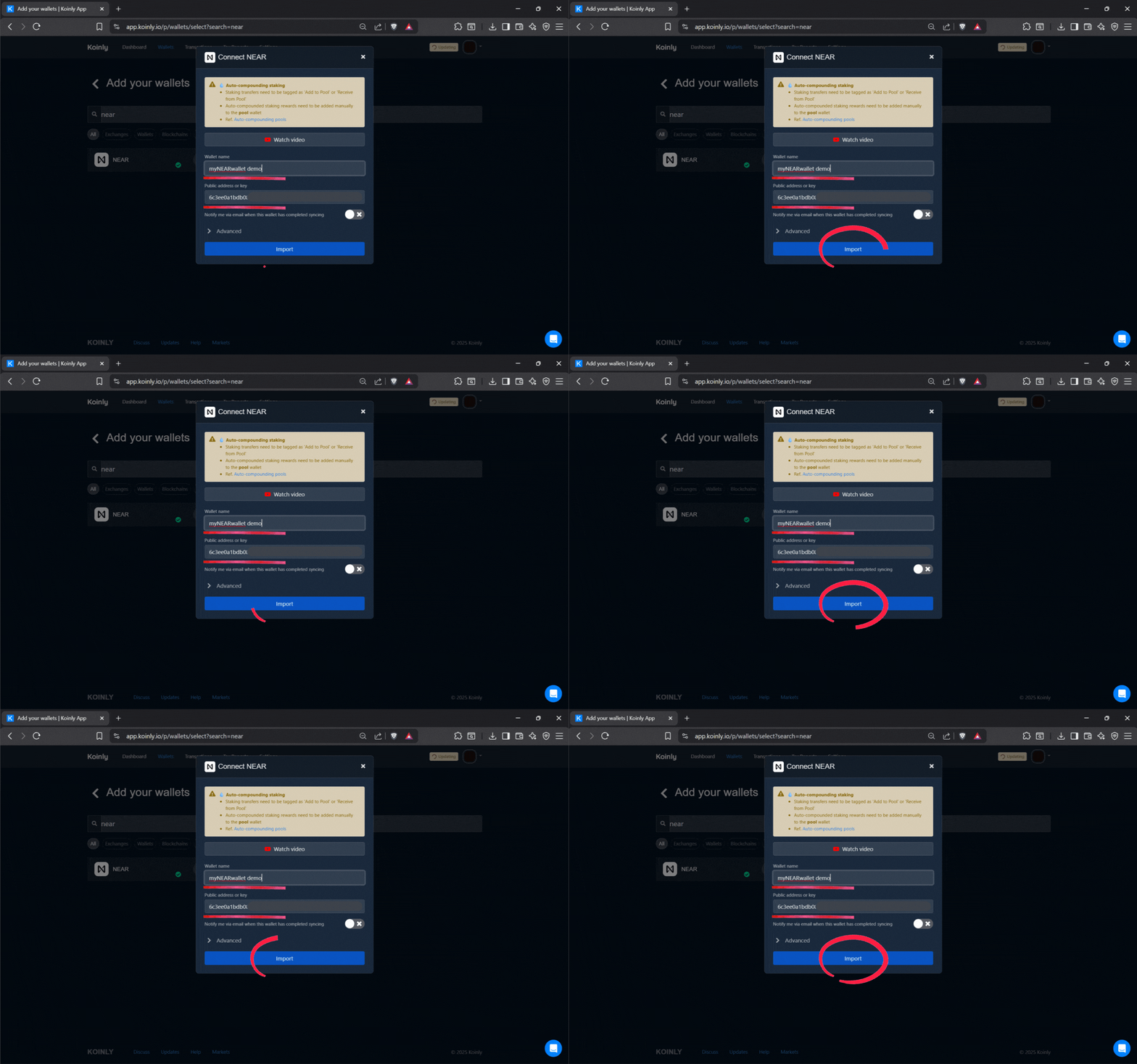
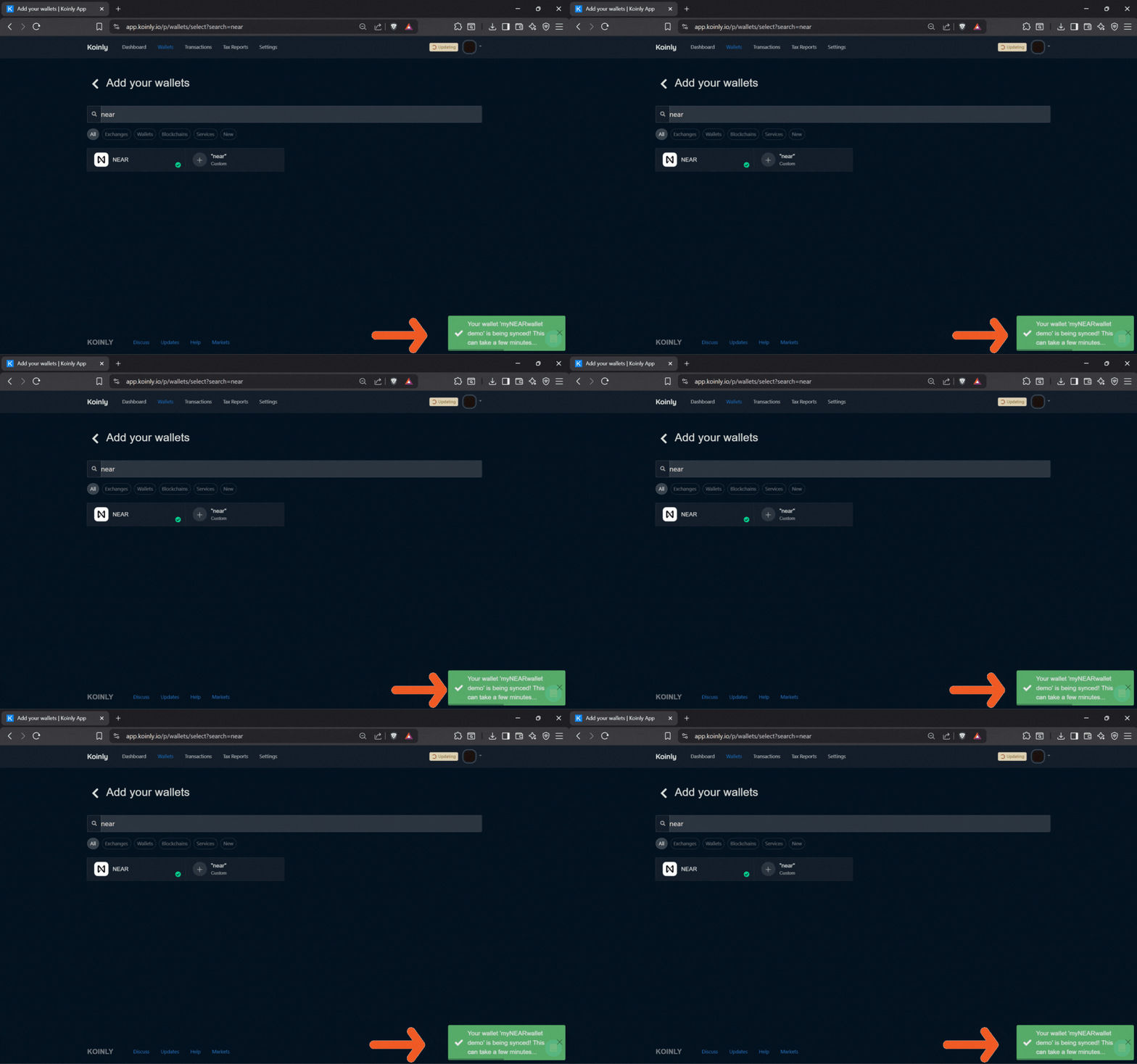
We tested several crypto tax platforms and Koinly wins. It’s easy to use and is free, unless you generate a tax report. It’s zero risk to try, but use our referral link below to lock in future discounts, just in case.
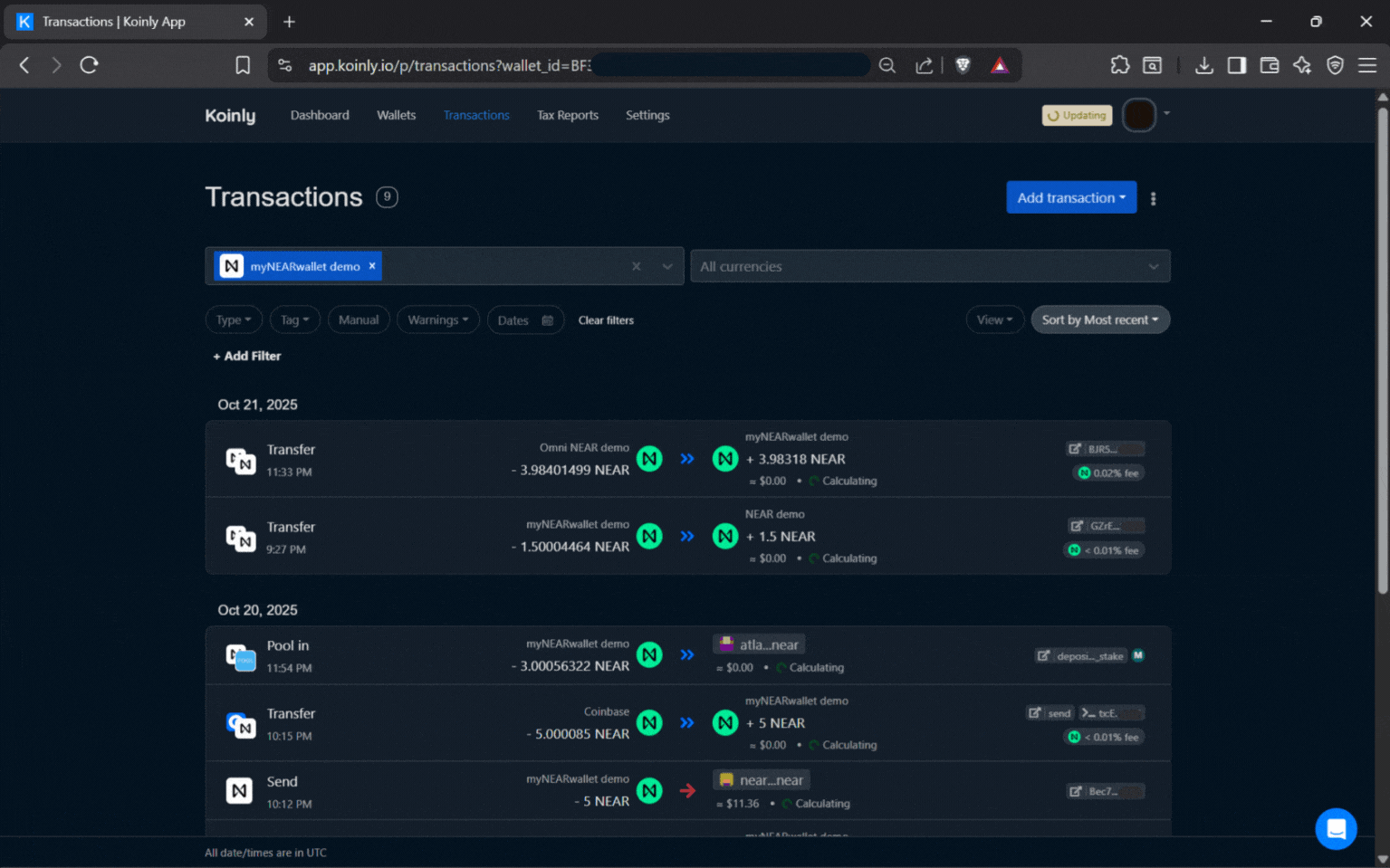
Hopefully our step-by-step Bitcoin staking guide has shown you how easy it is to put your idle BTC to work. If you have any questions at all, please reach out. We view our delegators as staking partners and would love to hear from you.
FREQUENTLY ASKED QUESTIONS
What is Bitcoin staking on Babylon?
Bitcoin staking on Babylon is a way to lock your BTC on the Bitcoin blockchain and use it to secure the Babylon network while earning rewards, without wrapping or bridging your coins. It lets long-term Bitcoin holders turn idle BTC into a productive asset that still respects Bitcoin’s self-custody and security principles.
Do I lose custody of my BTC when I stake through Babylon?
No, you do not hand over custody of your BTC when you stake through Babylon. Your Bitcoin is locked in a transparent, on-chain vault where you control the keys and authorize the staking transaction from your own wallet. The staking lock restricts movement for the staking period, but ownership always stays with you.
Why should I choose Atlas Staking as my Finality Provider?
Atlas Staking is focused on reliability, security, and long-term alignment with delegators. We’re a professional operation set up to maintain high uptime and have some of the best customer service in crypto. Plus, you keep full control of your BTC in your own wallet. We never take custody.
What wallets do I need to stake BTC on Babylon?
To stake BTC on Babylon, you need a wallet that supports the Bitcoin network and the Cosmos wallets do. So, we use Keplr for both connections (BTC and BABY) to the Babylon dashboard.
How are BTC staking rewards calculated on Babylon?
Rewards on Babylon depend on several factors, including the total amount of BTC staked, protocol-level reward parameters, and the commission rate of your chosen Finality Provider. Your individual rewards reflect your share of the total staking pool after provider commissions, so delegating to a well-run provider like Atlas can help you capture consistent yield.
Can I unstake my Bitcoin anytime?
When you decide to exit, you initiate an unstaking transaction through the Babylon interface, sign it with your BTC wallet, and wait for the protocol’s unbonding period (around 2 days) to complete before your BTC is fully free to move again.
Is staking BTC on Babylon risky?
Like any on-chain activity, staking BTC on Babylon carries technical and protocol risk, but it is designed to avoid the custodial risks of centralized platforms. You keep control of your private keys, stake natively from your own wallet, and delegate to a transparent Finality Provider such as Atlas Staking, which helps reduce counterparty risk compared to handing BTC to exchanges or opaque yield products.
How does staking BTC on Babylon fit into a long-term Bitcoin strategy?
Staking BTC fits naturally into a long-term “buy and hold” Bitcoin strategy by letting you earn additional yield on coins you were already planning to keep. Instead of leaving BTC idle in a wallet or on an exchange, you can lock it through Babylon, delegate to Atlas Staking, support network security, and potentially grow your stack over time without abandoning self-sovereignty.