
STAKE BAND IN KEPLR MOBILE
Staking BAND tokens using the Keplr mobile wallet is a powerful wayto put your crypto assets to work. Keplr has both mobile and browser extension versions. Both are terrific and easy for even the greenest of crypto-newbies to use.
This BAND staking guide will focus on using Keplr mobile. All versions of the wallet can be downloaded from the official Keplr website. Click the buttons below to view our other BAND staking tutorials.
COSMOS AIRDROPS
New projects and protocols give away tokens to attract users. Crypto rewards those who participate, so register today and collect your free crypto.
You’ll receive PROJECT DETAILS, TOKEN SYMBOL, SNAPSHOT DATES, ELIGIBILITY REQUIREMENTS, LINKS TO CLAIM AND LINKS TO STAKE.
Be sure to add info@atlasstaking.com to your contacts, so our email doesn’t go into your spam folder. You don’t want to miss out!
We will NEVER share or abuse your information
Why Keplr Mobile Wallet for BAND Staking?
Keplr mobile wallet is a standout Cosmos ecosystem wallet. It’s secure and simple to use. With support for dozens of chains and an elegant interface, Keplr allows you to seamlessly manage your crypto and stake many tokens in-wallet, like BAND.
Keplr is non-custodial, meaning only you control your keys and transactions. Here are a few standout features:
Effortless mobile staking with intuitive portfolio organization.
User-focused controls for validator selection, redelegation, and real-time reward tracking.
Allows governance participation—you can vote on proposals and influence network development.
Setting Up Keplr Mobile Wallet for BAND
Getting set up to manage and stake your crypto is straightforward. In a nutshell:
Step 1: Download and Install
Grab Keplr mobile from the official app store for iOS or Android. Create a new wallet, and carefully secure your seed phrase somewhere offline—a critical step for self-sovereign protection. Be sure to download our wallet security infographic.
Step 2: Add BAND Network
After setup, add Band Protocol to your Keplr wallet by selecting it from the list of supported chains. Adding networks is fast, and your BAND dashboard will appear instantly.
Step 3: Fund Your Wallet
Transfer BAND tokens from your favorite exchange or another wallet to the BAND receiving address shown in Keplr. Always leave a small amount of BAND to cover upcoming transaction fees.

Step-by-Step Guide to Staking BAND with Keplr Mobile
Key Takeaways:
1. Tap Band from your wallet home screen
2. Tap the “Stake” button
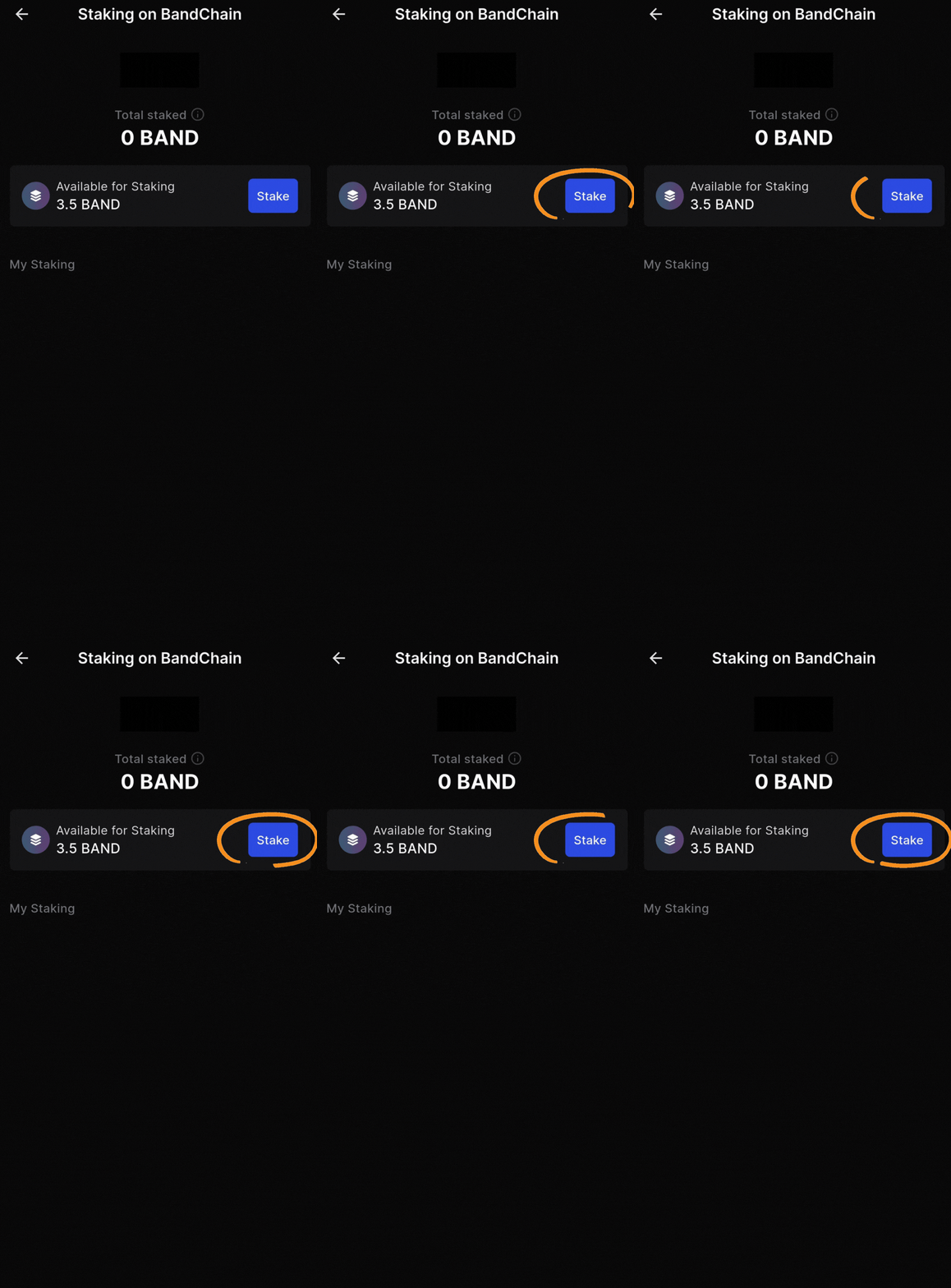
3. Tap the “Stake” button again on the next screen
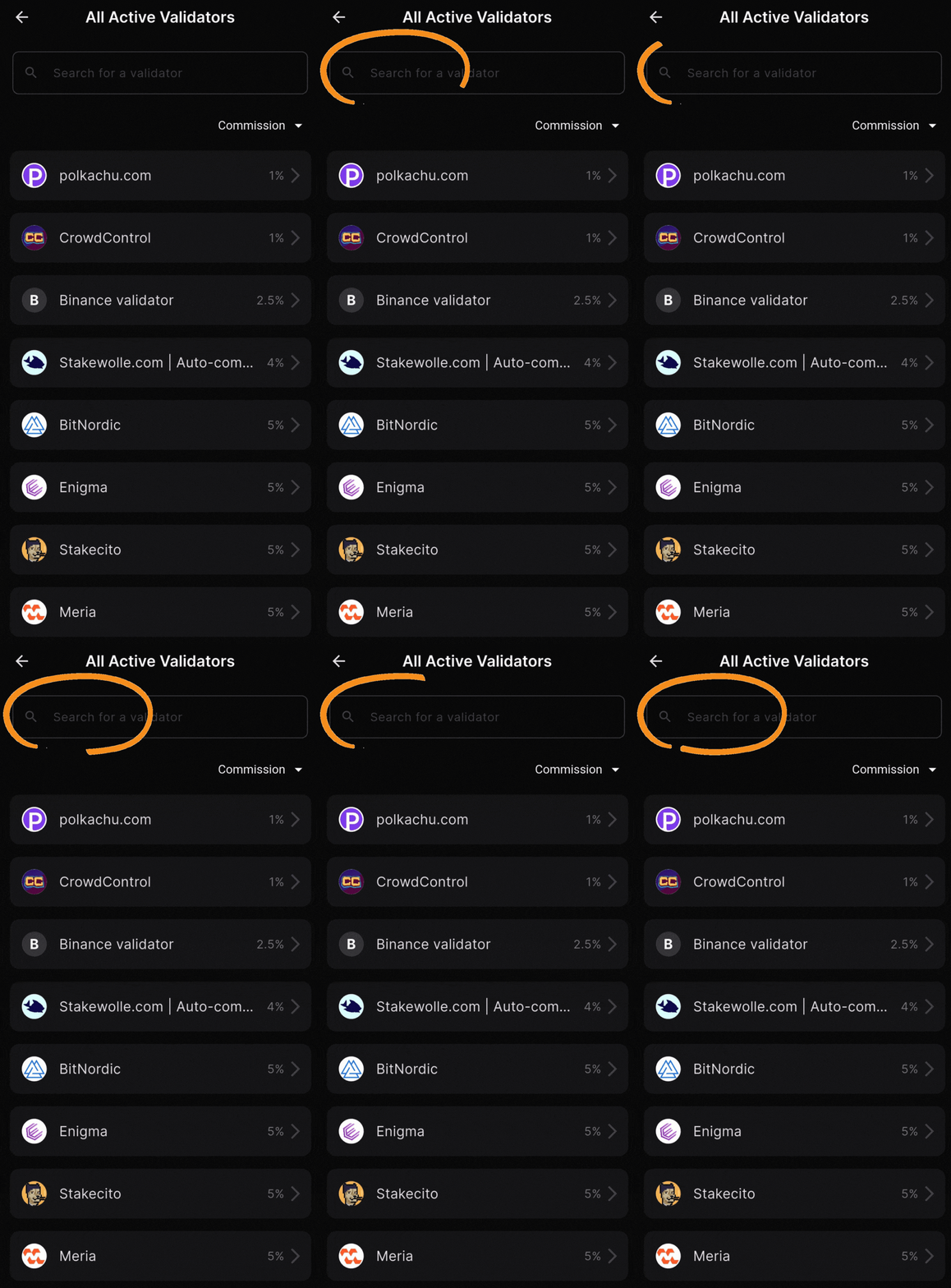
4. Type “Atlas Staking” in the validator search box
5. Tap on our name and logo to select us
6. Tap “Stake” on the next screen
7. Enter the number of BAND tokens you’d like to stake
8. Tap “Next”
9. Tap “Approve” to send the transaction on-chain
1. Tap Band from your wallet home screen
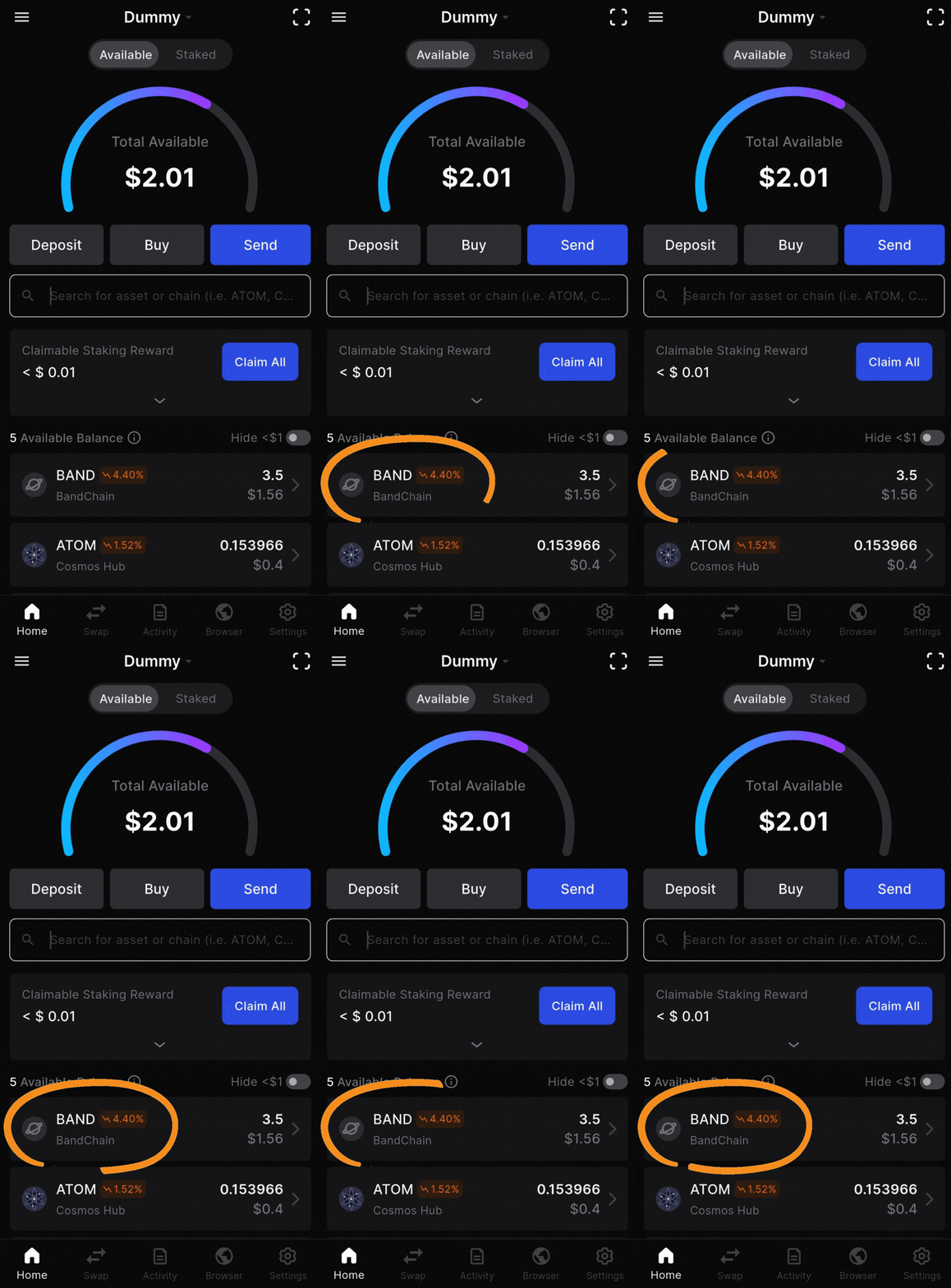
2. Tap the “Stake” button next to “Start Staking”
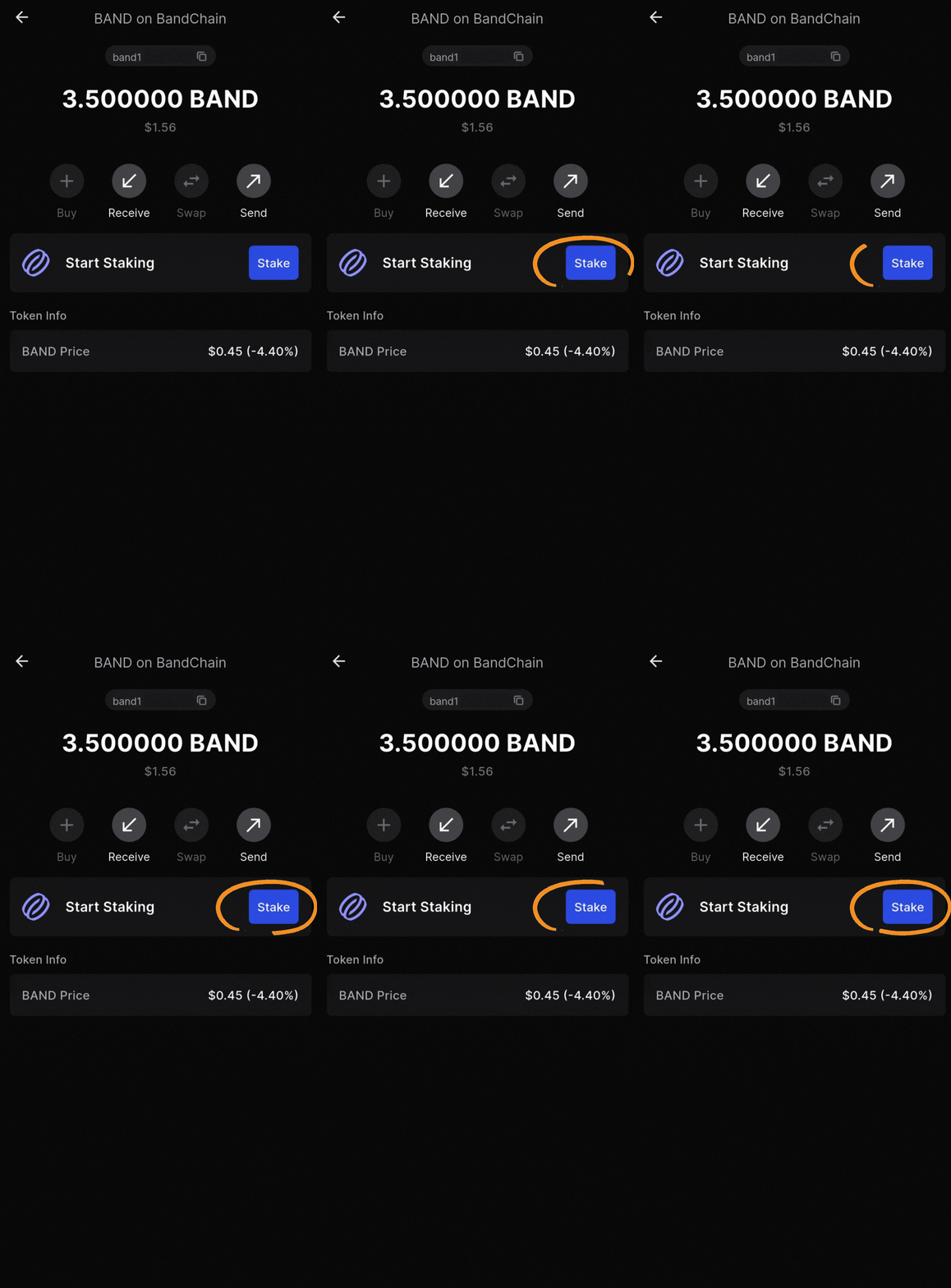
3. Tap the “Stake” button again, next to your available BAND tokens.
4. Type “Atlas Staking” in the validator search box
5. Tap on our name and logo to select us
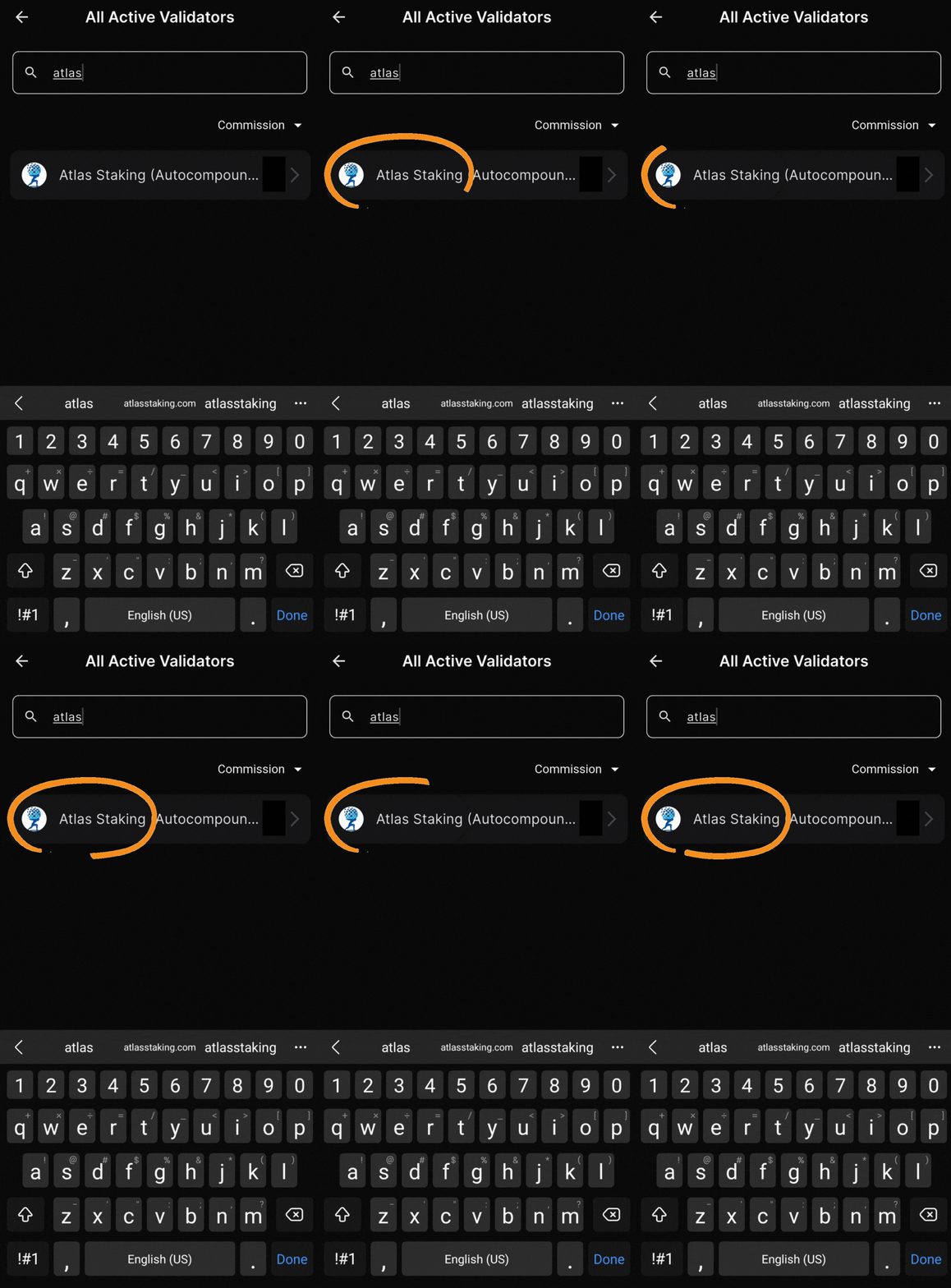
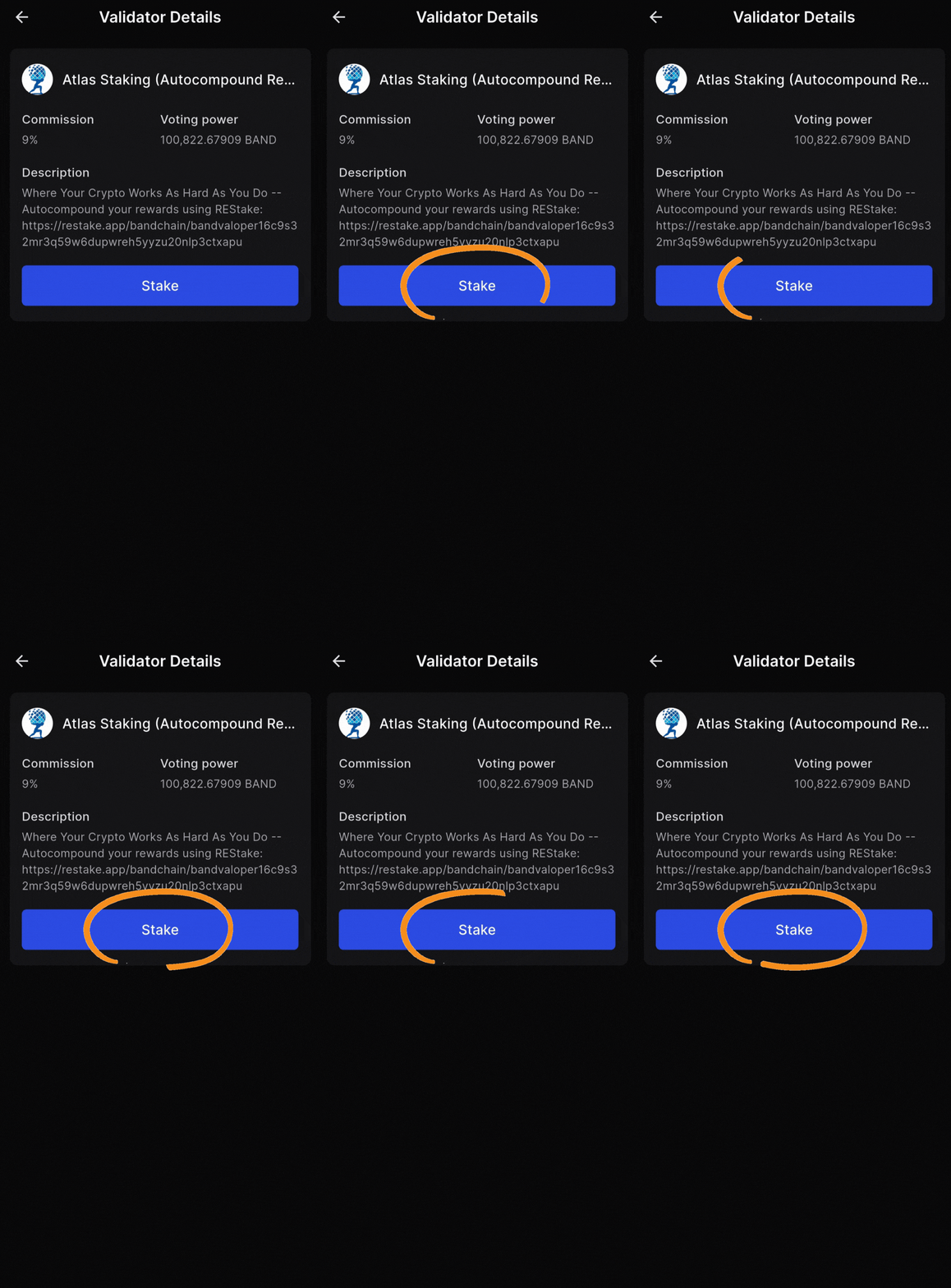
6. Tap “Stake” on the next screen
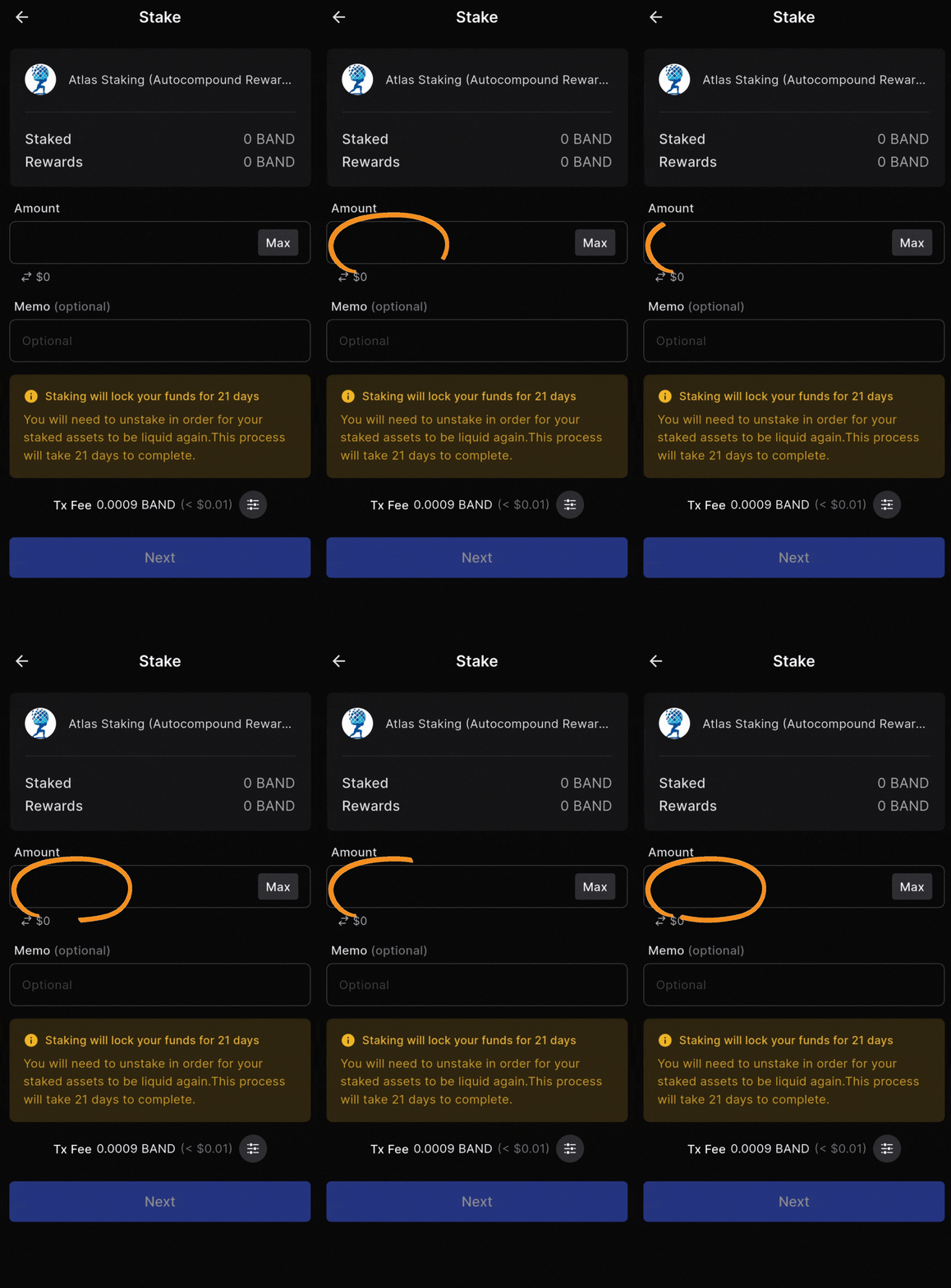
7. Enter the number of BAND tokens you’d like to stake
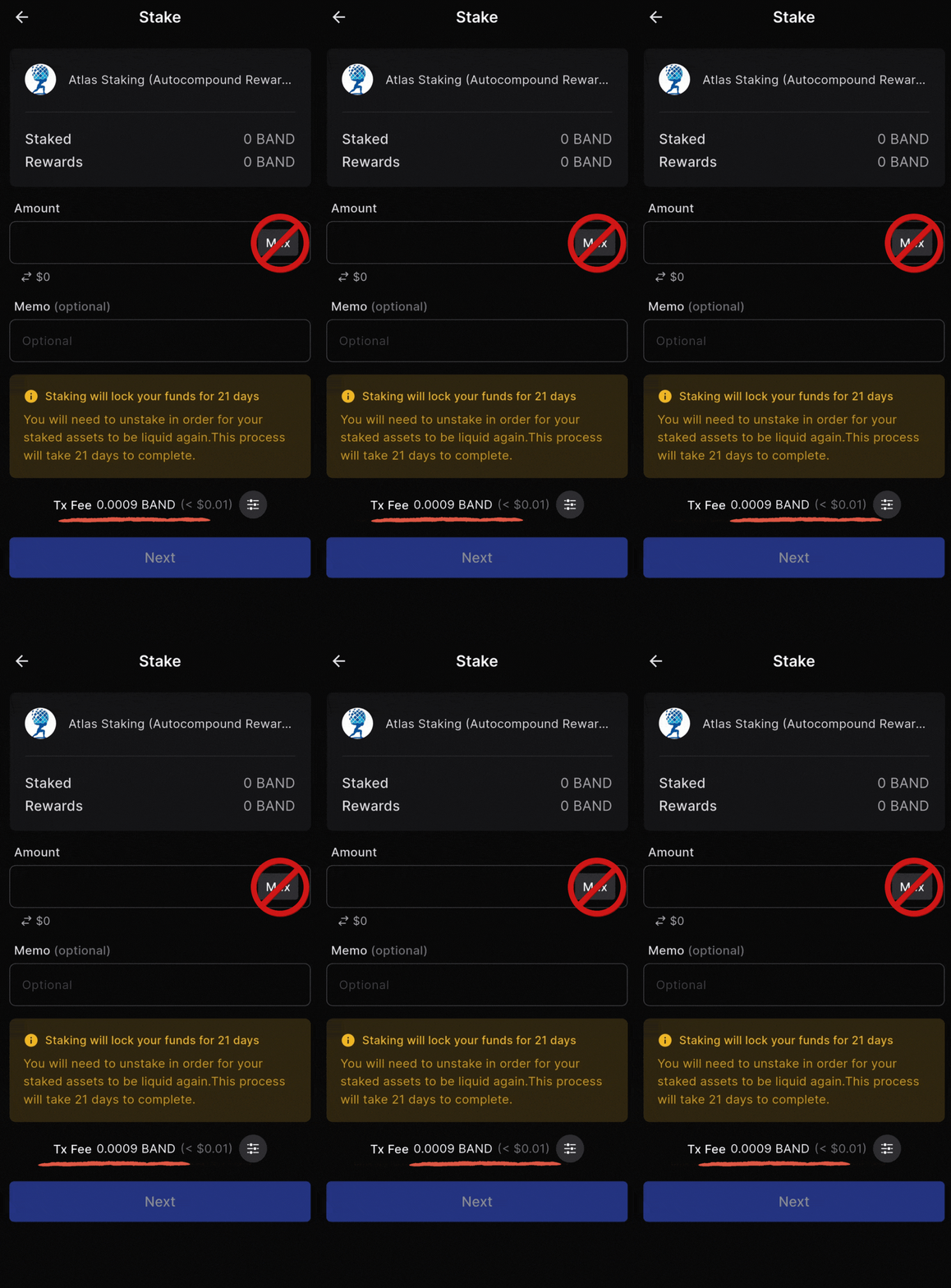
Never stake 100% of your tokens. Leave spare change to pay future fees
8. Tap “Next”
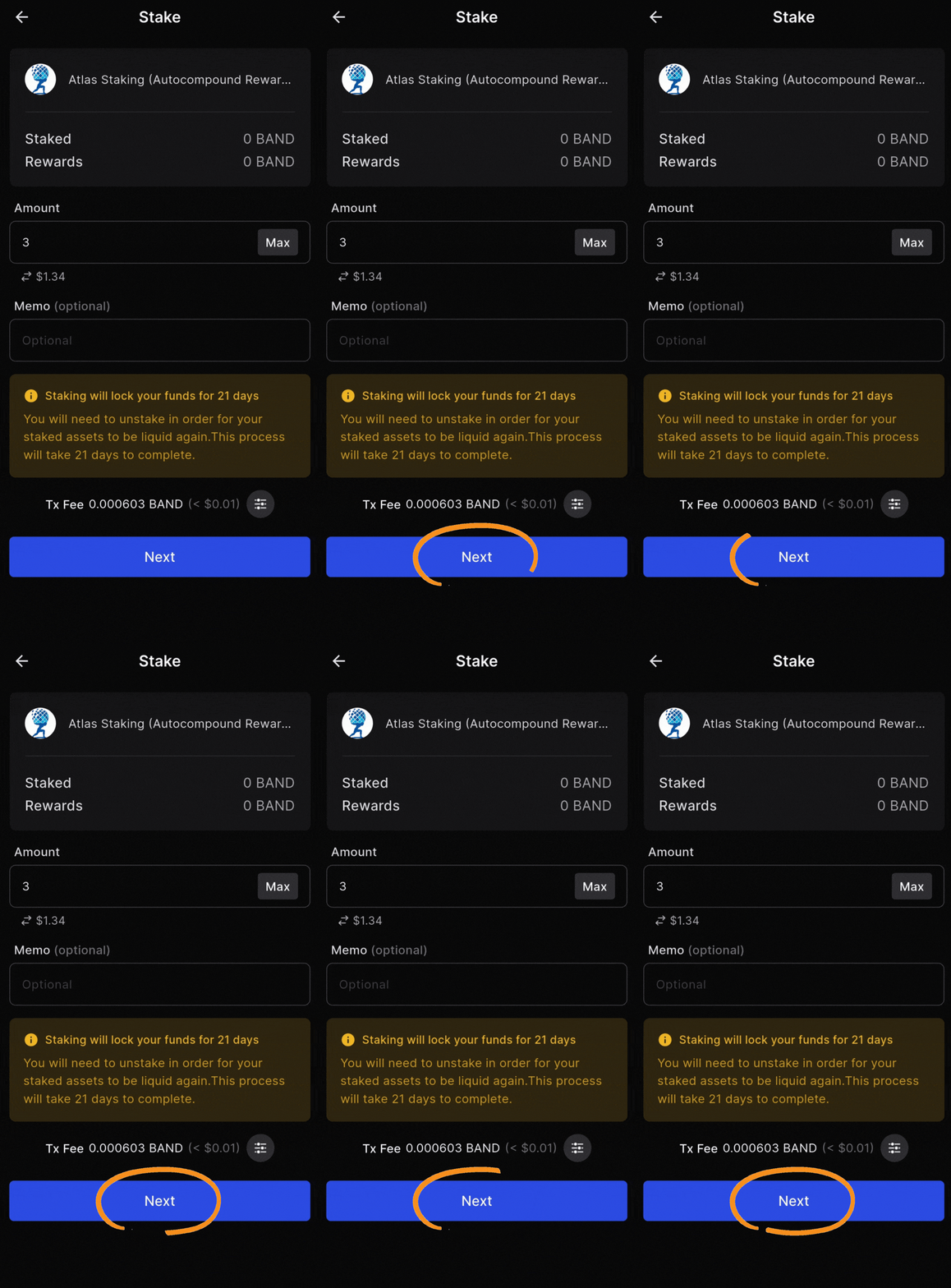
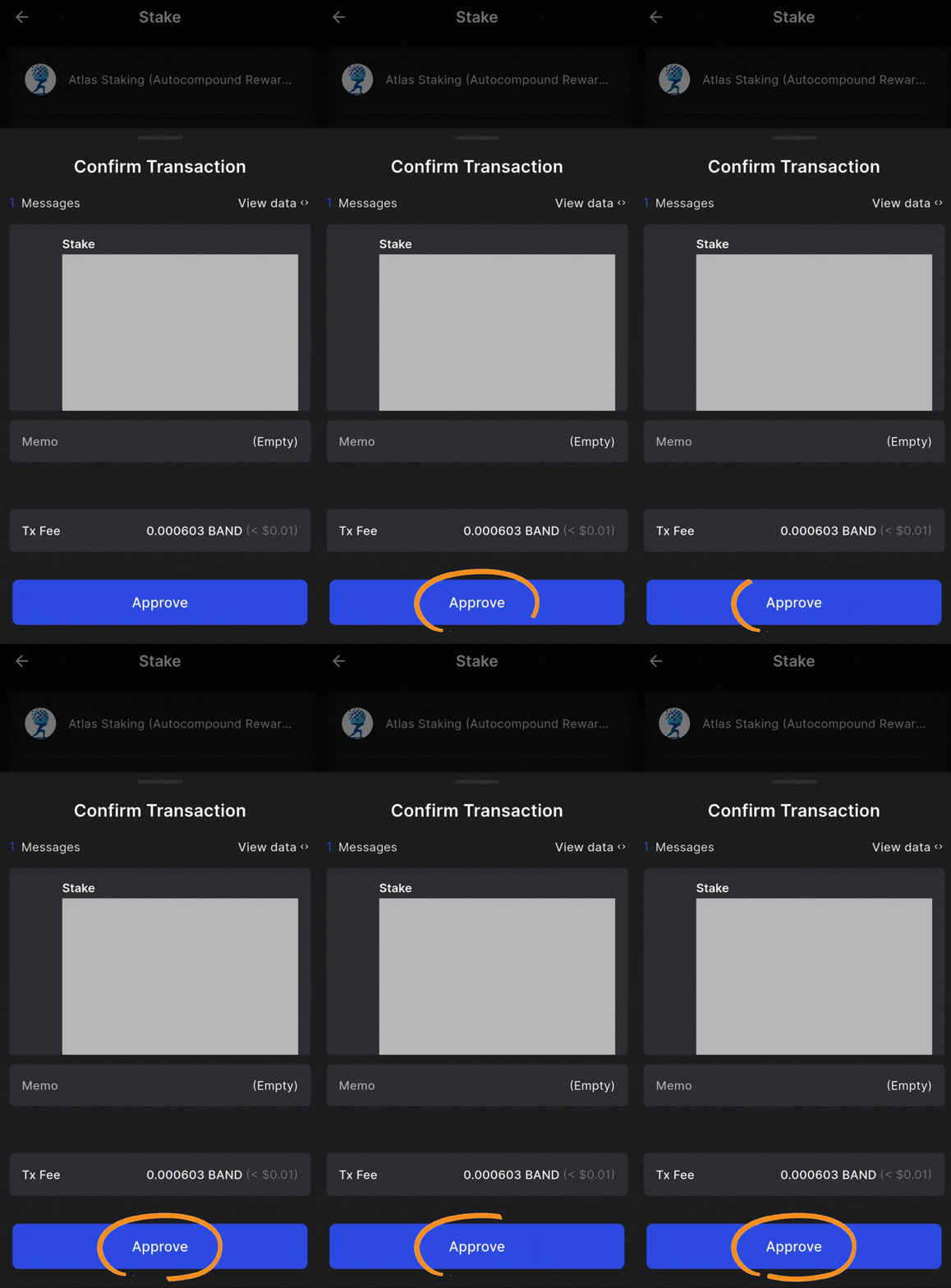
9. Tap “Approve” to send the transaction on-chain
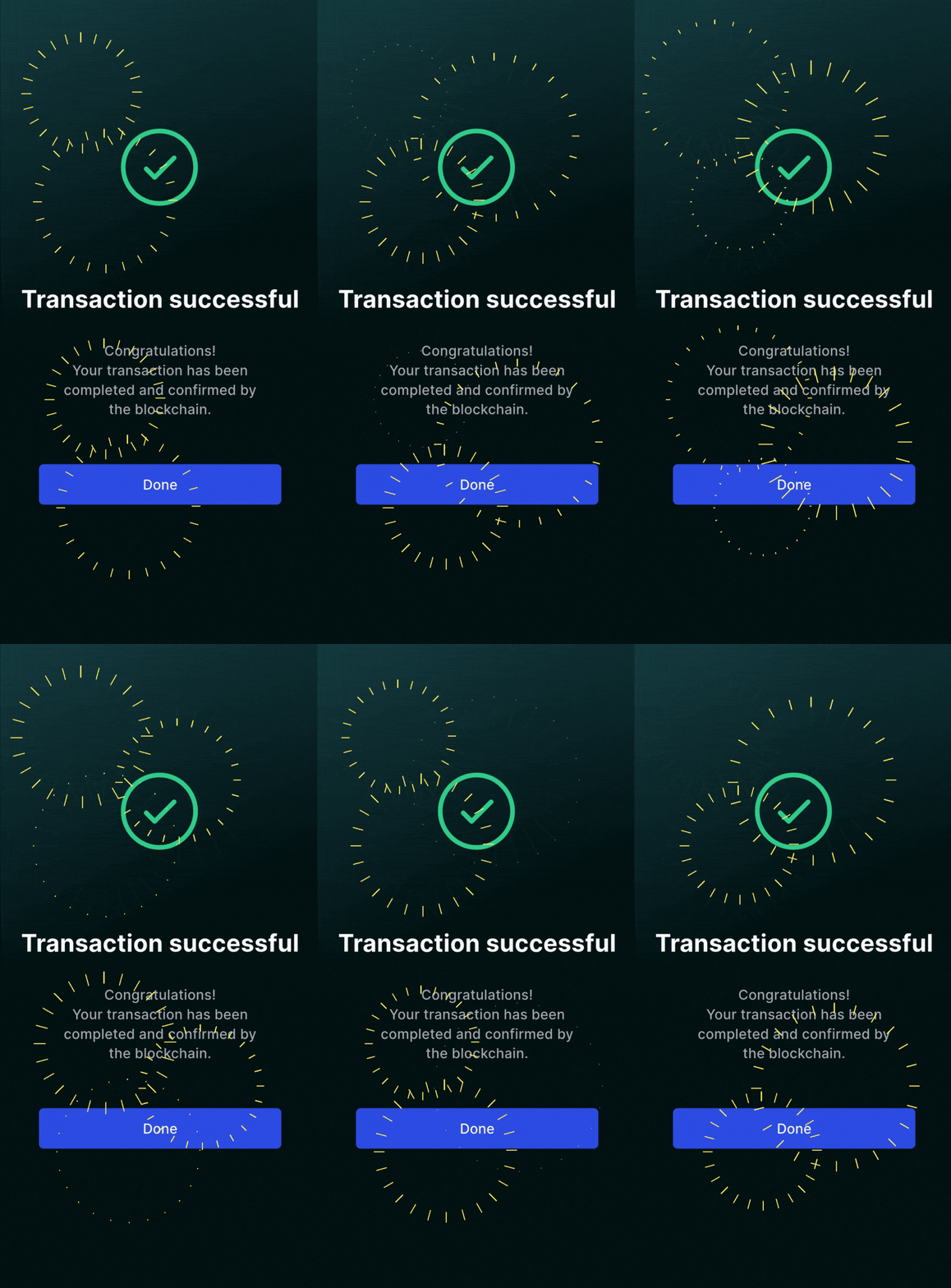
Your BAND is now reliable earning staking rewards!
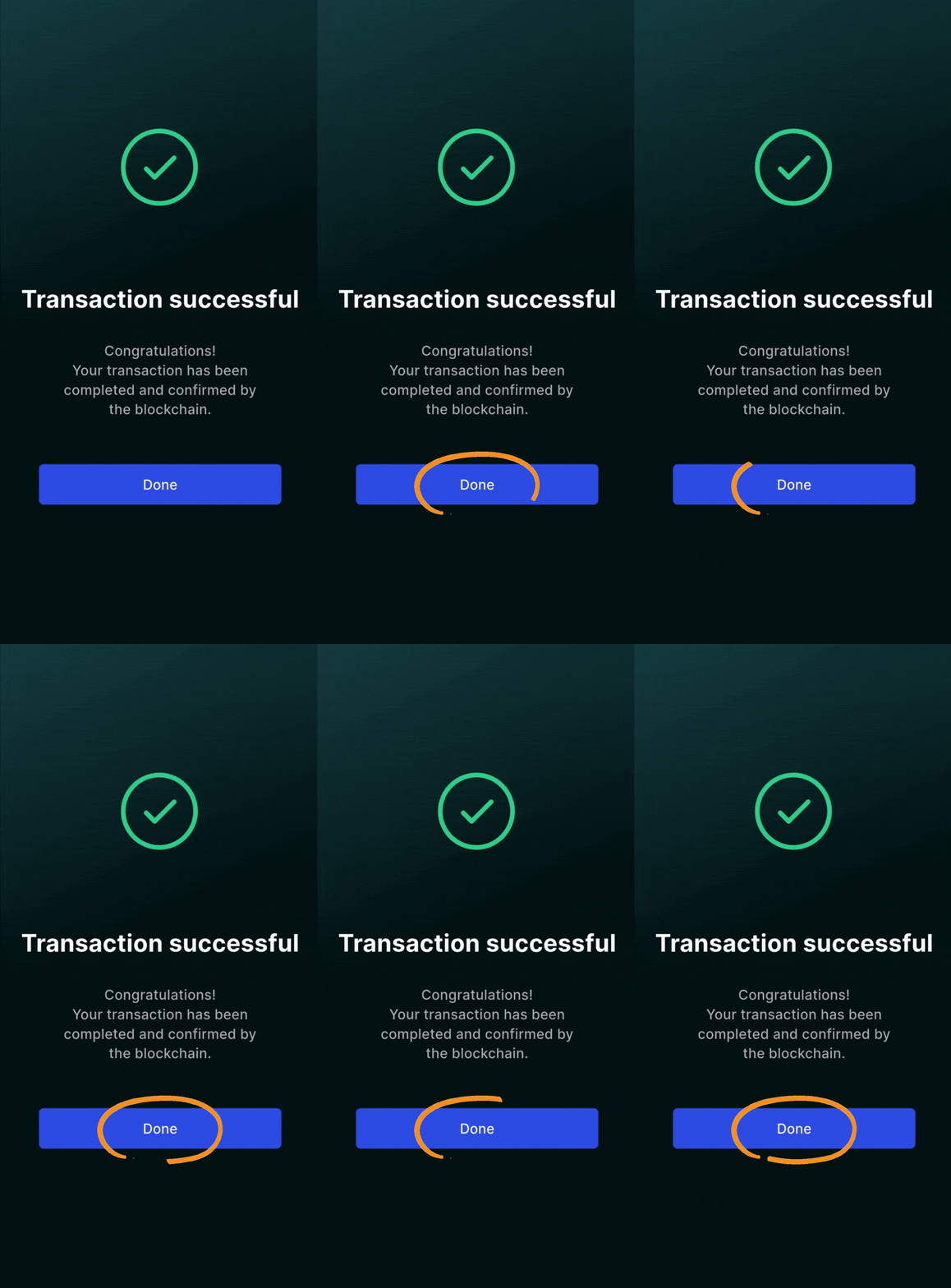
Tap “Done” to be taken back to your wallet home page
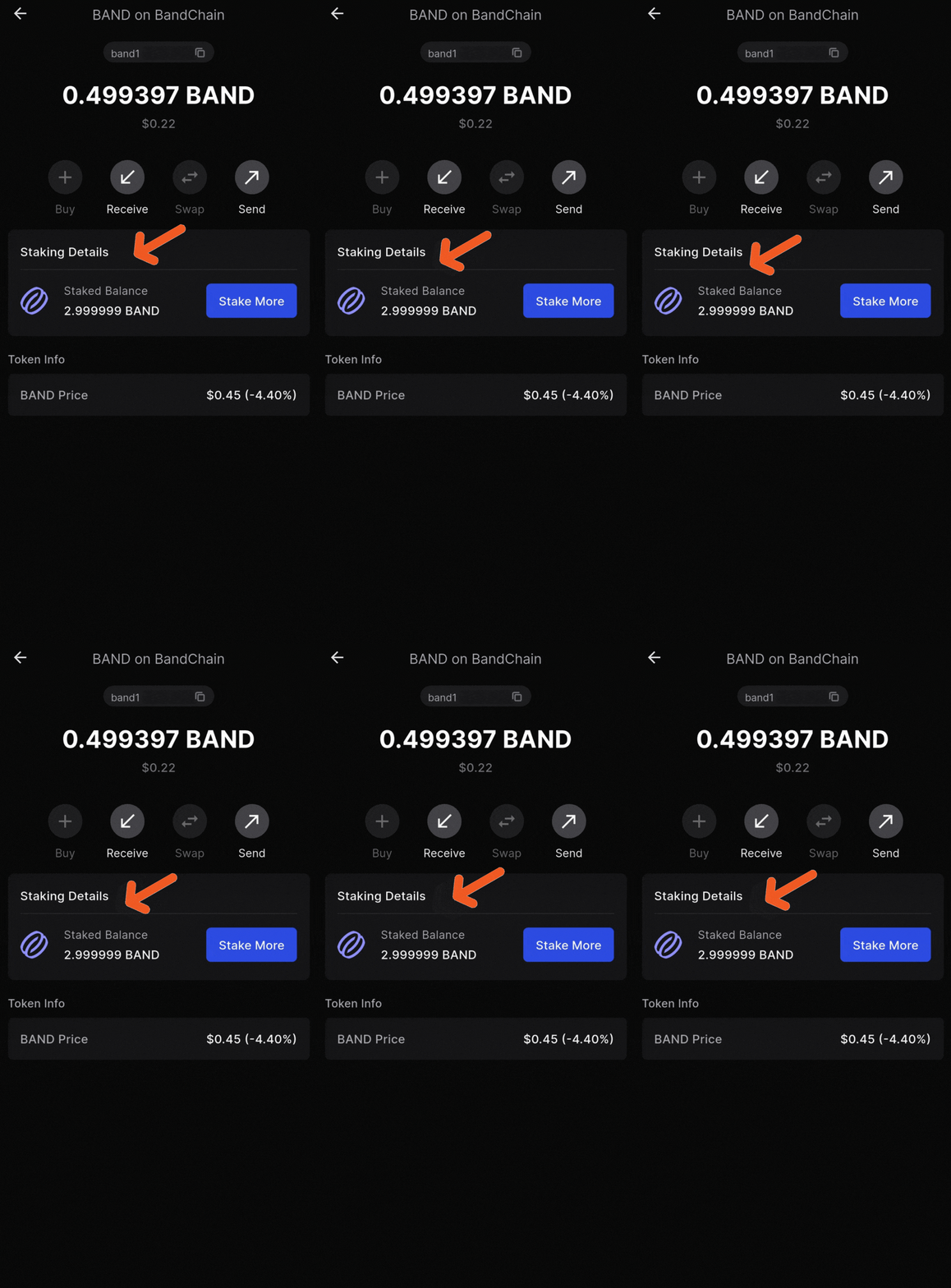
Tap “Staked” at the top of the screen or tap BAND
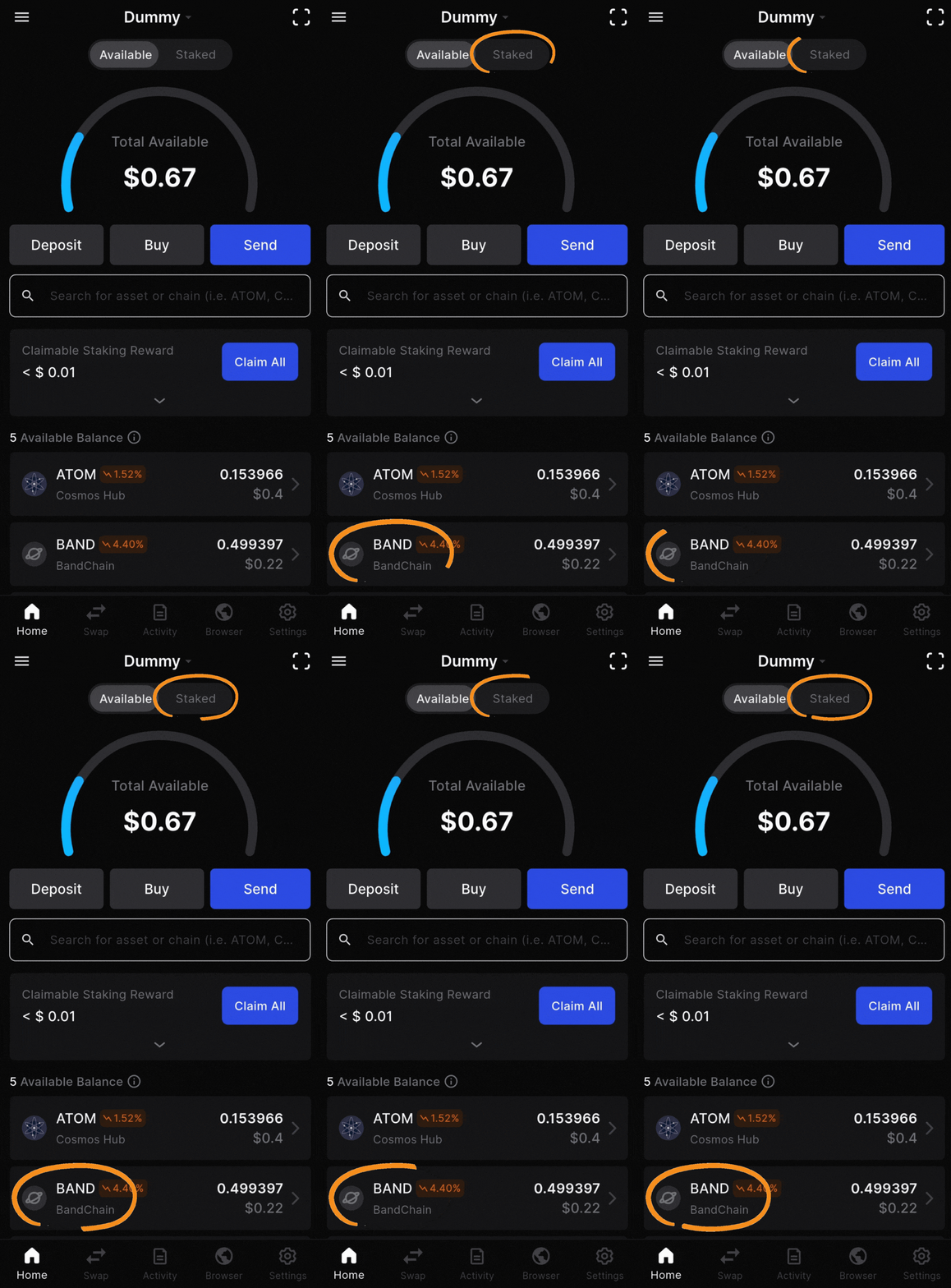
Here you will see and manage your staked BAND tokens
CRYPTO TAXES AND PORTFOLIO MANAGEMENT
If you live in the United States you must pay taxes on your staking rewards. If you’re lucky enough to live somewhere that doesn’t tax your crypto, portfolio management tools can still be really helpful.
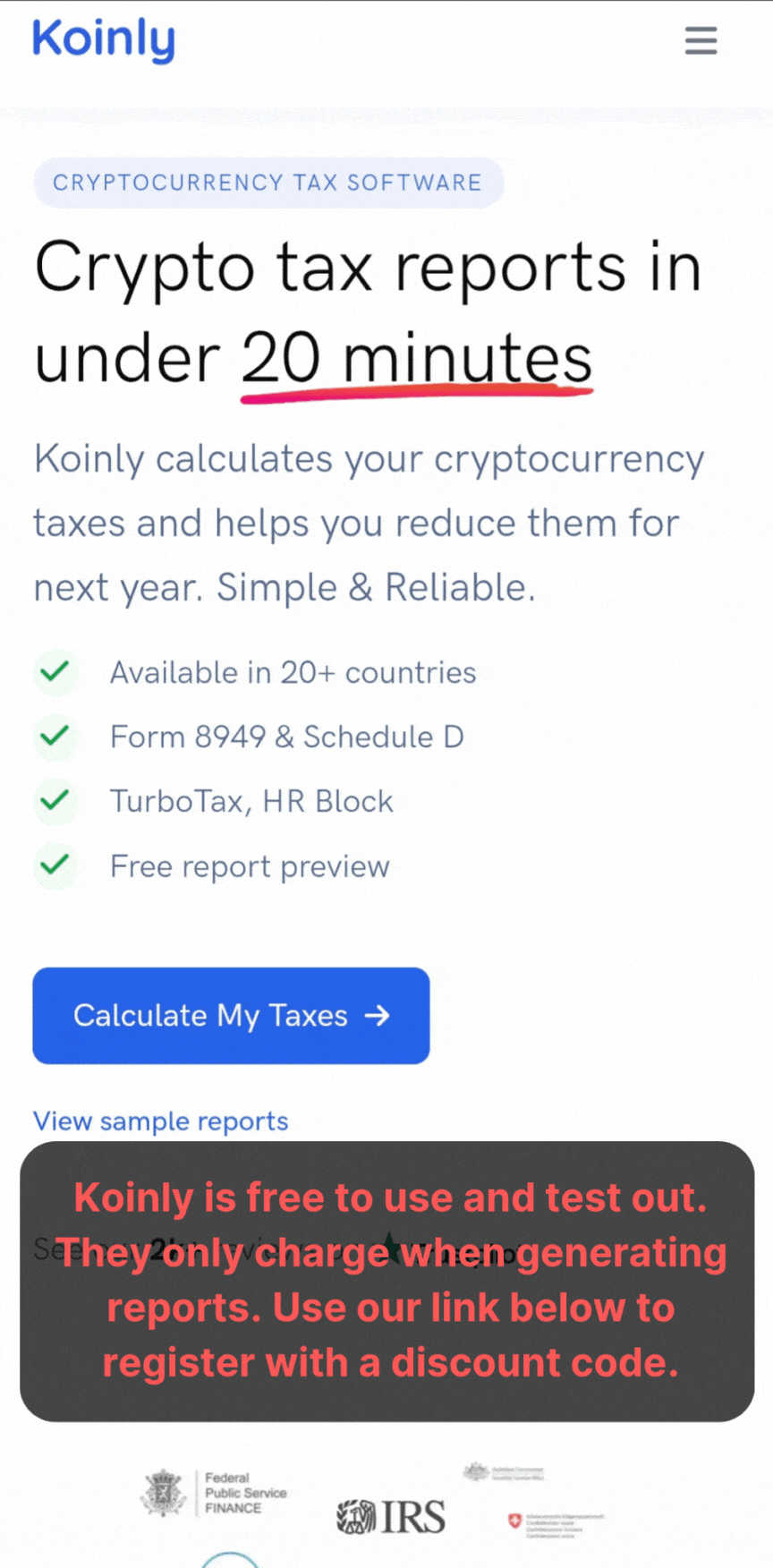
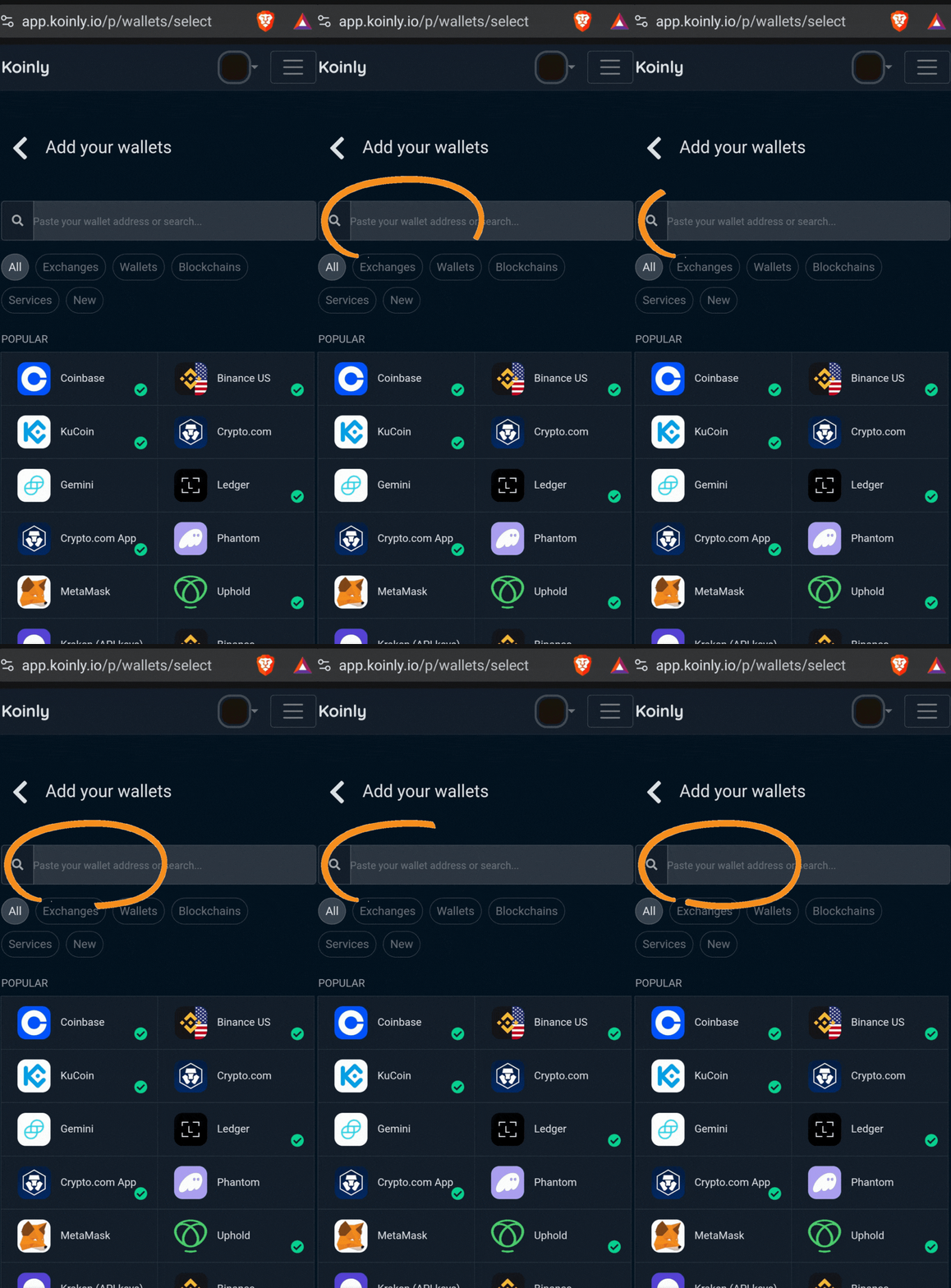
We tested out four different crypto tax platforms and Koinly is by far our favorite. It’s the most bang for the buck and free to use until you generate a report.
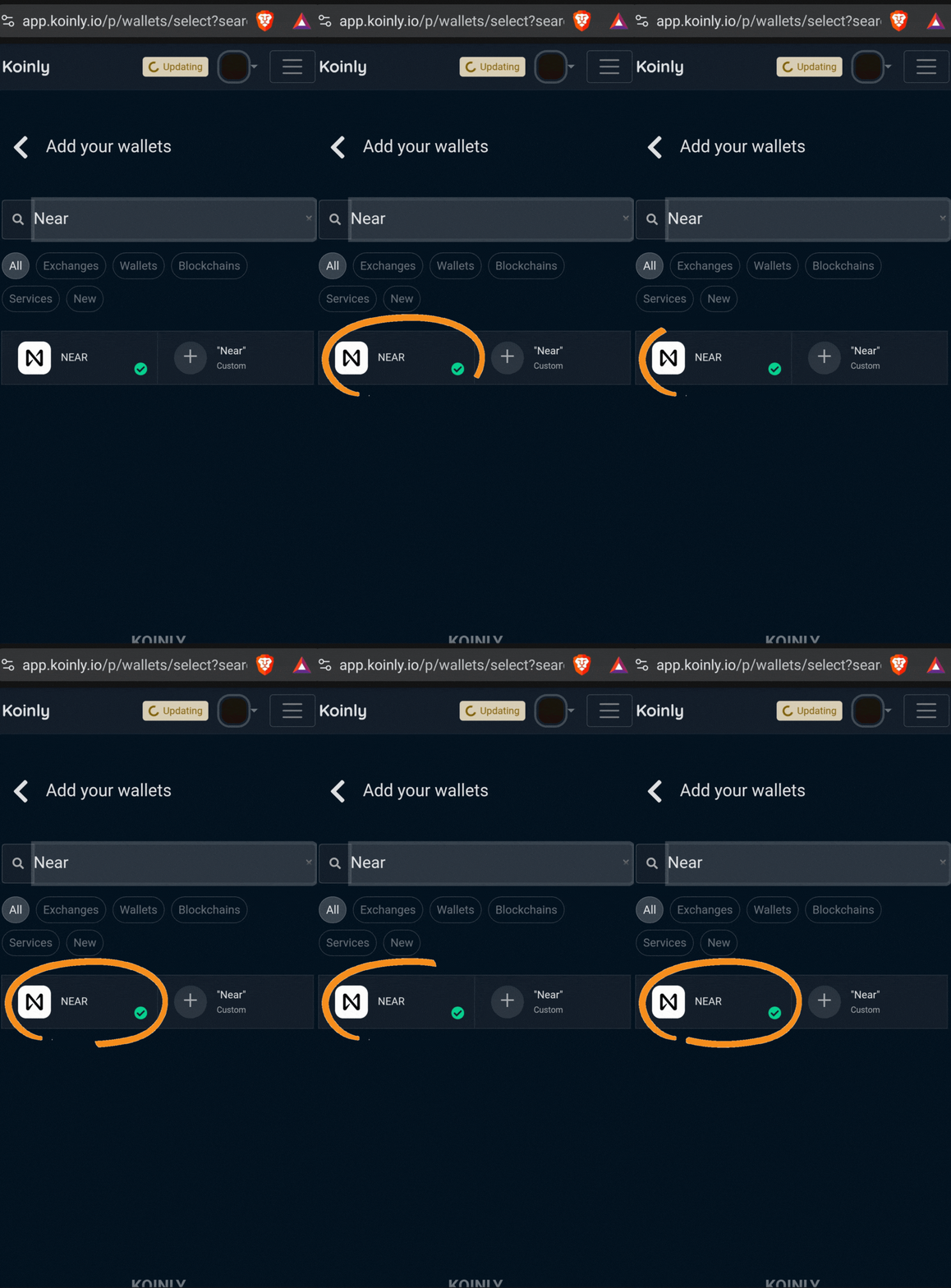
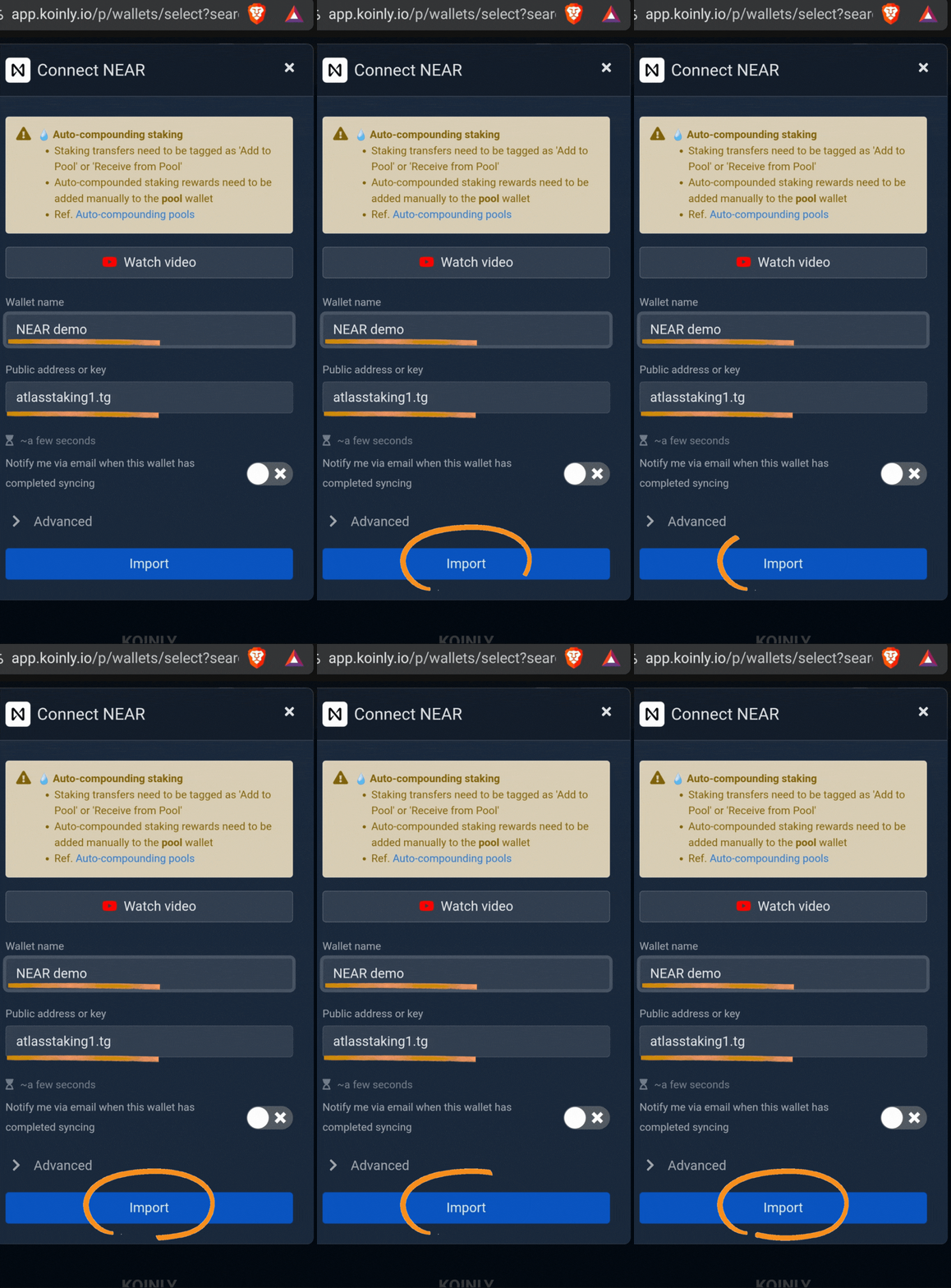
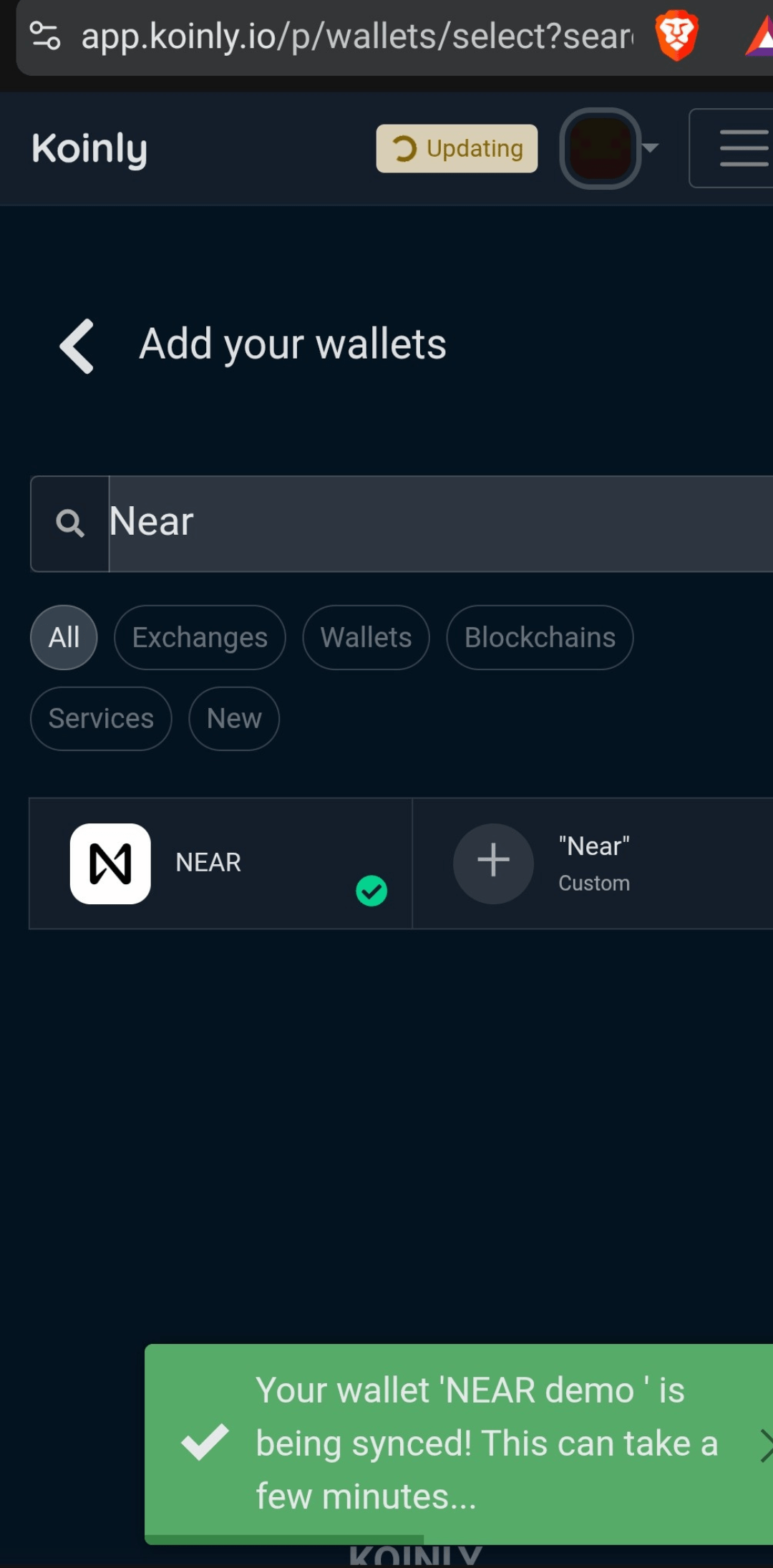
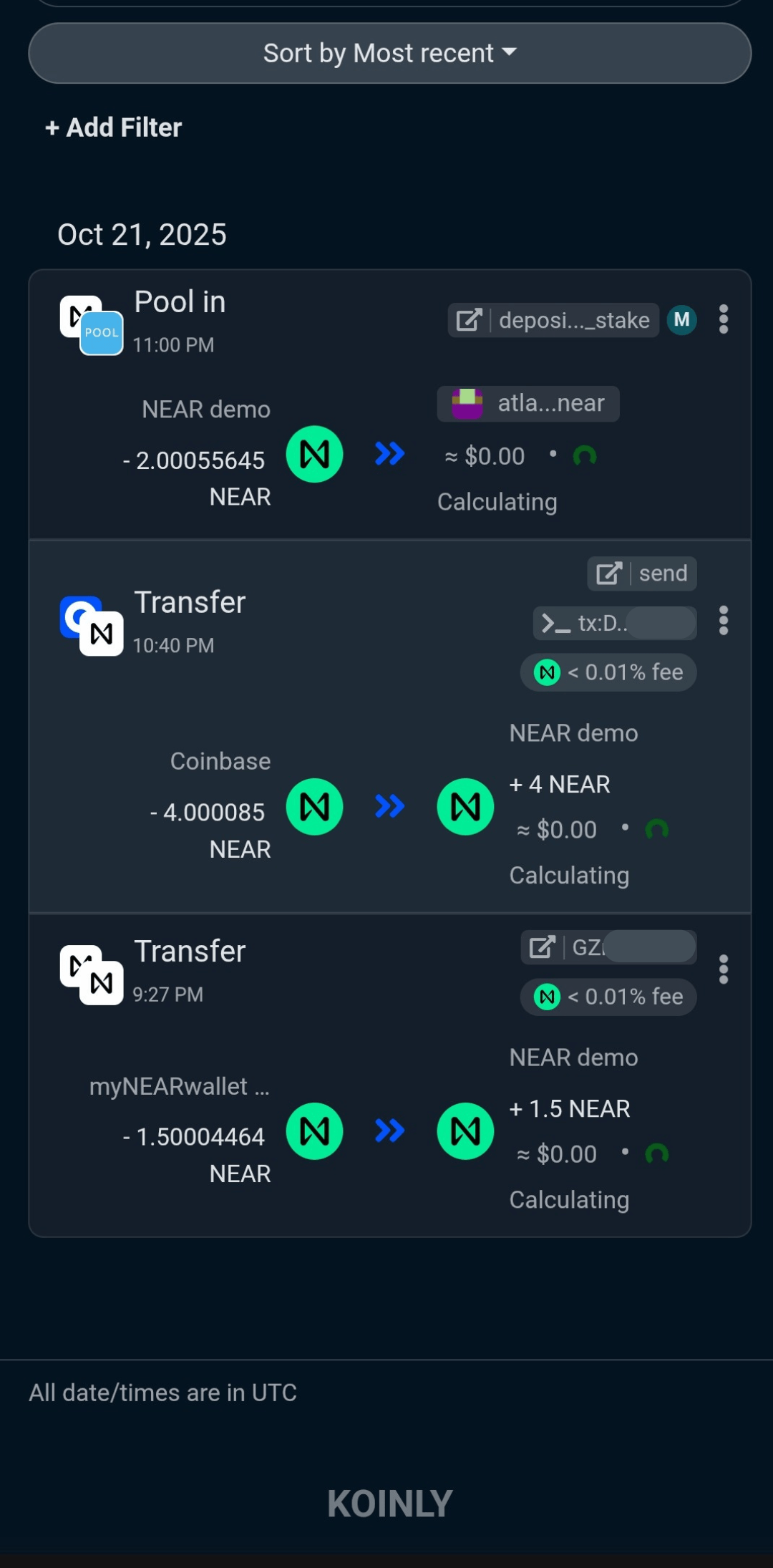

Managing Your BAND Staking: Claiming, Unstaking, Redelegation
Claiming Rewards
Keplr mobile keeps claiming straightforward. Visit your BAND staking dashboard, tap “Claim,” and approve the transaction. Rewards are credited instantly.
You decide when to claim, reinvest, or deploy rewards elsewhere. Remember, we offer automatic compounding to increase yield.
Unstaking BAND
Life, markets, and personal plans change. Unstaking in Keplr means initiating the undelegation process, which triggers Band Protocol’s standard 21-day unbonding period. Your assets stay secure, just temporarily locked until the period ends.
Redelegating BAND
Keplr allows you to redelegate your BAND and switch validators without the 21-day unbonding period. It’s the click of a button.
Pro Tips to Maximize BAND Staking Results
Select Trusted Validators: Look for validators with high uptime, solid community reputation, and transparent operations. (like Atlas Staking)
Diversify Your Stake: Spread your BAND across several validators to reduce risk of downtime or slashing.
Regularly Review Performance: Leverage Keplr’s analytics to monitor APY changes, validator updates, and governance participation.
Maintain Security Hygiene: Protect your seed phrase, enable app authentication, and keep your wallet software up-to-date.
Check out our wallet security checklist by clicking the button below.
FREQUENTLY ASKED QUESTIONS
Can I use a hardware wallet like Ledger with Keplr to stake my BAND tokens for added security?
Yes, if the Ledger version you own has Bluetooth. We always recommend keeping your wallet keys offline with a hardware wallet. Use our Ledger link to get free bitcoin when you buy.
Does Keplr mobile let me track all my staking rewards across different Cosmos assets, including BAND?
Yes, Keplr’s multichain dashboard enables you to view and manage staking rewards for BAND and other assets in one place. You can keep an eye on your BAND earnings alongside other Cosmos ecosystem tokens without logging into multiple platforms.
However, Koinly will automatically import many Cosmos chains, which is a must for those who use multiple wallets.
How can I minimize risk of slashing penalties when delegating BAND with Keplr wallet?
To protect your staked BAND from slashing events, look for those with strong uptime, low missed blocks, and a history of stable operation. Staking with two or three validators is a great way to spread out the risk.
Can I auto-compound my BAND staking rewards directly within Keplr mobile wallet?
Yes, if your validator is set up to autocompound your rewards for you. We are, and you can stake with us and autocompound here.
What happens if my chosen BAND validator gets jailed—can I move my tokens?
Yes, BAND staking with Keplr is non-custodial. You always control your tokens and can easily redelegate away from a jailed validator. Depending on why your validator is jailed, you will be slashed between 0.01% and 5% of your stake.
Is it possible to participate in Band Protocol governance voting using staked BAND in Keplr?
You bet, staking BAND through Keplr enables you to vote on governance proposals directly from your wallet, allowing you to help shape upgrades, policy changes, and the future direction of the Band network. Validators vote for their delegators, but if you disagree with our vote and want to vote another way, you can and your vote always trumps ours.
What unique features does Keplr mobile offer for advanced BAND staking strategies?
Beyond basic delegation, Keplr gives you features like custom validator lists, transaction history analytics, instant redelegations, multichain portfolio breakdown, and fully synchronized web/mobile access.
Nothing we say is financial advice or a recommendation to buy or sell anything. Cryptocurrency is a highly speculative asset class. Staking crypto tokens carries additional risks, including but not limited to smart-contract exploitation, poor validator performance or slashing, token price volatility, loss or theft, lockup periods, and illiquidity. Past performance is not indicative of future results. Never invest more than you can afford to lose. Additionally, the information contained in our articles, social media posts, emails, and on our website is not intended as, and shall not be understood or construed as financial advice. We are not attorneys, accountants, or financial advisors, nor are we holding ourselves out to be. The information contained in our articles, social media posts, emails, and on our website is not a substitute for financial advice from a professional who is aware of the facts and circumstances of your individual situation. We have done our best to ensure that the information provided in our articles, social media posts, emails, and the resources on our website are accurate and provide valuable information. Regardless of anything to the contrary, nothing available in our articles, social media posts, website, or emails should be understood as a recommendation to buy or sell anything and make any investment or financial decisions without consulting with a financial professional to address your particular situation. Atlas Staking expressly recommends that you seek advice from a professional. Neither Atlas Staking nor any of its employees or owners shall be held liable or responsible for any errors or omissions in our articles, in our social media posts, in our emails, or on our website, or for any damage or financial losses you may suffer. The decisions you make belong to you and you only, so always Do Your Own Research.